
Moving to a new iPhone
Photos missing after iPhone transfer?
Photos missing after iPhone transfer? Compare the Apple Account on both phones and check iCloud Photos on the new one. Keep the old phone until you have found and checked the photos you need.
Last updated
Lumo is a free, private family album for iPhone, iPad and Android. Send one link and the whole family can join.
Invited to a Lumo album? Open it in any web browser: app.lumomagic.com
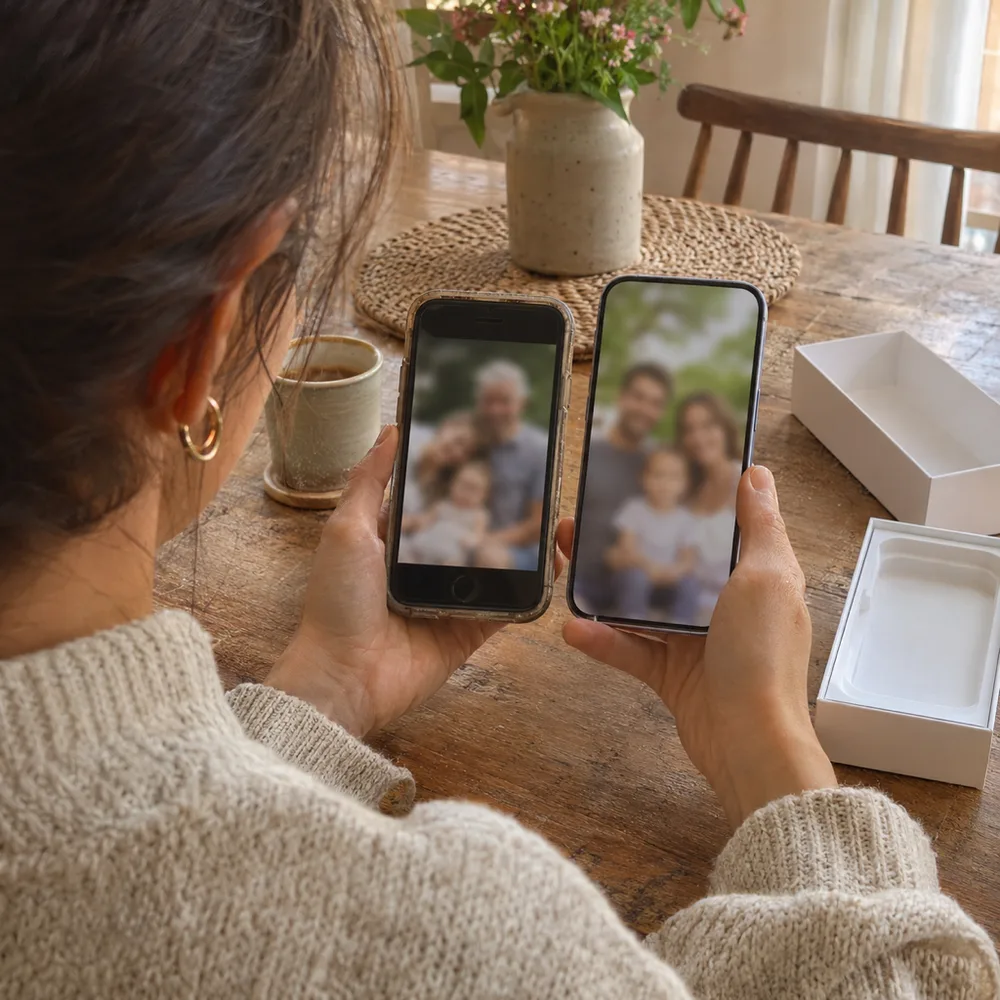
A device backup and photo syncing do different jobs
Apple explains that iCloud Backup covers device data that is not already synced to iCloud. With iCloud Photos on, photos and videos sync separately and are excluded from the daily backup. Without iCloud Photos, a backup may include them; a completed backup alone does not prove every photo reached the new phone.
Check the account, then iCloud Photos
Using Apple’s missing-photo checks, compare the Apple Account shown in Settings on both phones. On the new phone, go to Settings → your name → iCloud → Photos and turn on Sync this iPhone for that same account. Connect to Wi-Fi, allow time for syncing, then check again.
Look in Recently Deleted and Hidden
Check Recently Deleted in Photos; Apple allows recovery there for 30 days. Then look in Hidden, unlock it and unhide any photos you want back in the library. If Hidden is not visible, check that the Hidden album is enabled. If you use iCloud Shared Photo Library, also check Both Libraries so a view setting does not hide the shared collection.
Before you trade in or erase the old phone
Follow Apple’s copy and archive guidance to save separate copies. From Photos on a Mac, select items and use File → Export; on an iPhone, Apple also documents exporting unmodified originals to an external storage device.
- Compare older and recent photos on the new phone with the old one, and play several videos.
- Open exported files from their saved location and check the photos you cannot replace.
- Keep the old phone and your copies while anything is still missing; finish these checks before erasing or handing it over.
An additional family copy
Lumo is a private family album on iPhone, Android and the web where invited relatives can add photos, with unlimited photos and videos under fair use, originals kept, no ads and no face recognition. Everyday use is free; optional Lumo Pass provides original downloads and full-length video. It is an additional family copy of photos you have added, and cannot recover photos that were never uploaded.
Check before you erase
- Compare accountsCheck the Apple Account on both phones.
- Check syncingEnable iCloud Photos for the same account and connect to Wi-Fi.
- Find missing itemsCheck Recently Deleted, Hidden and, if used, Both Libraries.
- Verify copiesOpen saved files and compare the new phone before giving up the old one.
Questions
Does iCloud Backup include iCloud Photos?
No. When iCloud Photos is on, photos and videos sync to iCloud separately and are not included in the daily backup.
Can I recover a recently deleted photo?
Apple says photos can be recovered from Recently Deleted for 30 days.
Could the photos just be hidden?
Yes. Hidden photos appear in Hidden instead of the main library; you can unhide them.
How can I make a separate copy on a Mac?
In Photos, select the photos and videos, then choose File → Export and check the exported files.
Start your family album.
Free. Private to your family. No ads, ever.