
Lunar New Year
Lunar New Year family photos: everyone’s in one album.
Lunar New Year family photos: everyone’s in one album when you make one private album for the holiday and share its link in the family WhatsApp or WeChat group, or show its QR code at the reunion dinner. Each person adds the photos and videos they took, in full quality, and they line up in the order they were taken. Relatives in other cities and countries join from their browser at app.lumomagic.com and sign in, with nothing to install.
Last updated
Lumo is a free, private family album for iPhone, iPad and Android. Send one link and the whole family can join.
Invited to a Lumo album? Open it in any web browser: app.lumomagic.com

One reunion dinner, photos on every phone
Over Lunar New Year everyone takes photos: the trip home, the reunion dinner, the red envelopes, the visits to relatives. Afterwards each person’s photos stay on their own phone, and a few end up in one group chat or another.
Relatives who couldn’t travel this year, in another city or another country, see only the handful someone remembers to post. One album for the holiday brings everyone’s photos together, for the family at the table and the family far away.
Before the reunion dinner: a greeting card for the family group
Before New Year’s Eve, turn a family photo into a Lunar New Year card and send it to the family group as your New Year greeting. The card maker works in your browser: pick one to four photos, choose the Lunar New Year frame, and change the greeting. Your photos stay on your device.
Make a Lunar New Year card from a family photoFamily in other cities and countries
Share the album’s link in the family WhatsApp or WeChat group. Relatives abroad open it in their browser and sign in with Apple, Google or email, or use the free app on iPhone, iPad and Android. They can add the photos from their own celebration too, so both sides of the family see each other’s New Year.
Lumo follows the language of each person’s phone or browser: English, Chinese (simplified and traditional) and seven more. What the family writes stays as written.
Sharing photos with family abroadKeep the group chat, gather the photos in one album
The family group is where everyone sends greetings, and it stays that way. But photos sent in a chat are usually compressed so they send quickly: in WhatsApp, unless they’re sent as documents. And after a few days they’ve scrolled out of sight.
Post the album’s link in the group once. Everyone adds their photos in full quality, and videos are kept whole, up to 3 GB each. Any photo in Lumo can be saved and sent in the chat like any other photo.
A QR code on the reunion dinner table
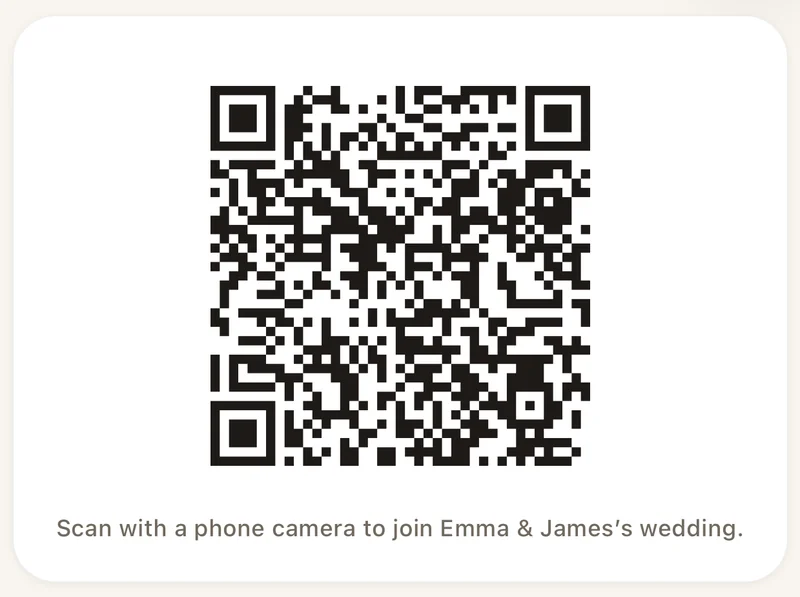
In Lumo, make an event, for example “New Year at Grandma’s”, and share its link in the family group or put its QR code on the table. Aunts, uncles and cousins scan it and add photos from their own phones. Grandparents can watch the album fill up on a tablet.
Turn on “Only admins can let people in”, and every request to join comes to you to accept. One code works for up to 500 people, and nothing is public.
After the holiday
The event stays, so relatives who get home late can still add their photos. It sits next to your own family album, kept separate, so the holiday photos don’t mix with everyday ones.
The same works for the Mid-Autumn Festival, a grandparent’s birthday dinner, or any time the whole family gets together.
How to collect Lunar New Year photos from the family
- Make an eventIn Lumo, open the Family tab, tap your family name at the top, then New event.
- Share the link or the QR codeIn the family WhatsApp or WeChat group, or on the dinner table.
- Everyone adds the photos they tookIn the app or in their browser, in full quality.
- Look back togetherEvery photo in order, for the family and nobody else.
Questions
Do relatives abroad need to install an app?
No. They can open the link in their browser at app.lumomagic.com and sign in with Apple, Google or email. The free app works too, on iPhone, iPad and Android.
Can we keep using our WhatsApp or WeChat group?
Yes. Keep chatting there and share the album’s link in the group once. Any photo in Lumo can be saved and sent in the chat like any other photo.
Why do photos in the family group chat look blurry?
Chat apps usually compress photos so they send quickly; in WhatsApp, unless they’re sent as documents. In Lumo, photos are kept in full quality, and videos are kept whole, up to 3 GB each.
Is it free?
Yes. There is no fee per event and no limit on photos. Videos are kept whole, up to 3 GB each.
Some of us use iPhone and some Android. Can we share one album?
Yes. Everyone joins with the same link, and it’s the same album on iPhone, on Android or in a computer browser (app.lumomagic.com). In a browser, sign in with an Apple or Google account or with email.
How does Lumo keep our photos safe?
Photos are encrypted in transit and at rest, and only signed-in members of your family album can open them. Invite links stop working after 30 days, a family code only asks to join, and you can turn the code off or remove someone at any time. There are no ads, and we don’t sell your data.
Start your family album.
Free. Private to your family. No ads, ever.