
Photo to sketch
Turn a family photo into a sketch.
Loose pen lines with a light wash, a woodblock print, or chalk on a green board: pick a photo, tap a style, and Lumo draws it by hand, so to speak. Your original never changes.
Free on iPhone, iPad and Android. Private to your family.


Three hand-drawn looks
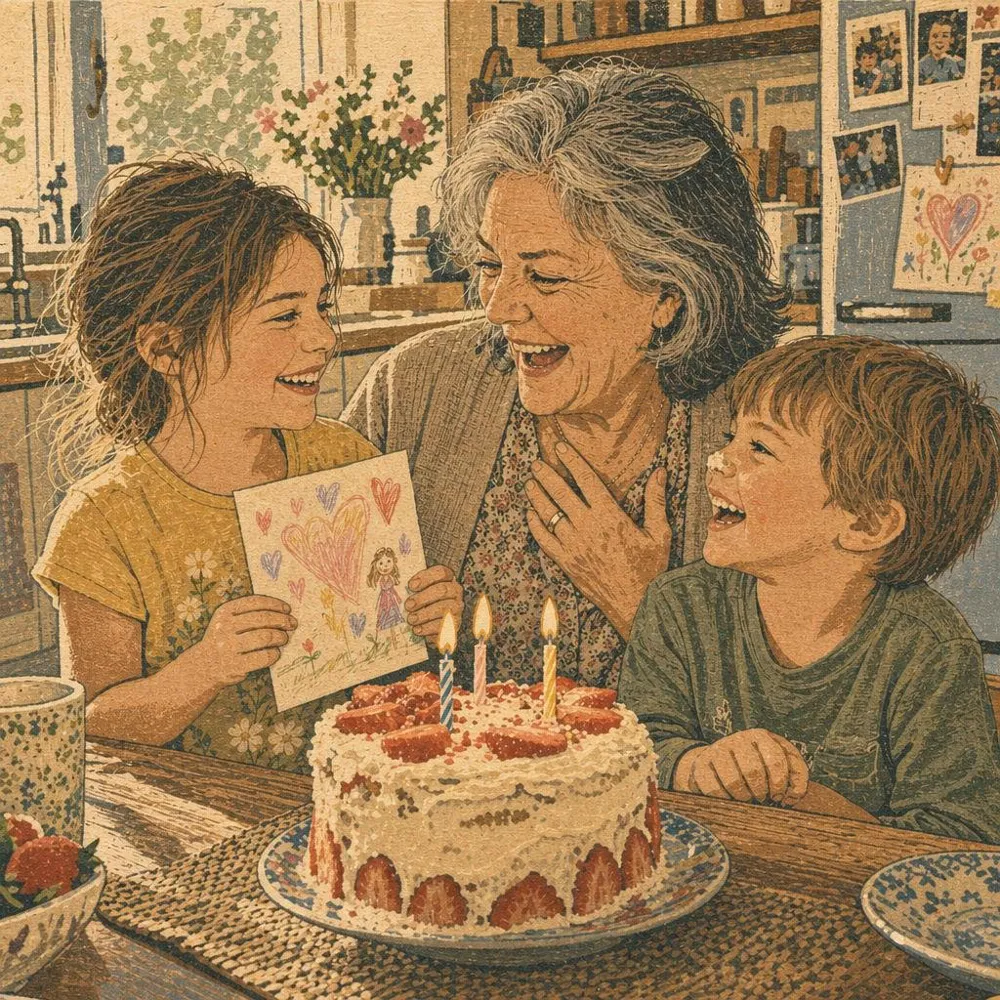
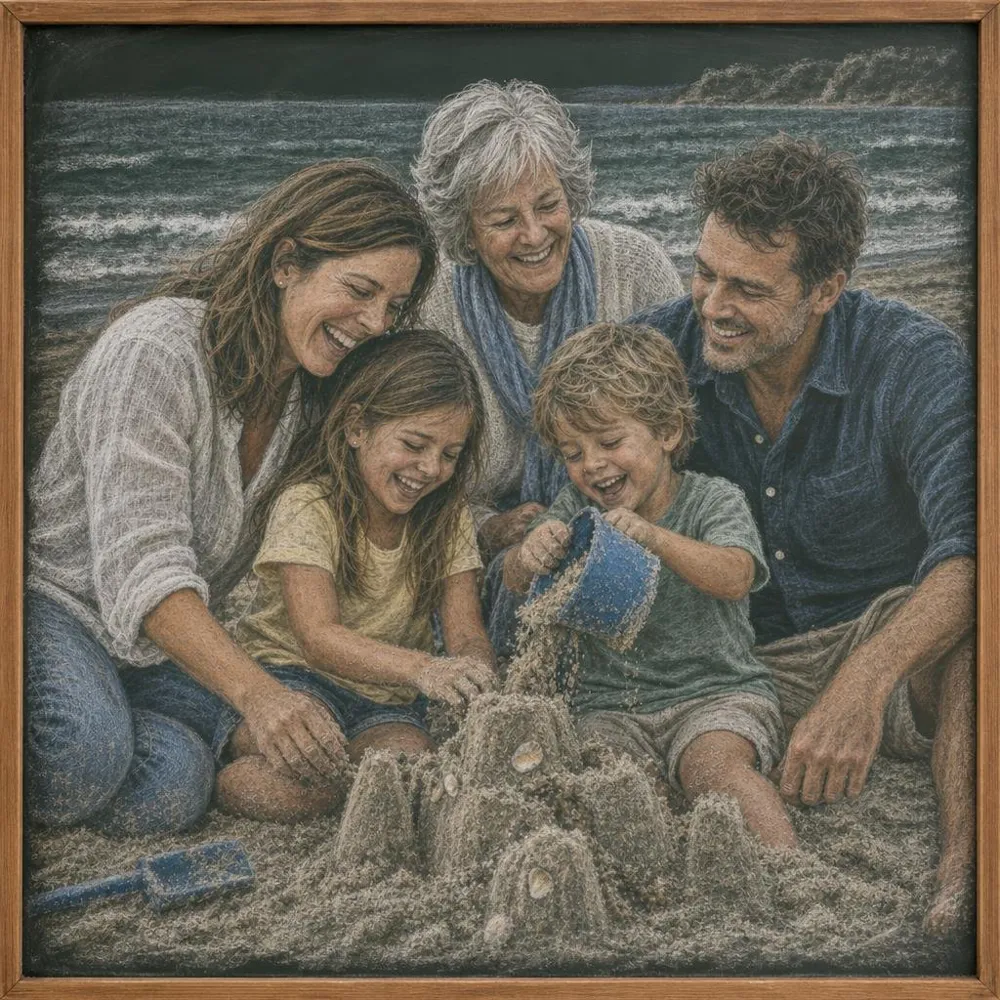
No signatures, no scribbles
Hand-drawn styles often come back with a fake artist’s signature or stamp. Lumo tells the AI not to add any signature, seal or writing, so the sketch is yours alone.
For a coloring page instead
If you want clean outlines to color in, the coloring page style draws just the lines, on white, ready to print.
Photo to coloring pageHow to make one
- Pick a photoOpen any photo in your family album.
- Tap Make somethingLumo shows every style, previewed on your photo.
- Choose Ink sketchTap once. There’s no prompt to write.
- Keep it or share itIt’s saved next to the original for the whole family, and you can save it to your phone.
Questions
Does magic cost anything?
Each piece of magic uses a few flowers, Lumo’s in-app credits. Lumo Pass makes magic unlimited for the whole family.
Will it still look like us?
Lumo asks the AI to keep everyone recognizable: the same faces, ages, hair and clothing, and the same number of people. AI can still get details wrong, which is why the original always stays beside it.
Will it be the same shape as my photo?
Yes. A tall photo comes back tall and a wide photo comes back wide, so it fits the frame or the phone screen you had in mind.
Does it change my original photo?
No. What Lumo makes is saved as a new picture next to the original, and the original stays exactly as it was.
Start your family album.
Free. Private to your family. No ads, ever.