
WhatsApp photos
Save all WhatsApp photos at once
Save all WhatsApp photos at once: start with the copies already on your phone, or export the chat with media. For recent photos on a computer, WhatsApp Web also lets you select and download a batch.
Last updated
Lumo is a free, private family album for iPhone, iPad and Android. Send one link and the whole family can join.
Invited to a Lumo album? Open it in any web browser: app.lumomagic.com
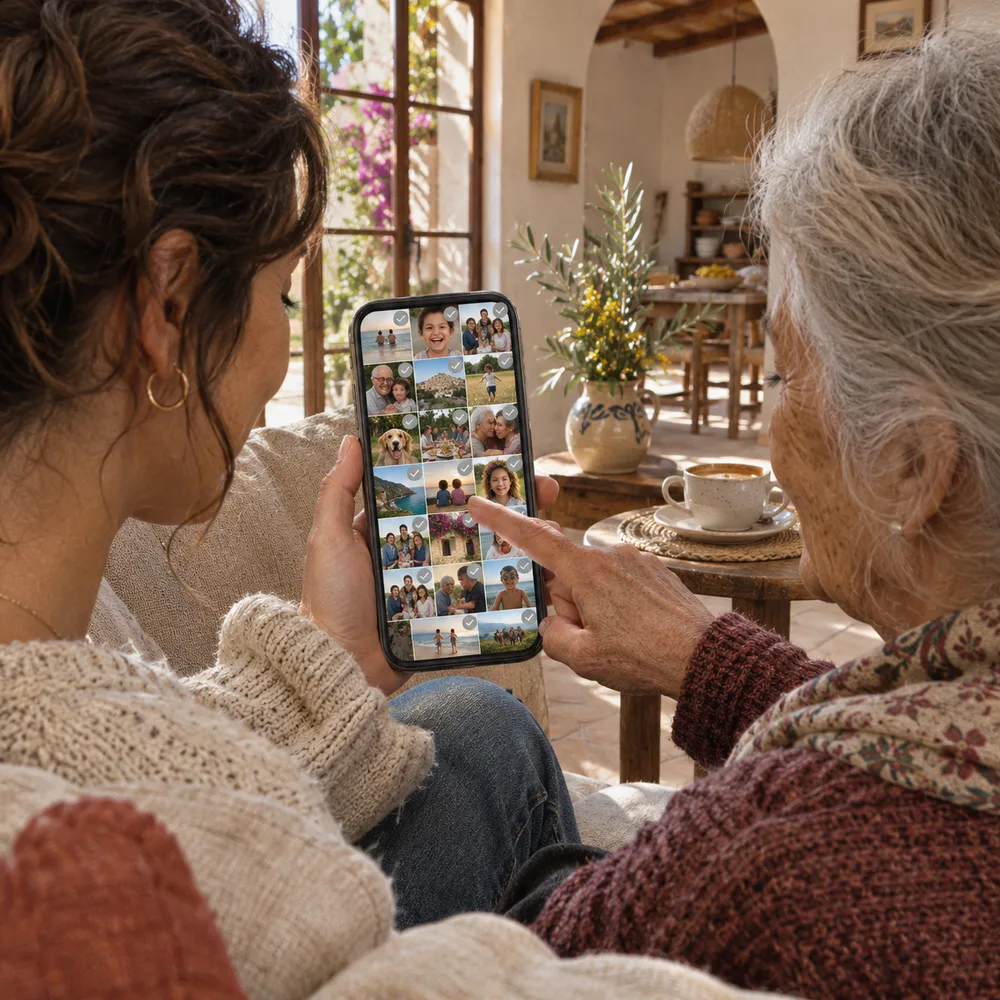
Choose what you want to save
| Start here | Check afterwards | |
|---|---|---|
| Photos already received | Phone gallery or Photos; then export with media | Open several older photos in the saved copy |
| Recent photos on a computer | WhatsApp Web’s Media view | The documented view covers the past 14 days |
| Future photos | Android Media visibility; iPhone Save to Photos / Camera Roll | Check this chat’s saving preference too |
Check the photos already on your phone
On Android, downloaded media lives in the WhatsApp/Media folder, in internal storage or on an SD card. In Google Photos, open Collections → On this device to check device folders.
On iPhone, look in Photos, including the Recently Saved collection. Check an older photo as well as the latest arrivals before exporting another copy.
Save new arrivals automatically
Android: open WhatsApp’s three-dot menu → Settings → Storage and data → Media auto-download. Choose Photos for the connections you want, then check Settings → Chats → Media visibility. Open the chat and tap its name to review its own Media visibility setting.
iPhone: check WhatsApp Settings → Chats for Save to Photos, also called Save to Camera Roll in WhatsApp’s help. Tap the contact or group name to review the chat’s own saving preference; Always saves incoming media from that chat.
These settings concern incoming media. For photos received earlier, check the existing files or use the export options below instead of treating a settings change as a bulk download.
Select several photos: the documented Web route
On Android, the chat name → Media, links, and docs opens the chat’s media collection. The official help reviewed here does not document a phone-gallery “select all and save” sequence.
On WhatsApp Web, open the chat’s Contact info → Media, links and docs, then View media from all chats. Select the photos you want and download the selection together; check the chat or sender before including an item. WhatsApp describes this view as covering the past 14 days across chats.
Export a chat with media
Android: open the chat → three-dot menu → More → Export chat → Include media, then choose a destination from the share sheet. WhatsApp says the most recent media is attached.
iPhone: open the chat → contact or group name → Export chat. Choose With all media or With selected media…, then a destination such as Save to Files. WhatsApp exports a ZIP and excludes view-once messages.
The export includes the conversation text, so keep it somewhere private. It cannot be imported back as a WhatsApp backup. On iPhone, tap the ZIP in Files to open its folder; exporting there does not itself add the photos to Photos. Inspect the saved files, particularly older pictures, before removing anything from the chat.
Keep the quality you received
HD or standard quality is chosen when sending. Saving the received file does not bring back detail lost through compression; ask the sender for the original if you need it for a large print.
WhatsApp photo quality and HDKeep the family’s photos in one album
After saving the photos, add the ones you want to Lumo, a private family album on iPhone, Android and the web where invited relatives can add theirs too. Everyday family use is free under fair use; Lumo Pass is optional for original downloads and full-length video.
WhatsApp and a family albumCheck your saved copy
- Find existing copiesLook in the phone’s gallery or Photos before saving duplicates.
- Choose a batch or exportUse Web for recent media, or the phone’s export-with-media option.
- Open the saved filesCheck recent and older photos, and keep conversation exports private.
Questions
Where does Android keep WhatsApp media?
In the WhatsApp/Media folder, in internal storage or on an SD card. In Google Photos, check Collections → On this device for device folders.
Can I download several photos together on WhatsApp Web?
Yes. WhatsApp documents multiple selection and batch downloading in its Media view. It describes that view as covering media received across chats in the past 14 days.
Does an iPhone chat export include view-once photos?
No. WhatsApp says view-once messages are excluded from the exported ZIP.
Can I restore an exported chat as a WhatsApp backup?
No. Exported chat history is a text file, not a backup file, and WhatsApp says it cannot be re-imported.
Start your family album.
Free. Private to your family. No ads, ever.