
Choosing a guest photo app
Looking at POV? Here’s how Lumo compares.
- Free
- Guests don’t need the app
- Full-quality photos and videos
- The album never expires
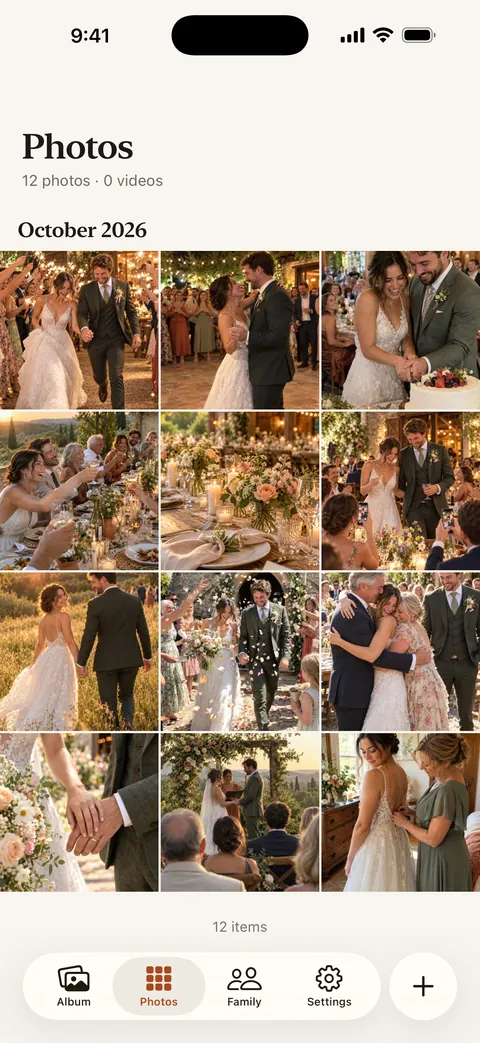
POV and Lumo both collect guests’ photos from a QR code, with nothing for guests to install. POV is a digital disposable camera: the host sets how many shots each guest gets and when the photos are revealed. Lumo is an event album: guests add every photo and video from their phone, in full quality, everyone sees them straight away, and the album never expires.
Lumo is a free, private family album for iPhone, iPad and Android. Send one link and the whole family can join.
Invited to a Lumo album? Open it in any web browser: app.lumomagic.com


What’s the same
Both start with a QR code or a link that the host shares, guests join without downloading an app, and the photos stay after the event.
- A QR code or link for guests
- Nothing for guests to install
- Photos kept after the event
Side by side
| Lumo | POV | |
|---|---|---|
| How guests join | Scan the QR code or open the link, then join in the free app or in a browser at app.lumomagic.com | Scan the QR code or open the link. An App Clip on iPhone and a web page on Android, with no download |
| Photos per guest | No limit | The host chooses how many photos each guest can take |
| When photos appear | Straight away, for everyone in the event, in the order they were taken | The host chooses when photos are revealed, for example the next day |
| Photos from the camera roll | Yes, any photo or video already on the phone | Yes, guests can upload from their camera roll |
| How long photos are kept | The album never expires | “Photos don’t expire from your gallery”, says POV |
| After the event | The event sits next to each guest’s own family album in Lumo | Photos stay in the event gallery |
Checked November 2026 against POV’s own wedding and church pages and its App Store listing. POV is made by Untitled Tech, Inc.; Lumo isn’t affiliated with it.
A camera, or an album
POV turns guests’ phones into a disposable camera: a set number of shots, taken in the app, and a reveal later. That suspense is the point, and plenty of couples love it.
Lumo is an album rather than a camera. Guests take photos with their own camera app as usual, then add the best ones, or all of them, together with videos. Nobody counts shots, and the album fills up during the day for everyone to see.
Which one suits your event?
If you want the disposable-camera feel, with limited shots and a reveal the morning after, POV is built for exactly that.
If you want every guest’s photos and videos in one album, in full quality, visible straight away and kept with your family’s photos afterwards, Lumo does that, free.
How the wedding album worksCollecting guests’ photos in Lumo
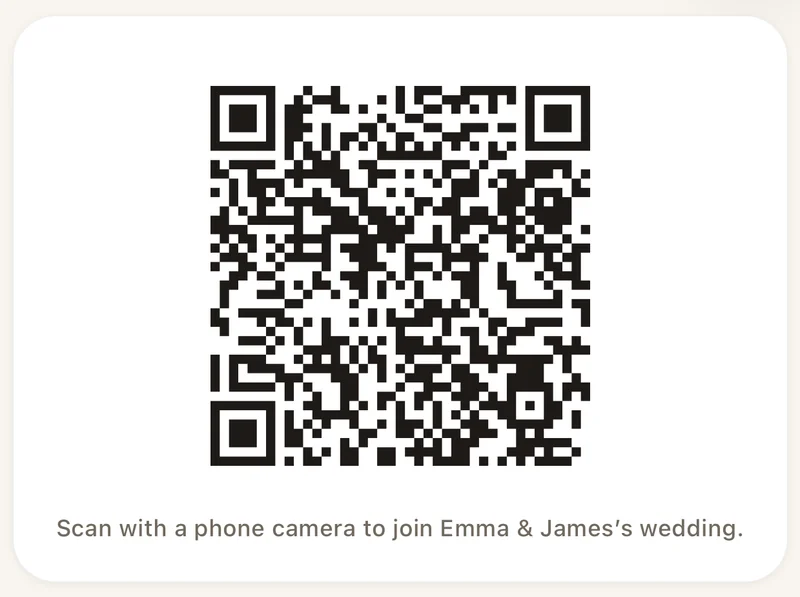
- Make an eventIn Lumo, open the Family tab, tap your family name at the top, then New event.
- Show the QR codeInvite, then Show a QR code. Print it or put it on a screen.
- Guests scan and addIn the app or in their browser. Everything lands in one album.
Questions
Do guests need to install an app?
No. Guests can scan the code or open the link and choose “Continue in your browser” to join at app.lumomagic.com, signed in with Apple, Google or email. The free app for iPhone, iPad and Android works too.
How many guests can join?
Each link or QR code works for up to 500 people. Make another if you need more.
Can guests see each other’s photos?
Yes, straight away. Everyone in the event sees what’s added. Turn on “Only admins can let people in” to approve each person who scans the code.
Is it free?
Yes. Event albums are free: unlimited photos and videos for everyone you let in, in the app or in a browser at app.lumomagic.com.
Where do the POV facts come from?
From POV’s own website and App Store listing, checked in November 2026. If something has changed, write to contact@doola.ai and we’ll fix it.
Start your family album.
Free. Private to your family. No ads, ever.