
Troubleshooting
iCloud shared album full? What to do next.
A shared album that suddenly won’t take new photos has usually hit one of two limits. Which one depends on when the album was made. Here is how to tell, and what to do.
Free on iPhone, iPad and Android. Private to your family.
No app? Open your album in any web browser: app.lumomagic.com

Albums made before iOS 27: 5,000 photos and videos
Shared albums made before iOS 27 don’t use anyone’s iCloud storage, but each one holds up to 5,000 photos and videos. A family album that has been going for a few years reaches that.
- Start a new album, for example one for each year, and keep the old one to look back on.
- Remove photos you don’t need. Removing a photo from a shared album removes it for everyone in the album.
Albums made on iOS 27 or later: the owner’s iCloud storage
Newer shared albums keep photos and videos in full quality, and everything in them counts toward the iCloud storage of the person who made the album, including what others add. iCloud gives 5 GB free, and then it’s a monthly iCloud+ plan.
- Check the owner’s storage in Settings, their name, then iCloud.
- Free up space, or move to a larger iCloud+ plan.
- Have someone else make the next album, so the storage is shared out.
A family album with no count to watch
Lumo keeps every photo and video in one family album, free and unlimited for everyday family use, under fair use. Nothing counts toward anyone’s iCloud or Google storage, and there’s no number of photos per album to reach.
Moving is simple: save the photos from the shared album to your phone and add them to Lumo. Lumo skips anything already in the album, so it’s fine to add them in batches.
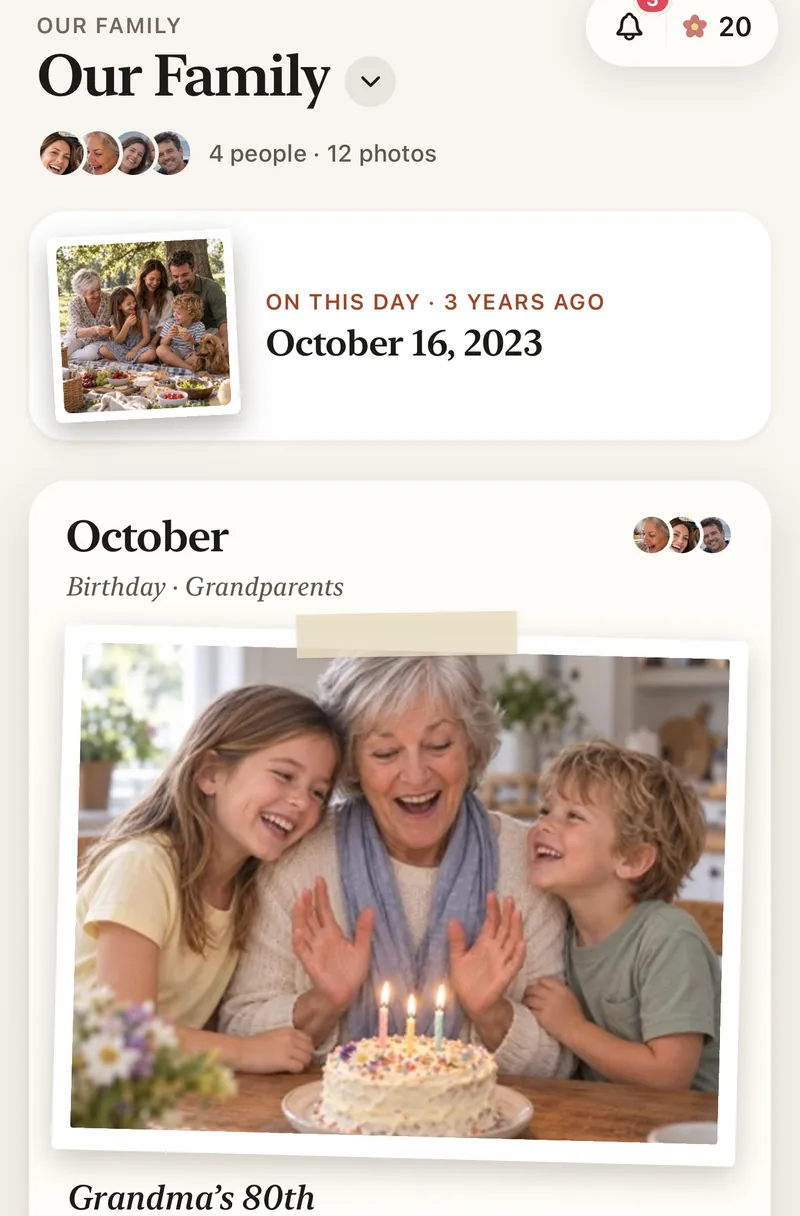
How to move a full shared album to Lumo
- Save the photos to your iPhoneOpen the shared album, select the photos and save them.
- Start a family albumFree, on iPhone, iPad or Android.
- Add them to LumoTap Add and choose them. Lumo skips any already in the album.
- Invite the familyWith a private link or a 4-digit family code.
Questions
How many photos can an iCloud shared album hold?
Albums made before iOS 27 hold up to 5,000 photos and videos each. Albums made on iOS 27 or later hold as much as the owner’s iCloud storage has room for.
Does a shared album use my iCloud storage?
Only if you made the album, and only for albums made on iOS 27 or later. Then everything in it counts toward your storage, including photos others add.
Is Lumo really free?
Yes. The album, unlimited photos and videos, inviting family, hearts and comments are all free. Lumo Pass is optional, for unlimited magic, full-length videos and saving originals. Unlimited means unlimited for everyday family use, under fair use.
Who can see our photos?
Only the people in your family album. Nothing is public, there are no followers, and photos are never shown to anyone outside your family.
Where do these steps come from?
From Apple’s and Google’s own help pages, checked in October 2026. Menus can move a little between app versions.
Start your family album.
Free. Private to your family. No ads, ever.