
Choosing a family album
Family photo sharing apps, side by side.
Seven ways families share photos today, compared on price, storage, video length, ads and where they work. We make Lumo, so we’ve kept to what each company publishes about itself.
Free on iPhone, iPad and Android. Private to your family.
No app? Open your album in any web browser: app.lumomagic.com

At a glance
Swipe the table sideways on a phone. Lumo is the first column.
| Lumo | FamilyAlbum | Google Photos | iCloud Shared Albums | Tinybeans | Amazon Photos | ||
|---|---|---|---|---|---|---|---|
| Price | Free | Free. Premium One $2.99 a month; family plans $5.99 a month ($59 a year) or $10.99 a month ($109 a year) | Free up to 15 GB, shared with Gmail and Drive. 100 GB is $1.99 a month | Free to use, but shared albums made on iOS 27 or later count toward the owner’s iCloud storage, including what others add: 5 GB free, then $0.99 a month for 50 GB, $2.99 for 200 GB or $9.99 for 2 TB (200 GB is $35.88 a year). Older and temporary shared albums don’t use storage | Free for 20 uploads a month. Tinybeans+ is $7.99 a month or $74.99 a year | 5 GB free. With Amazon Prime: unlimited photos and 5 GB of video | Free |
| Storage | Unlimited photos and videos, under fair use | Unlimited photos and videos | 15 GB free across your whole Google account | iOS 27 or later: as much as the owner’s iCloud storage holds. Older and temporary albums: up to 5,000 photos and videos each | 5 GB free; 200 GB with Tinybeans+ | 5 GB free; unlimited full-resolution photos with Prime | Photos stay in each chat and on each phone |
| Videos | Each video can be up to 3 GB, kept whole, with no limit on how many. The first minute plays free; Lumo Pass plays the full length | Under 2 minutes on the free plan; up to 10 minutes with a family plan | Long videos too; every video counts toward your storage | iOS 27 or later: kept in the original format. Older albums: up to 15 minutes, shown at up to 720p | Up to 5 minutes with Tinybeans+ | 5 GB of video, with or without Prime; more with a paid storage plan | Compressed in a chat; send as a document to keep the original, up to 2 GB |
| Ads | None, ever | None | No ads in the app | None | Shown on the free plan; none with Tinybeans+ | No ads in the app | None in chats |
| How sharing works | One private album the whole family adds to. Join with an invite link or a 4-digit family code | One album per family; album admins invite members | Album by album, with a link or with contacts | Album by album, up to 100 people each. Since iOS 27, people can join by link and add photos on the web | A private family journal; you invite the people who follow along | Private groups you invite family and friends to | Photos are sent into a chat and scroll away with the messages |
| Works on | iPhone, iPad and Android | iPhone and Android; uploads from a computer with a family plan | iPhone, Android and the web | iPhone, iPad and Mac; on the web for everyone else (iOS 27 albums) | iPhone, Android and the web | iPhone, Android, the web, Fire TV and Echo Show | Phone, tablet and computer |
| Also does | Magic: coloring pages, cards, paintings and more from your photos, no prompts. Each creation uses 20 flowers; new accounts get 60 free, and packs start at $1.99 for 60. Lumo Pass, optional ($9.99 a month or $59.99 a year, one Pass for the whole family): unlimited Magic, full-length videos and original-quality downloads | Monthly 1-second movies, photo books, prints and DVDs | Backup of your whole camera roll, AI search and editing, photo books and prints in some countries | Built into the Photos app. Albums made before iOS 27 show photos at up to 2048 pixels | Milestones, a dated journal and photo books | Automatic backup, prints and gifts in the US, photos on Echo Show and Fire TV | Messages, voice notes and calls; photos in HD if you choose it |
Checked October 2026 against each company’s own pages and App Store listings. Prices are in US dollars and vary by country.
What they look like
Here is how each app introduces itself on the App Store.
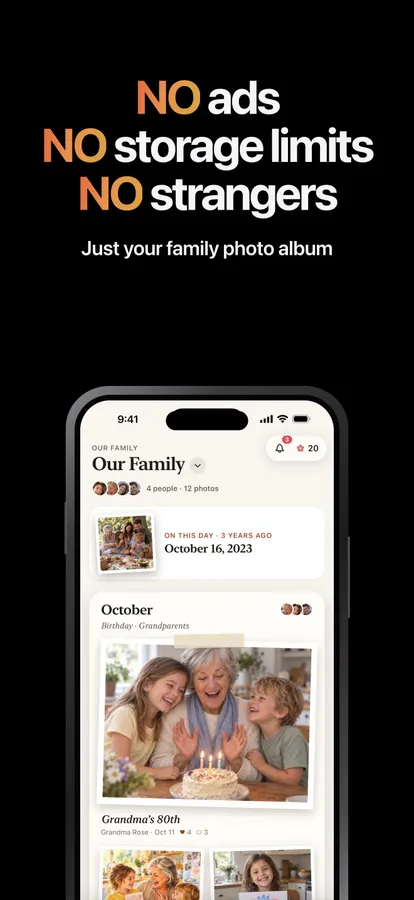
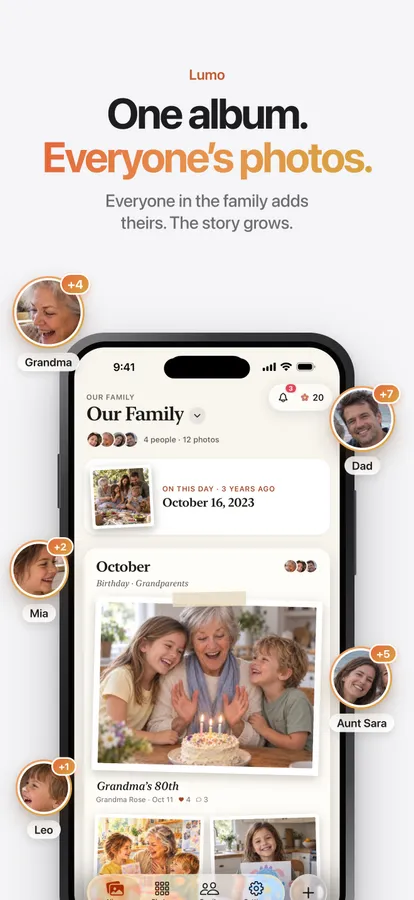
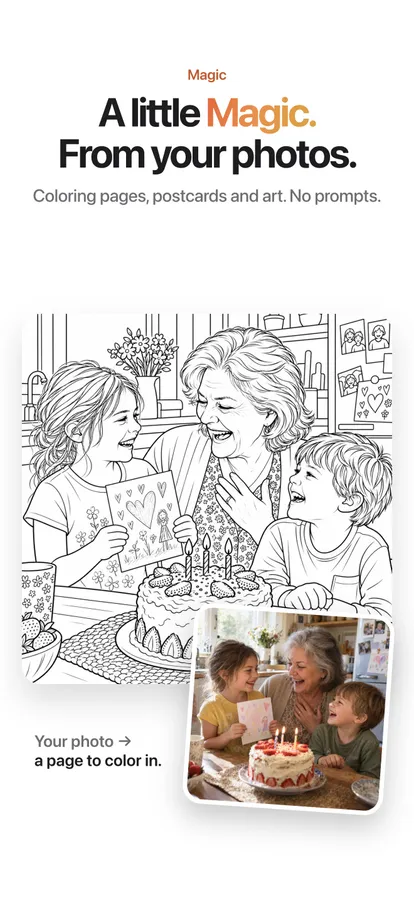

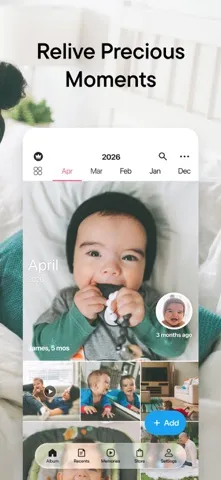
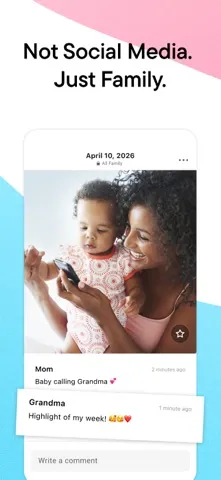
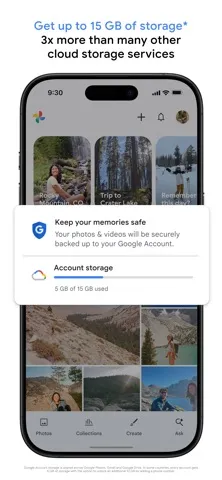
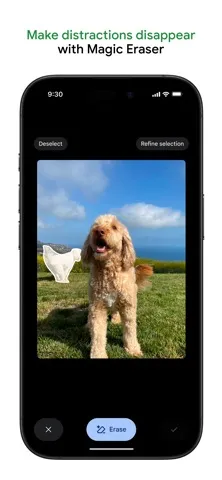

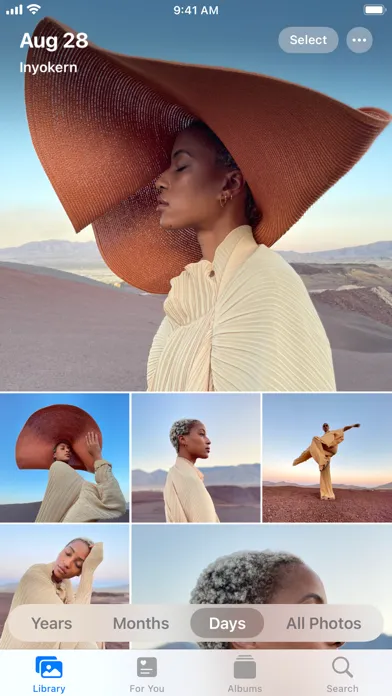
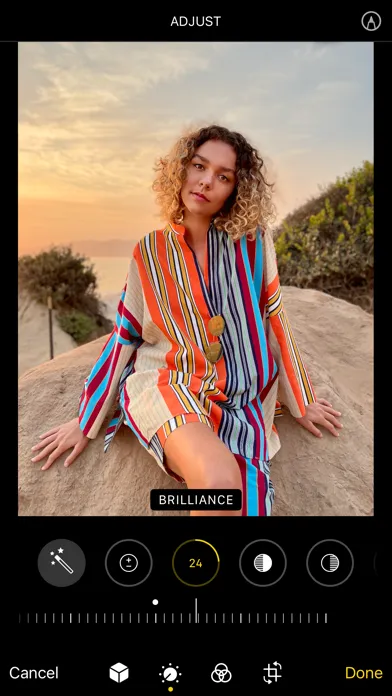
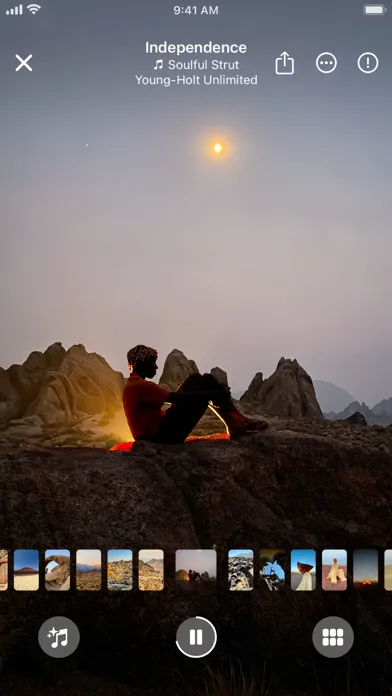

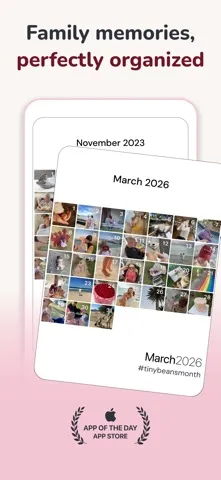
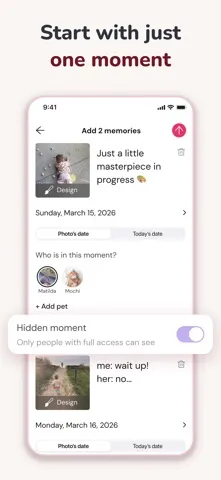
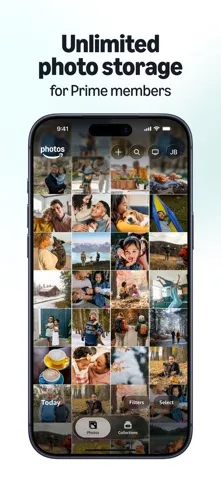
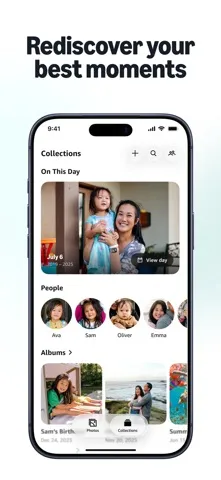
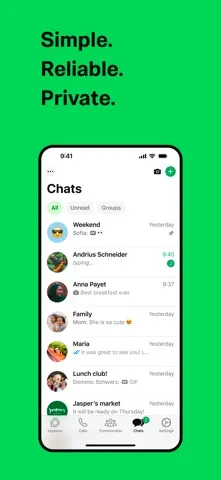
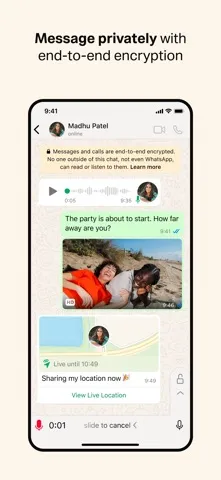
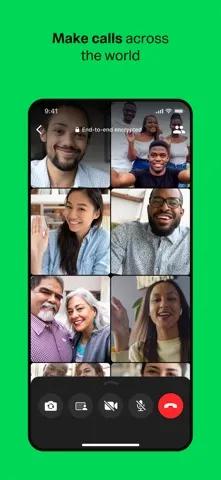
Screenshots are each app’s own App Store screenshots, as published in October 2026. FamilyAlbum is a trademark of MIXI, Inc.; Google Photos of Google LLC; iCloud and Photos of Apple Inc.; Tinybeans of Tinybeans Group; Amazon Photos of Amazon.com, Inc.; WhatsApp of WhatsApp LLC; Lumo isn’t affiliated with any of them.
Which one suits your family?
One album everyone adds to, free, with no limits on photos or videos: Lumo or FamilyAlbum. Lumo keeps long videos whole and can turn photos into coloring pages and cards; FamilyAlbum adds monthly movies and printed photo books.
A backup of your own camera roll: Google Photos, iCloud Photos or Amazon Photos. They are built around one person’s library, and share album by album.
A dated journal of milestones: Tinybeans.
Quick photos in the family chat: WhatsApp. They scroll away with the messages, so many families also keep an album.
Questions
Is Lumo really free?
Yes. The album, unlimited photos and videos, inviting family, hearts and comments are all free. Lumo Pass is optional, for unlimited magic, full-length videos and saving originals. Unlimited means unlimited for everyday family use, under fair use.
Who can see our photos?
Only the people in your family album. Nothing is public, there are no followers, and photos are never shown to anyone outside your family.
Can we use more than one?
Yes. Many families keep a backup app for their own camera roll and use one shared album for the family. Lumo skips photos that are already in your album, so adding from several places is harmless.
Where do these facts come from?
From each company’s own help pages, pricing pages and App Store listings, checked in October 2026. Prices are US prices and vary by country. If something has changed, write to contact@doola.ai and we’ll fix it.
Start your family album.
Free. Private to your family. No ads, ever.