
For planners, venues and photographers
Guest photo kit for wedding planners and venues
Give your clients a simple way to collect guest photos. Send them this page or print it for your planning meeting. Planners, venues, coordinators and photographers can recommend the kit without a vendor account; there is no vendor dashboard or commission scheme.
Last updated
Lumo is a free, private family album for iPhone, iPad and Android. Send one link and the whole family can join.
Invited to a Lumo album? Open it in any web browser: app.lumomagic.com
What your clients get
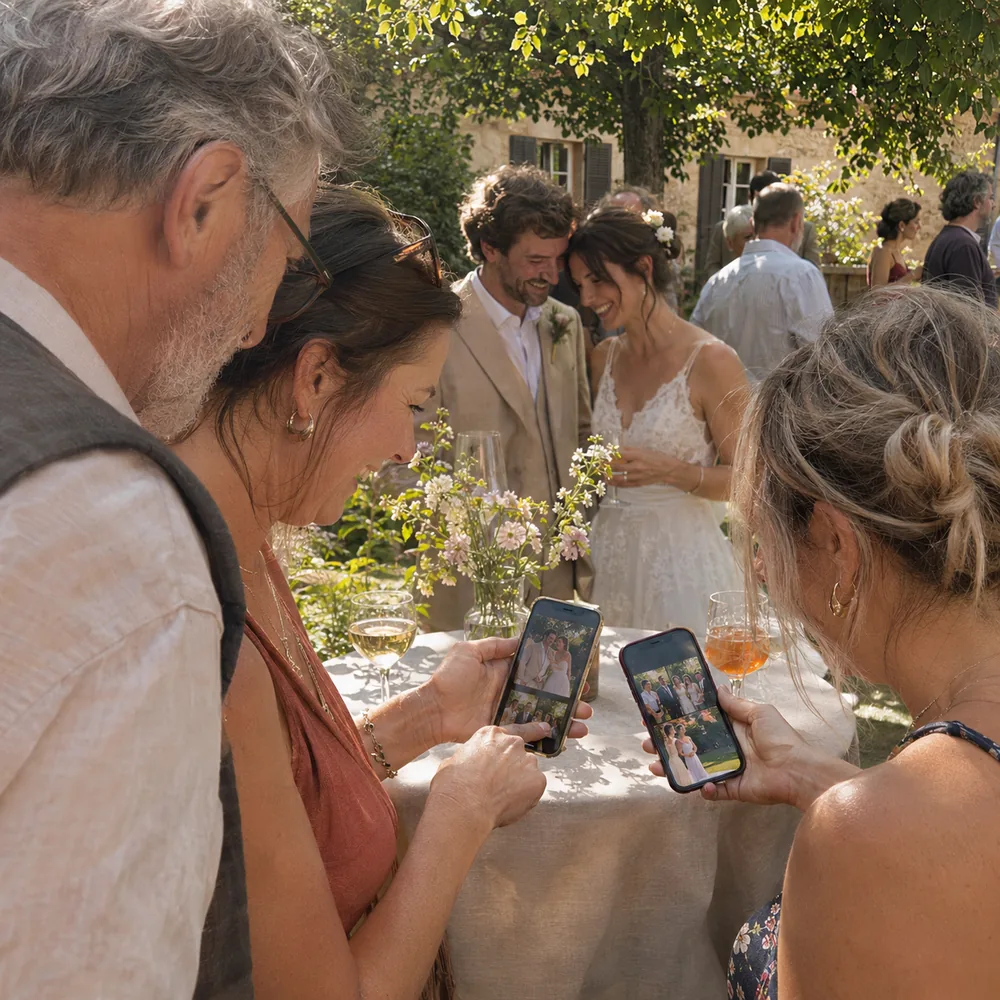
The host creates a private event album in Lumo and prints a sign with its invitation QR code. Guests join in the app or their browser, sign in, and add photos and videos. The host can require admin approval before guests join.
The album is free under fair use, with no ads or face recognition. Free video playback covers the first 15 seconds; optional Lumo Pass unlocks full-length video playback and original-quality downloads.
What’s in the kit
1. Free printable QR signs for the host to customise with their own album invitation.
2. A client email or WhatsApp message below, with three setup steps.
3. Short guest instructions below for a table card.
4. The event-album guide, plus a wedding QR setup guide.
Client message: copy into email or WhatsApp
Hello! Here’s how to collect your guests’ photos and videos in a private Lumo album:
1. Sign in to Lumo. In the Family tab, tap the album name at the top, choose New event, name it and tap Create event. Enable admin approval if you want to approve each guest.
2. Choose Show a QR code. Add your own album’s QR code to a free sign, print it and test it with another phone before the event.
3. Place the signs on the tables. Guests scan, open the app or continue in their browser, sign in and join (after approval if enabled), then add photos and videos.
Signs: https://lumomagic.com/free-qr-photo-signs. Full setup: https://lumomagic.com/event-photo-sharing-app.
Guest instructions: copy onto a table card
Share your photos and videos with us! Scan this code, open Lumo or continue in your browser, and sign in to join our private album. If approval is needed, wait for the host to let you in. Then tap + to add your photos and videos. Thank you!
Two different links
Recommend this public guide to clients. It explains the kit and does not give access to an event album.
The event sign must use the host’s own private album invitation QR code, not this page’s address. Share that invitation only with intended guests. No client invitation or QR code is shown here.
Alongside the photographer’s work
Guest photos offer the guests’ perspectives; the photographer’s contracted selection, editing and delivery remain a separate service.
Questions
Is the kit free?
Yes. The kit and event album are free under fair use. Printing costs are yours; Lumo Pass is optional for full-length video playback and original-quality downloads.
Do guests need an account?
Yes. Every guest signs in with Apple, Google or email, in the Lumo app or in a browser. Browser access does not remove the sign-in requirement.
Can I add my logo?
The host’s printed sign is theirs to customise in a PDF editor, including adding a logo by agreement. Keep the QR code clear and test it. Vendor branding inside Lumo is not a product feature.
What happens after the event?
Members can return to the album and add photos after the event. Event invitation links and QR codes expire after a year; that does not delete the album. The host can revoke invitations or remove members. Keep a separate backup of photos you want to retain.
Where can my clients get help?
Send clients to Lumo support for setup or account help. Questions about the event or the photographer’s delivery stay with the relevant professional.
Start your family album.
Free. Private to your family. No ads, ever.