
Photo to anime
Turn a family photo into hand-painted anime.
Lumo repaints your photo as soft, hand-painted animation, like a still from a film. Pick the photo, tap the style, and the anime version is saved right next to the original.
Free on iPhone, iPad and Android. Private to your family.

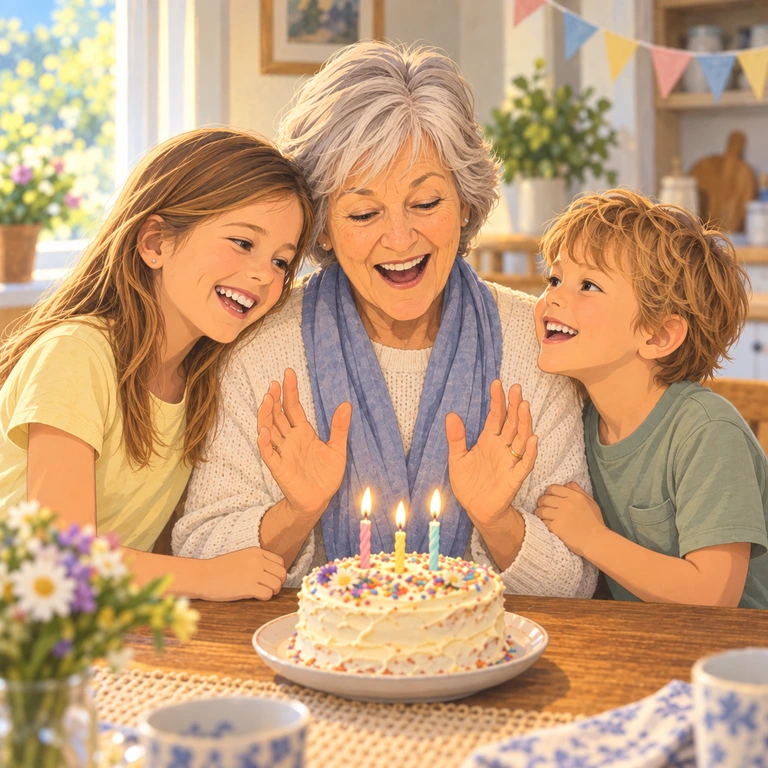
What it looks like
Soft light, painted backgrounds and gentle faces. The people, the scene and the moment stay the same; only the style changes.
How it works
Open a photo in your Lumo album, tap Make something, and choose Hand-painted anime. A few moments later it appears next to the photo, for the whole family to see.
Other styles to try
The same photo can also become a 3D character, a watercolor, a storybook page, a sticker or a coloring page.
See every drawing style
Questions
Does magic cost anything?
Each piece of magic uses a few flowers, Lumo’s in-app credits. Lumo Pass makes magic unlimited for the whole family.
Do I need to write a prompt?
No. Pick the photo and tap Hand-painted anime. Lumo handles the rest.
Will it still look like us?
Usually, yes: the people, the scene and the moment stay the same. AI results can be imperfect, so your original always stays beside it.
Does it change my original photo?
No. The anime version is saved as a new picture next to the original.
Who can see our photos?
Only the people in your family album. Nothing is public, there are no followers, and photos are never shown to anyone outside your family.
Start your family album.
Free. Private to your family. No ads, ever.