
Recreate an old photo
How to recreate an old family photo.
To recreate an old family photo, take a clear copy of the original with your phone, go back to the same place if you can, and match three things: where the camera stood, how high it was, and how everyone stood. Similar colours of clothing and one prop from the original make it work. Then show the old and the new side by side, in an album the whole family can see.
Lumo is a free, private family album for iPhone, iPad and Android. Send one link and the whole family can join.
Invited to a Lumo album? Open it in any web browser: app.lumomagic.com

Find the photo and copy it
Ask parents and grandparents for the box of prints or the old albums, and pick a photo with a clear pose and a place you can still reach: the front steps, the beach, the sofa, the garden gate. Photos everyone recognises work best.
Copy it with your phone: lay the print flat by a window, hold the phone straight above it so the edges are square, and avoid your own shadow and reflections. If it’s faded or scratched, Lumo can restore it first, and add color to a black-and-white one.
Restore old family photos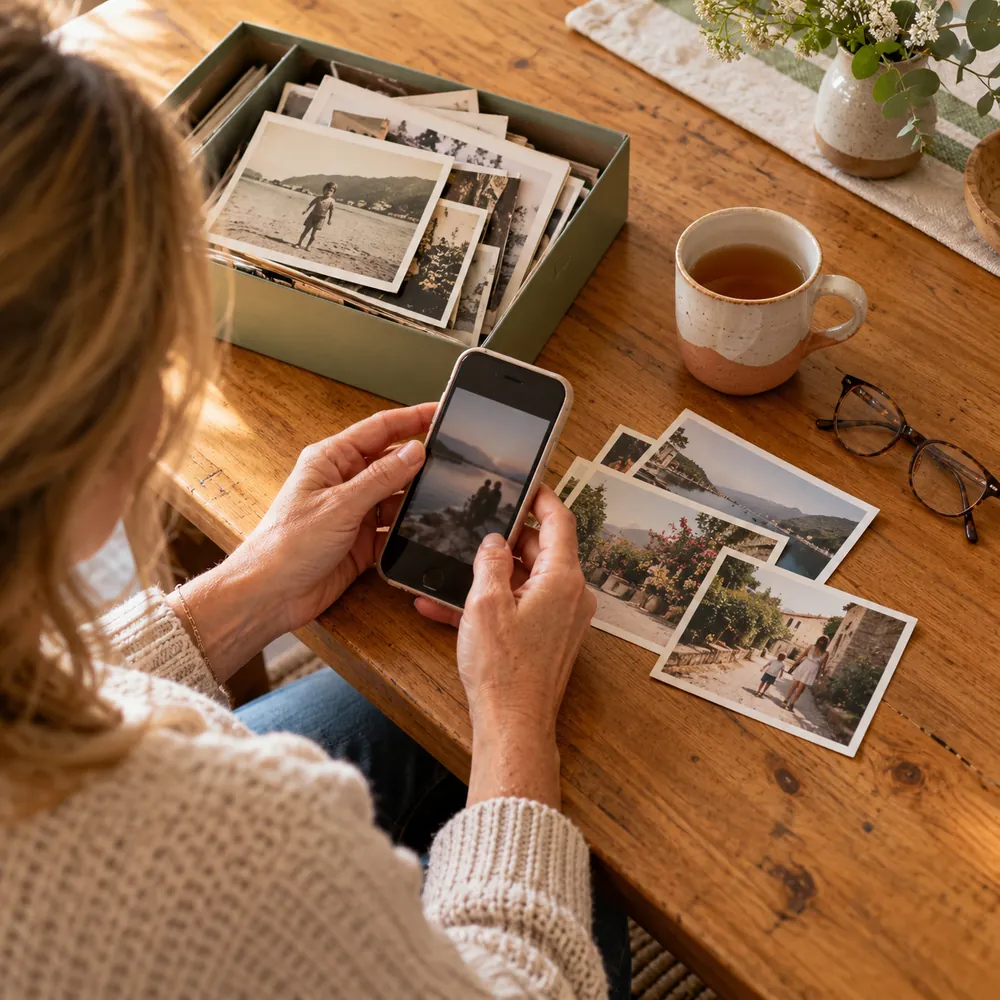
Match the details
- The place: the same spot if you can; if not, something that looks like it: similar steps, a similar wall, the same kind of light.
- The camera position: where did the photographer stand? Old photos were often taken from further away, at standing height, with the people in the middle of the frame.
- The pose: who is on which side, whose arm is where, who looks at the camera and who doesn’t.
- The clothes: similar colours and shapes are enough. A striped shirt, a red jumper, a hat.
- One prop: the same mug, the same bicycle, the same hat, or something like it. One object from the original makes people smile.
- The expression: the serious face, the squint, the laugh. Copying it exactly is the fun part.
Line up the shot with a phone
Open the old photo on a second phone or a tablet and hold it next to the camera, or keep it on the screen and switch back and forth. Turn on the camera grid and match where the horizon, the door frame or the edge of the steps falls.
Use the normal 1x lens and move your feet rather than zooming. If the original is square or has a white border, crop the new one the same way afterwards, so the two match side by side.
How to take family photos with your phoneShow the old and the new together
The recreation is only half the fun; the other half is the family seeing both. In Lumo, add the copy of the old photo and the new one to your private family album, in full quality, so everyone sees them, reacts and comments, and the grandparents can add the other old photos they find.
Old prints copied into the album stay in their original quality next to today’s photos, and Lumo’s Restore old photo repairs scratches and fading, keeping the original beside it.
A private photo album for your family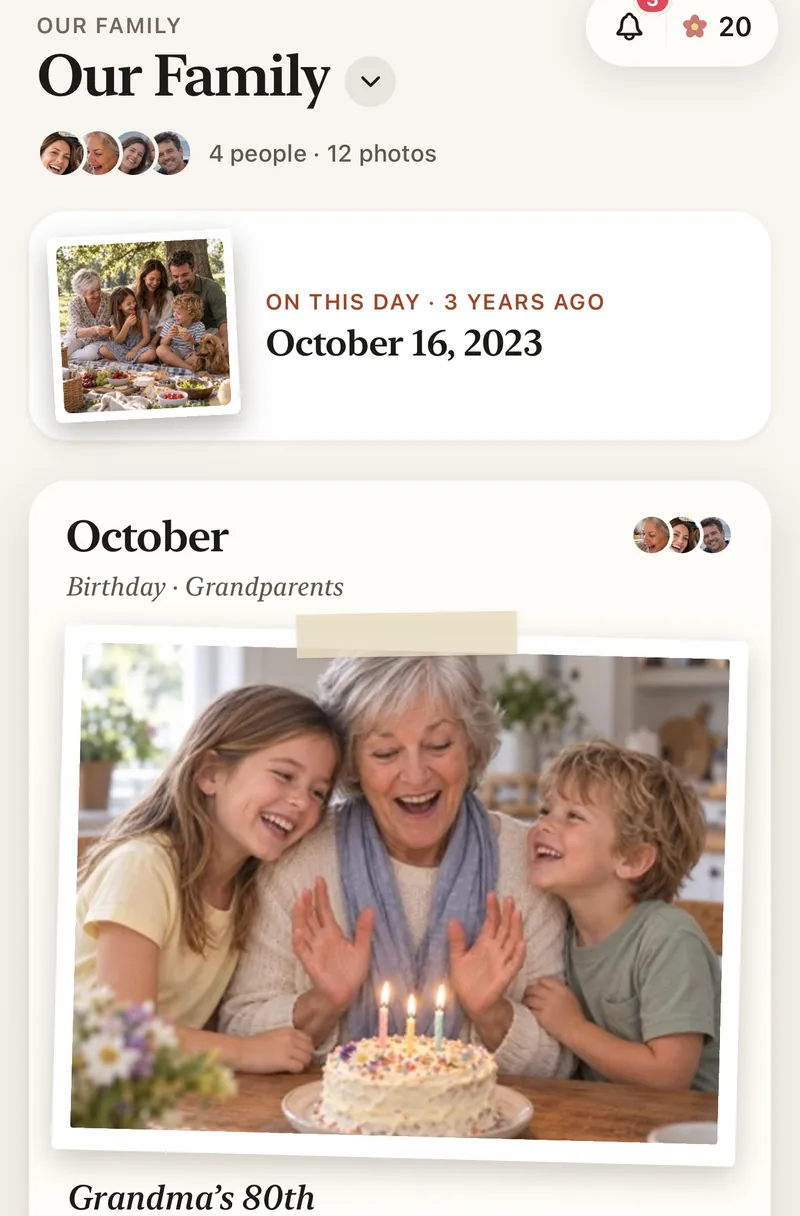
How to recreate an old family photo
- Pick the photoA clear pose, in a place you can still reach.
- Copy itFlat, by a window, phone straight above. Restore it if it’s faded.
- Match the detailsPlace, camera height, pose, colours of the clothes, one prop.
- Line it upOld photo on a second screen, camera grid on, 1x lens.
- Show both togetherAdd the old and the new to the family album, side by side.
Questions
What makes a recreated photo look right?
Matching the camera’s position and height, the pose, and the colours of the clothes. The same place and one prop from the original make it look even closer.
How do I copy an old print with my phone?
Lay it flat by a window, hold the phone straight above it, and avoid shadows and reflections. In Lumo, Restore old photo can then repair scratches and fading, and the original is kept beside it.
How do I show the old and new photos to the family?
Put both in a shared family album. In Lumo, everyone in the family sees them in full quality and can add the old photos they have, too.
Who can see the photos?
Only the people in your family album, or in the event you invited them to. Nothing is public, there are no followers and no ads.
Is Lumo free?
Yes. The family album, unlimited photos and videos, inviting family, and event albums for gatherings are all free, on iPhone, iPad and Android, and in a browser at app.lumomagic.com.
Start your family album.
Free. Private to your family. No ads, ever.