
Wedding websites
What to put on your wedding website: a checklist
- A checklist of every section
- When each part must be ready
- What to say without a registry
- Password or private link?
What to put on your wedding website: your names and date, the schedule, the venue and directions, places to stay, what to wear, how to reply, gifts, and answers to common questions. Put travel details up with the save-the-dates, the rest before invitations.
Last updated
No card needed · works on any phone or computer
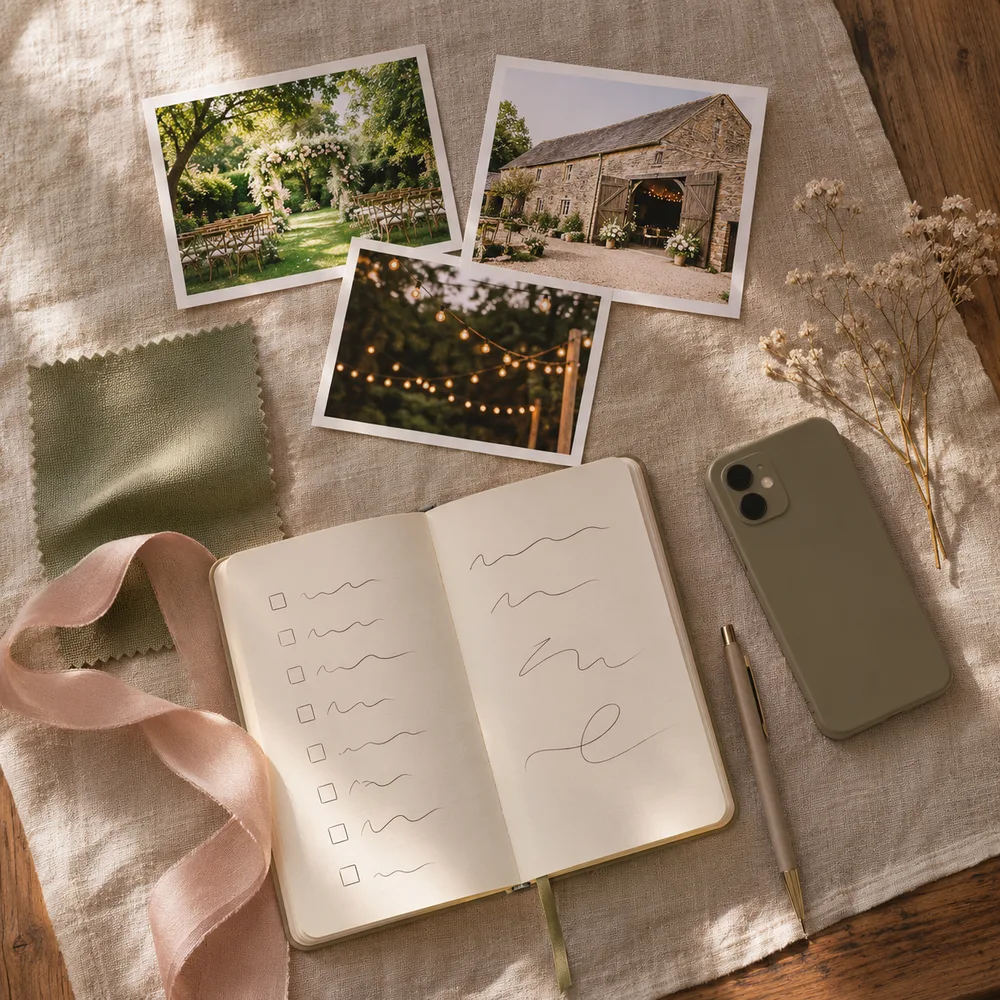
The wedding website checklist
The Emily Post Institute suggests having the website up before you send your save-the-dates. Zola suggests publishing it at the same time as the save-the-dates, roughly 6 to 8 months before the wedding. Either way, the travel details come first, because guests book early, and the rest can follow before the invitations go out.
| Section | What to include | Ready by |
|---|---|---|
| Homepage | Your names, the date, the town or city, and a welcome line | Save-the-dates |
| Travel and places to stay | Nearest airport or station, hotels, any room block and its booking deadline | Save-the-dates |
| The day (schedule) | Arrival time, ceremony, drinks, dinner, last song, plus any events the day before or after | Invitations |
| Venue and directions | Address, a map link, parking, shuttles, taxis | Invitations |
| What to wear | The dress code in plain words, indoors or outdoors, colours to avoid, any customs | Invitations |
| How to reply | How to reply, and the date you need replies by | Invitations |
| Gifts | Registry links with a thank-you, or a line saying there is no registry | Invitations |
| Questions (FAQ) | Plus-ones, children, phones and photos, food and dietary needs, access, who to contact | Invitations, then keep it up to date |
| Photo sharing | How guests add their photos: a link or a QR code | The week of the wedding |
| Our story and wedding party | Optional: how you met, who is standing with you | Any time |
| After the wedding | A thank-you and where to see the photos | Within a few weeks of the wedding |
The Emily Post Institute adds that guests who don’t go online should get the important details on paper too.
What to put on your wedding website homepage
Your names, the date and the town go at the top, so a guest knows at a glance they’re in the right place. Add one welcome line and, if you like, a photo of the two of you.
Keep the homepage for what everyone needs. Put the details on their own pages or sections, and keep gift links off the homepage: the Emily Post Institute advises keeping registry links out of the spotlight.
What to put on your wedding website for the schedule
List the times guests need to act on: when to arrive, when the ceremony starts, when dinner is, and when the evening ends. Add the address for each place if the day moves between venues.
If there is a get-together the night before or a brunch the morning after, add it with its time, place and who is invited.
| Time | What happens |
|---|---|
| [2:30 pm] | Guests arrive at [the Old Mill] |
| [3:00 pm] | Ceremony |
| [3:45 pm] | Drinks and canapés on [the terrace] |
| [6:00 pm] | Dinner and speeches |
| [8:00 pm] | First dance, then the band |
| [11:30 pm] | Last song. Taxis at [midnight] |
What to put on your wedding website for the dress code
Name the dress code, then say what it means in practice: “Cocktail attire: suits or smart separates, dresses or jumpsuits.” Guests understand an example faster than a label.
Add what affects what people wear: an outdoor ceremony, grass or gravel underfoot, evening chill, colours to avoid, and any religious or cultural customs, such as covering shoulders.
What to put on your wedding website for the registry
The Emily Post Institute says registry and gift information shouldn’t go on the invitation or its enclosures, and that the wedding website and word of mouth are the places for it. On the website, it suggests keeping registry links out of the spotlight and always adding a thank-you.
A short line is enough: “Our registry is at [link]. Thank you for thinking of us.”
Wedding website without a registry: what to say instead
What to do if there is no wedding registry? Say so warmly on the website, so guests don’t have to ask, and tell your close family and wedding party, who will be asked. Pick the line that fits what you’d like.
| If you’d like | What to write |
|---|---|
| Nothing at all | Having you there is all we want. Please don’t bring a gift. |
| A card, if they wish | Having you there is everything. If you’d like to give something, a card with a note means a lot. |
| Help towards a plan | We’re saving for [our first home]. If you’d like to help, [details are at the reception]. |
| A donation | If you’d like to mark the day, we’d love a donation to [charity name, link]. |
What to put on your wedding website for the save-the-date
When the save-the-dates go out, the website needs the homepage and the travel section: the date, the town, and where to stay, with any room-block deadline. The schedule, dress code and reply details can follow before the invitations.
Advice differs on where to print the website address. The Emily Post Institute suggests leaving it off the invitation itself and putting it on the reply card or a separate enclosure. Zola suggests including the link in your invitations. A save-the-date or a reply card works for both.
The FAQ section
The questions section saves you dozens of texts: plus-ones, children, parking, phones during the ceremony, dietary needs and access. Write short answers, and update them as plans change.
48 wedding FAQ examples with answersShould your wedding website have a password?
It depends on how much is on it. Zola lists reasons for a password: uninvited people can’t see the site, your details stay private, and it puts off wedding crashers when the date and venue are shown. The reason against is that some guests lose or forget it and end up asking you for it. If you use one, send it with the save-the-date or invitation.
There are other ways to keep a site private. Hiding it from search engines stops strangers finding it by your names. A private link means the site opens only for people who have the exact address, which you share with your guests.
| Option | Who can open the site | What guests need |
|---|---|---|
| Public | Anyone, including through search engines | Nothing |
| Hidden from search engines | Anyone with the link; it doesn’t come up when people search your names | The link |
| Private link | Only people with the exact link | The link |
| Password | Only people who know the password | The link and the password |
How Lumo does it
Lumo’s wedding website is free, with no ads and no card to start. Its sections follow this checklist: the day, the venue and directions, travel and places to stay, what to wear, and answers to guests’ questions. Every section is optional, and your address is lumomagic.com/w/ and your names.
Guests reply in their browser with their name, yes or no, how many are coming and an optional note, with no account or app. Only you see the replies, and they are deleted 90 days after the wedding. Lumo has no registry feature, so write your gift line in your questions section.
For privacy, the website is hidden from search engines unless you make it public, and you can make it private, so it opens only with the exact link. Lumo doesn’t offer a password. You can save a QR code of the link for your save-the-dates or reply cards, and guests add their photos to your album by its own QR code or link.
Make a free wedding websiteMaking your wedding website in Lumo
- Start your websiteGo to lumomagic.com/wedding in a browser on your phone or computer, or use the Lumo app. It’s free.
- Fill in the sections you needAdd the day, the venue, places to stay, what to wear and your answers to guests’ questions. Skip any you don’t need.
- Choose who can find itLeave it hidden from search engines, make it private so only the exact link opens it, or make it public.
- Share the linkSend the link, or save its QR code for your save-the-dates or reply cards.
Questions
What should be on a wedding website?
Your names and date, the schedule, the venue and directions, places to stay, the dress code, how to reply, gifts or a line saying there’s no registry, and answers to common questions. Our story and wedding party pages are optional.
When should a wedding website go live?
The Emily Post Institute suggests before your save-the-dates go out; Zola suggests at the same time, roughly 6 to 8 months before the wedding. Travel details come first; the rest can follow before the invitations.
What do you put on a wedding website if you have no registry?
A warm line, such as “Having you there is all we want. Please don’t bring a gift.” Or, if you’re happy with cards or a donation, say that instead.
Should a wedding website have a password?
It can. A password keeps the site from uninvited people, but some guests forget it. Hiding the site from search engines, or using a private link that only your guests have, are lighter options.
Does Lumo’s wedding website have a password?
No. A Lumo wedding website is hidden from search engines unless you make it public, and you can make it private so it opens only with the exact link.
Is the Lumo wedding website free?
Yes: the website, guests’ replies, the day’s details and the guest photo album are free, with no ads.
Start your family album.
Free. Private to your family. No ads, ever.