
Family photos with a phone
How to take good family photos with your phone.
To take good family photos with your phone, put the group in soft light from the side, hold the phone at eye level or a little above, use the normal 1x lens and step back rather than the wide lens up close, and take many photos in a row. To be in the photo yourself, stand the phone on something steady or a small tripod and use the 10-second timer.
Lumo is a free, private family album for iPhone, iPad and Android. Send one link and the whole family can join.
Invited to a Lumo album? Open it in any web browser: app.lumomagic.com
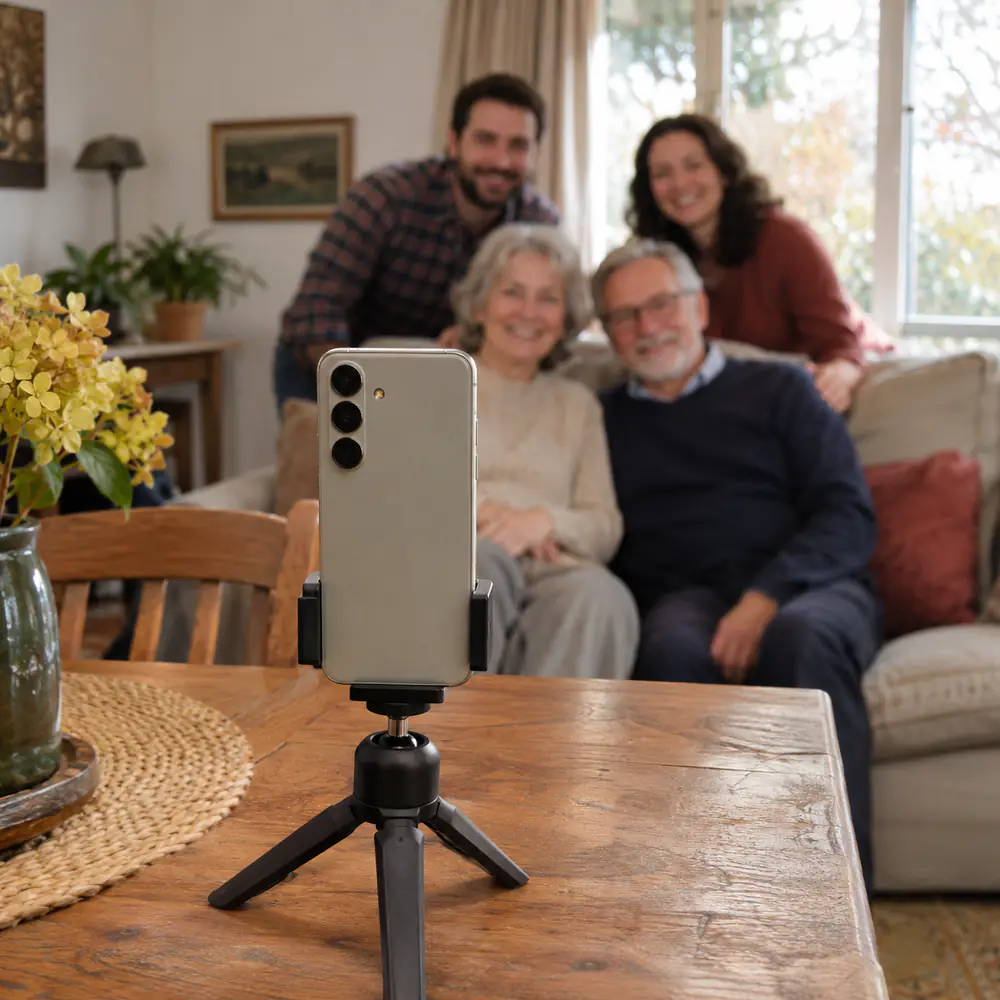
Light: face the window
Light does more than any setting. Indoors, turn the group towards a window or have it to one side; never put the window behind them, or faces go dark. Outdoors, open shade or the hour before sunset is kinder than midday sun, which makes everyone squint.
Skip the flash for groups. If faces are dark, tap a face on the screen: the phone focuses and sets the brightness for it.
Lens, height and portrait mode
- Use 1x or 2x and step back. The 0.5x wide lens fits more people in a small room, but it stretches faces at the edges. If you need it, keep people away from the corners.
- Hold the phone at eye level or slightly above. From below, nobody looks their best; from a chair or a step, a big group’s back row stays visible.
- Portrait mode is lovely for two or three people side by side, but it can blur anyone standing further back. For bigger groups, use the normal photo mode.
- Wipe the lens. A phone lens with fingerprints on it makes every photo hazy, and it is the most common reason a photo looks soft.
- Take a lot of photos. Burst, or press many times, and choose the one where nobody blinked.
Getting everyone in, including you
Stand the phone on a shelf, a stack of books or a small phone tripod, at about chest height, frame the group with a gap for yourself, and set the camera timer to 10 seconds. Walk in, settle, and take several in a row.
Some phones can also be triggered from a watch or a small Bluetooth remote, so you can take many photos without running back and forth. Asking a passer-by works too: show them where to stand, and ask for a few photos, not one.
12 family photo poses that look naturalNatural photos, not only posed ones
After the group photo, keep the phone out. The photos people love later are often the in-between ones: someone laughing at the posed photo, hands passing a plate, a hug at the door. Shoot at the height of what’s happening, and get closer rather than zooming.
Then share them without losing quality
Photos sent in a chat app usually arrive smaller than they were taken, and they get buried between messages. In Lumo, everyone in the family adds the photos they took to one private album, in full quality, and they line up in the order they were taken. Videos are kept whole, up to 3 GB each.
For a gathering, make an event album and show its QR code: relatives add their photos from their own phone, in the free app or a browser.
A private photo album for your family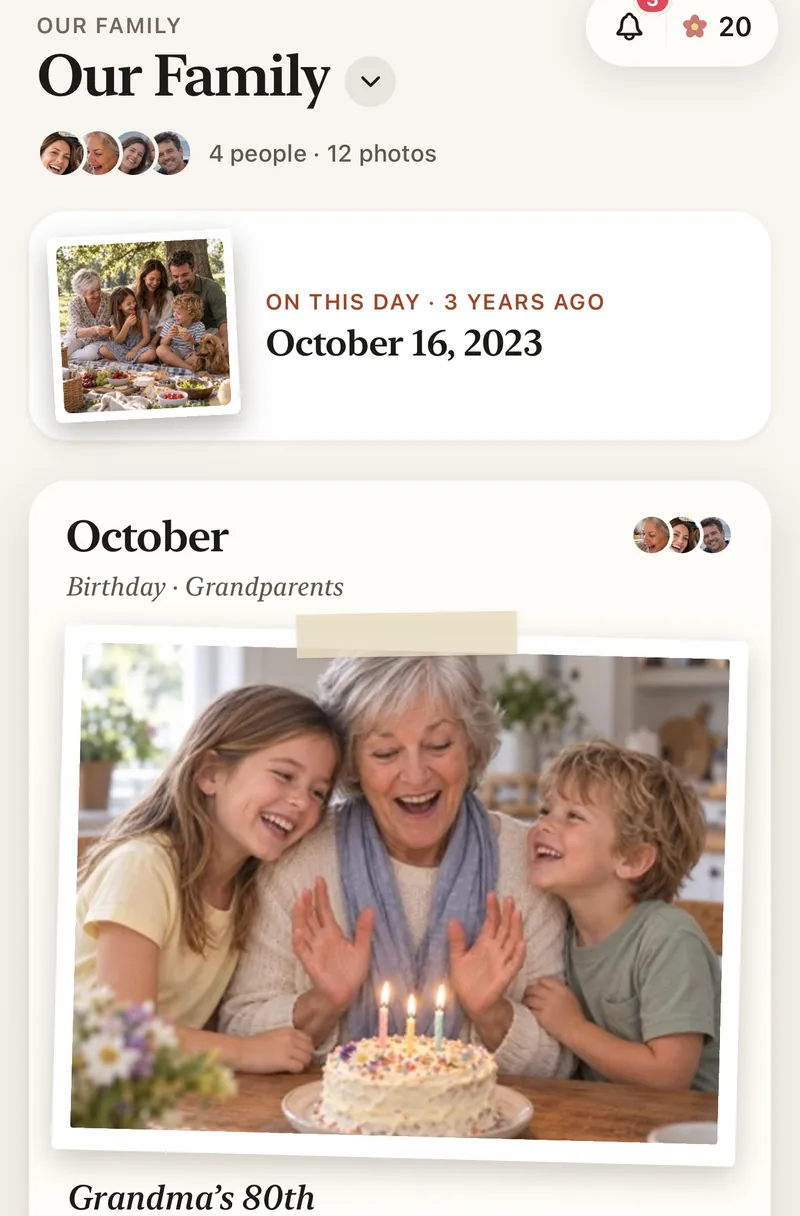
How to take a family photo with your phone
- Find soft lightFace a window or stand in open shade. No flash.
- Steady the phoneOn a shelf, books or a small tripod, at chest or eye height.
- Frame with 1x and step backKeep people away from the edges, and leave a space for yourself.
- Set the 10-second timerJoin the group and take several in a row.
- Add them to the family albumIn full quality, where everyone can see them.
Questions
Do I need a tripod?
No. A shelf, a car roof or a stack of books works. A small phone tripod makes it easier to get the height and angle right, especially outdoors.
Should I use portrait mode for group photos?
For two or three people side by side, yes. For bigger groups, use the normal photo mode, because portrait mode can blur people standing further back.
How do I share family photos without losing quality?
Chat apps usually make photos smaller. Add them to a shared album that keeps the original quality instead. In Lumo, photos stay in full quality and videos are kept whole, up to 3 GB each.
Who can see the photos?
Only the people in your family album, or in the event you invited them to. Nothing is public, there are no followers and no ads.
Is Lumo free?
Yes. The family album, unlimited photos and videos, inviting family, and event albums for gatherings are all free, on iPhone, iPad and Android, and in a browser at app.lumomagic.com.
Start your family album.
Free. Private to your family. No ads, ever.