
A family sharing checklist
Sharing baby photos on WhatsApp: a family checklist.
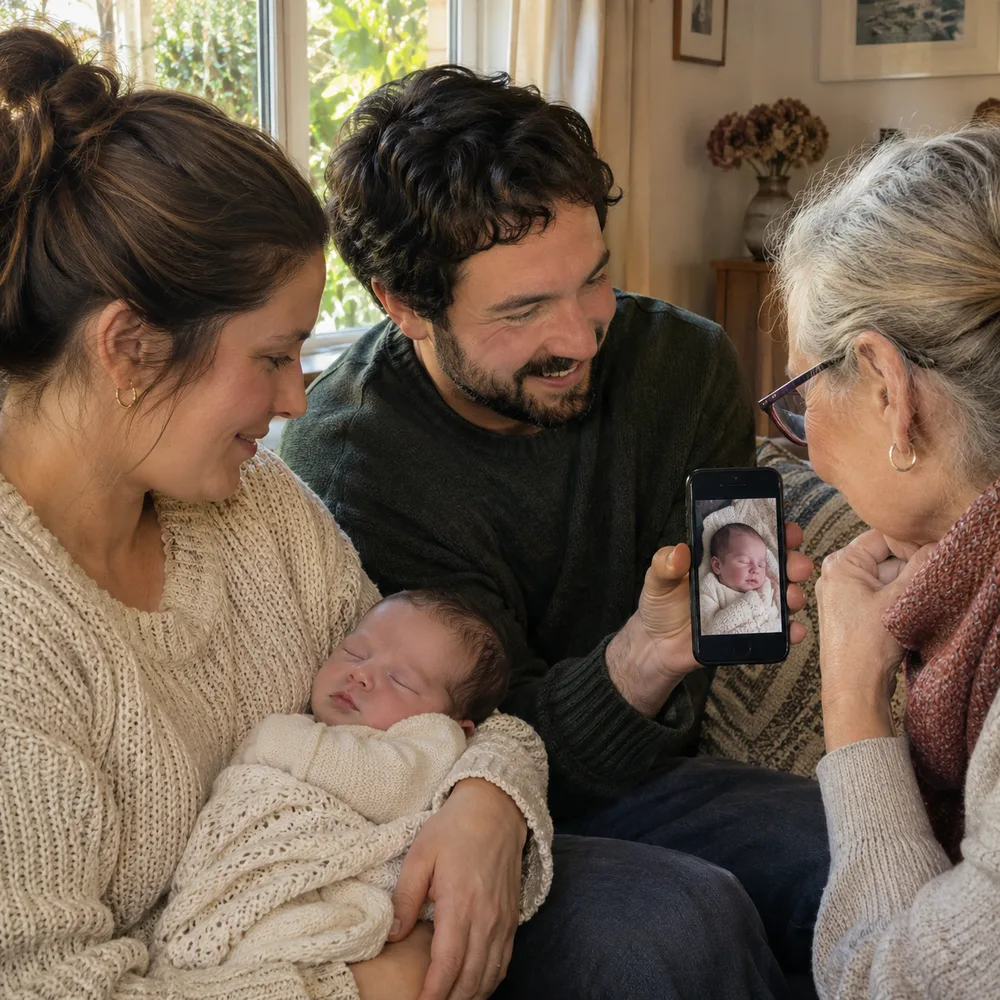
Sharing baby photos on WhatsApp can suit a quick family update. Before sending, agree who is in the chat, what you want to share and whether anyone may pass it on. Try one photo together, then decide whether a chat or an ongoing shared album fits your family.
Last updated
Lumo is a free, private family album for iPhone, iPad and Android. Send one link and the whole family can join.
Invited to a Lumo album? Open it in any web browser: app.lumomagic.com
1. Choose between chat updates and an ongoing album
A chat works for a photo and a quick conversation. A shared album fits when you want a collection the family keeps adding to and returns to later. You can use both: a chat for the news and an album for the photos you want to gather together.
2. Agree who receives the photos
Agree with the other parent or carers on who should receive baby photos. Check the people in the chat before sending, especially if the group has changed. Ask relatives to check with you before adding someone or sharing a photo outside that circle.
3. Check the photo and caption before sharing
Look at the whole photo, including the background. Check for an address on a parcel, paperwork or anything you would rather keep private. Read the caption too: leave out locations or personal details the recipients do not need. Choose only photos you are comfortable sharing with everyone in that chat.
4. Remember that recipients can save and forward
Recipients can save or forward photos and captions sent in a chat. Ask them to check with you first, but treat that as a family agreement, not a technical restriction. Photos sent through WhatsApp may also be compressed; keep your own original if its quality matters to you.
5. Test one photo on grandparents’ usual phone
Send one photo while you are together or on a call. Use the phone grandparents normally use and check that they can find the chat, open the photo and read the caption. Let them try the steps themselves before you send a larger batch.
6. Choose a private album when it fits better
If you want one shared place for the family’s photos, Lumo is a private family album on iPhone, Android and the web. Invite family with one link, and everyone in the album can add photos. It is free under fair use, with optional Lumo Pass, no ads and no face recognition. Keep the same family agreement about sharing photos elsewhere.
Questions
Can relatives forward baby photos from a WhatsApp chat?
Yes. Recipients can save and forward photos sent in a chat. Agree who may receive them and ask relatives to check with you before sharing them further.
Will WhatsApp keep the original photo quality?
Photos sent through WhatsApp may be compressed. Keep your own original if you want to preserve its quality.
When does a private family album make sense?
When you want a shared collection everyone can add to and return to. Lumo works on iPhone, Android and the web, and is free under fair use with optional Lumo Pass.
Start your family album.
Free. Private to your family. No ads, ever.