
Photo quality
WhatsApp photos look blurry? Send them in HD.
WhatsApp sends photos at standard quality unless you choose otherwise, so the family photo that looked sharp on your phone arrives soft on everyone else’s. Here’s how to send in HD, and where to keep the full-quality versions.
Free on iPhone, iPad and Android. Private to your family.
No app? Open your album in any web browser: app.lumomagic.com

Send one photo in HD
- Choose the photo or video in the chat as usual.
- Before sending, tap the HD Media button at the top.
- Pick HD quality, then send.
Make HD the default
Open WhatsApp Settings, then Storage and data, then Media upload quality, and choose HD quality. Photos and videos you send from then on are sent in HD.
Your connection still matters: on a slow connection, media can arrive at lower quality even when it’s sent in HD.
Send a larger file as a document
For a long video or a photo someone wants to print, attach it as a document instead of a photo. WhatsApp allows documents up to 2 GB, but they arrive as files to open rather than in the chat’s photos.
Keep the family’s photos in full quality
Chats are great for a quick photo, but they scroll away with the messages. Lumo keeps the family’s photos in full quality in one private album, sorted by the day they were taken, and keeps videos whole, up to 3 GB each.
Keep chatting on WhatsApp, and put the photos worth keeping in the family album, where grandparents can find them again next year.
Lumo and WhatsApp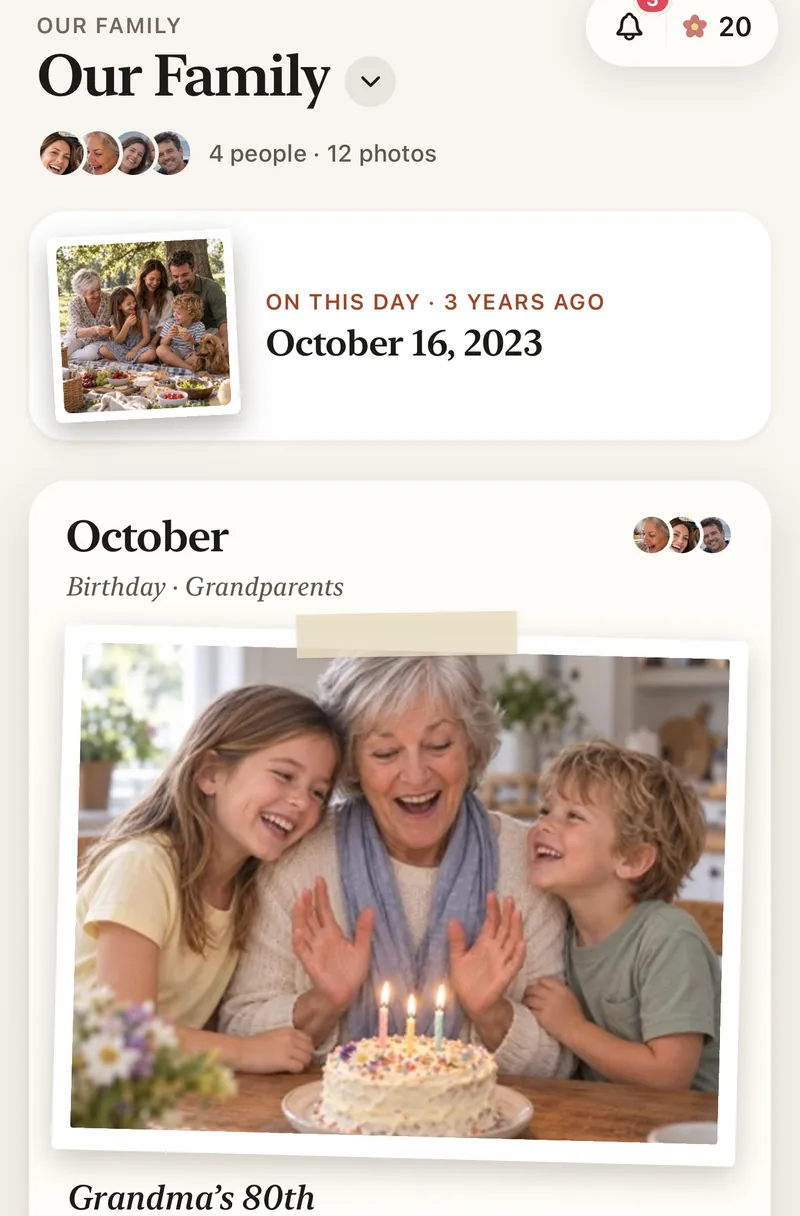
How to keep family photos in full quality
- Start a family albumFree, on iPhone, iPad or Android.
- Share the invite in the family chatEveryone joins with one private link.
- Add photos from your phoneIn full quality, not from the chat.
- Everyone sees themSorted by the day they were taken, with hearts and comments.
Questions
Why are my WhatsApp photos blurry?
WhatsApp sends photos at standard quality unless you choose HD, and a slow connection can lower the quality further. Choose HD quality before sending, or make it the default in Settings, Storage and data, Media upload quality.
Can I save the photos people sent me in the chat?
Yes, but they’re saved at the quality they were sent. For full quality, ask for the original from their phone, or have them add it to the family album.
Who can see our photos?
Only the people in your family album. Nothing is public, there are no followers, and photos are never shown to anyone outside your family.
Is Lumo really free?
Yes. The album, unlimited photos and videos, inviting family, hearts and comments are all free. Lumo Pass is optional, for unlimited magic, full-length videos and saving originals. Unlimited means unlimited for everyday family use, under fair use.
Start your family album.
Free. Private to your family. No ads, ever.