
Camera timer
How to set the camera timer for a group photo.
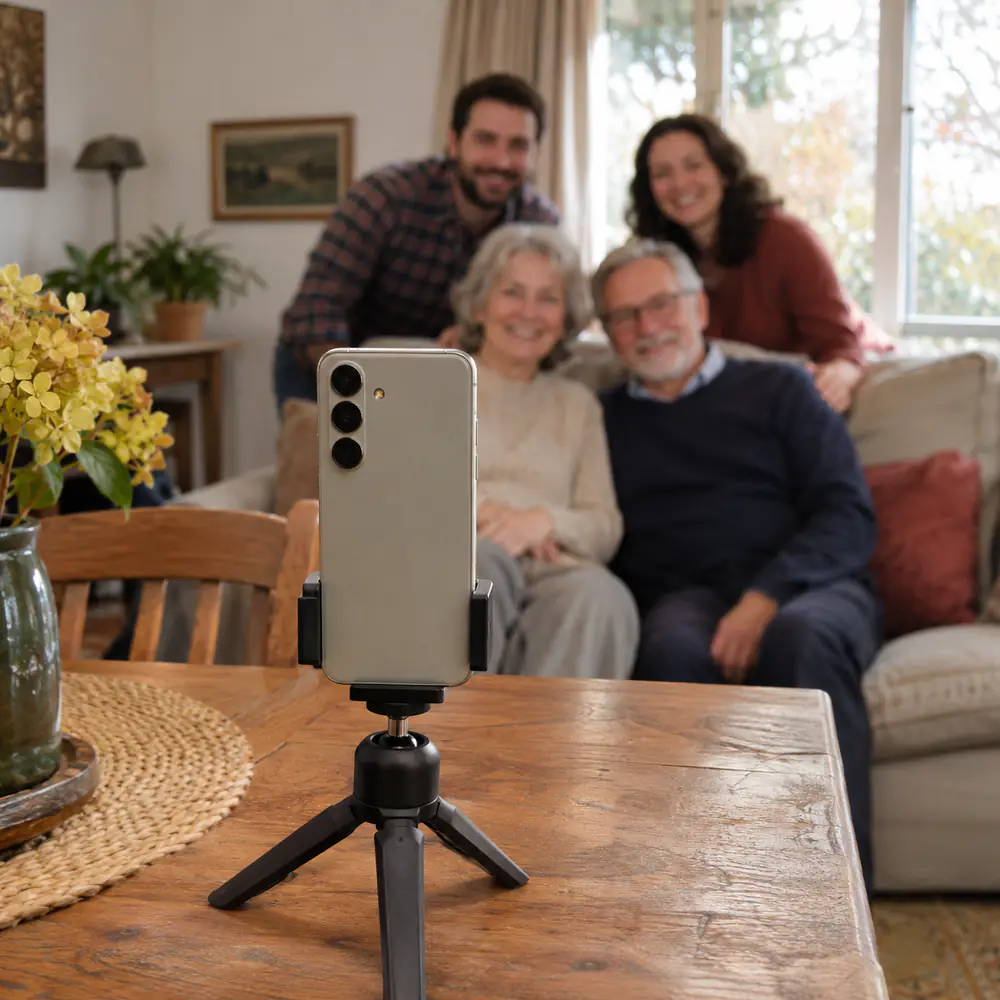
On iPhone with iOS 26 or iOS 27, the camera timer is in the camera controls: open Camera, tap the controls button or swipe up from the camera modes at the bottom of the screen, tap Timer and choose 3, 5 or 10 seconds. On a Samsung Galaxy, it is in the camera’s Quick controls. Stand the phone on something steady, frame the group with a space for yourself, press the shutter and join everyone. Here is each phone step by step, and hands-free ways to take the photo.
Last updated
Lumo is a free, private family album for iPhone, iPad and Android. Send one link and the whole family can join.
Invited to a Lumo album? Open it in any web browser: app.lumomagic.com
iPhone: the camera timer in iOS 26 and iOS 27
Since iOS 26, the timer is in the camera controls, with 3, 5 or 10 seconds. In iOS 18 it was in a different place and had 3 or 10 seconds only, so many older guides no longer match the screen. These steps follow Apple’s iPhone User Guide for iOS 26 and iOS 27:
- Open Camera, in Photo mode.
- Tap the camera controls button, or swipe up from the camera modes at the bottom of the screen.
- Tap Timer, then choose 3, 5 or 10 seconds.
- Tap the shutter button, and join the group before the countdown ends.
- To turn it off, open the same controls, tap Timer again and switch it off.
If the iPhone saves a burst
If a timer photo shows up as a burst, a quick series of photos saved as one, that is handy in a group: one of them is likely to have nobody blinking. To keep the best ones, tap the burst’s thumbnail, tap Burst at the top left, tap the circle on each photo you want to keep, and confirm. Apple’s guide also shows how to delete the whole burst.
Samsung Galaxy: timer, palm and voice
Galaxy phones have a timer and two hands-free ways to take the photo. Menu names differ a little between models; these follow Samsung’s support pages for current Galaxy phones, such as the Galaxy S26.
- Timer: open Camera and tap the timer at the top of the screen, or tap Quick controls (the four dots) and then Timer, and choose a delay.
- Show palm: in Camera settings, tap Shooting methods and turn on Show palm. Samsung describes it for selfies: hold your palm up to the front camera, and the photo is taken a moment later.
- Voice commands: in the same Shooting methods menu, turn on Voice commands, then say “Smile” or “Cheese” to take the photo.
- Volume buttons: under Shooting methods, set the volume buttons to take pictures, so a press on the side of the phone takes the photo.
- Other Android phones, such as Pixel, also have a timer in the camera app, usually in its settings or quick menu.
Hands-free: a watch or a remote
With an Apple Watch, open the Camera Remote app: the watch shows what the iPhone sees, and you take the photo from your wrist, as many times as you like. Apple notes that it uses a 3-second timer by default, and that the watch needs to be within normal Bluetooth range of the iPhone, about 10 metres (33 feet).
A small Bluetooth shutter remote, often sold with phone tripods, does the same for most phones: set up the shot, join the group, and press the button.
Photos in front of Christmas lights at nightSet up the shot so everyone fits
- Stand the phone on a shelf, a stack of books, a wall or a small tripod, at chest or eye height, not on the floor looking up.
- Frame the group first, then leave a space where you will stand.
- Use 1x and move the phone back, rather than the 0.5x wide lens, which stretches faces at the edges.
- Choose 10 seconds for a big group or a long walk to your place; 3 or 5 seconds are enough to step into a small group.
- Take several: press, join, press again. Someone always blinks in one of them.

Selfie or timer?
For two to four people close together, a selfie with the front camera is quickest: hold the phone a little above eye level, and everyone leans in. For more people, or when you want the place in the photo too, use the back camera and the timer: everyone fits, and nobody’s arm is in the shot.
Then: everyone’s photos in one album
The group photos are on the phone that took them, and the rest of the day is on everyone else’s phones. A few get sent in the family chat, smaller than they were taken; most are never sent.
Lumo is a free, private family album where everyone adds the photos they took, in full quality, and everyone sees them. For a gathering, make an event album: in the Family tab, tap your family name at the top, then New event, and share its link or QR code. Relatives add their photos from the app or in a browser at app.lumomagic.com.
How to collect photos from a group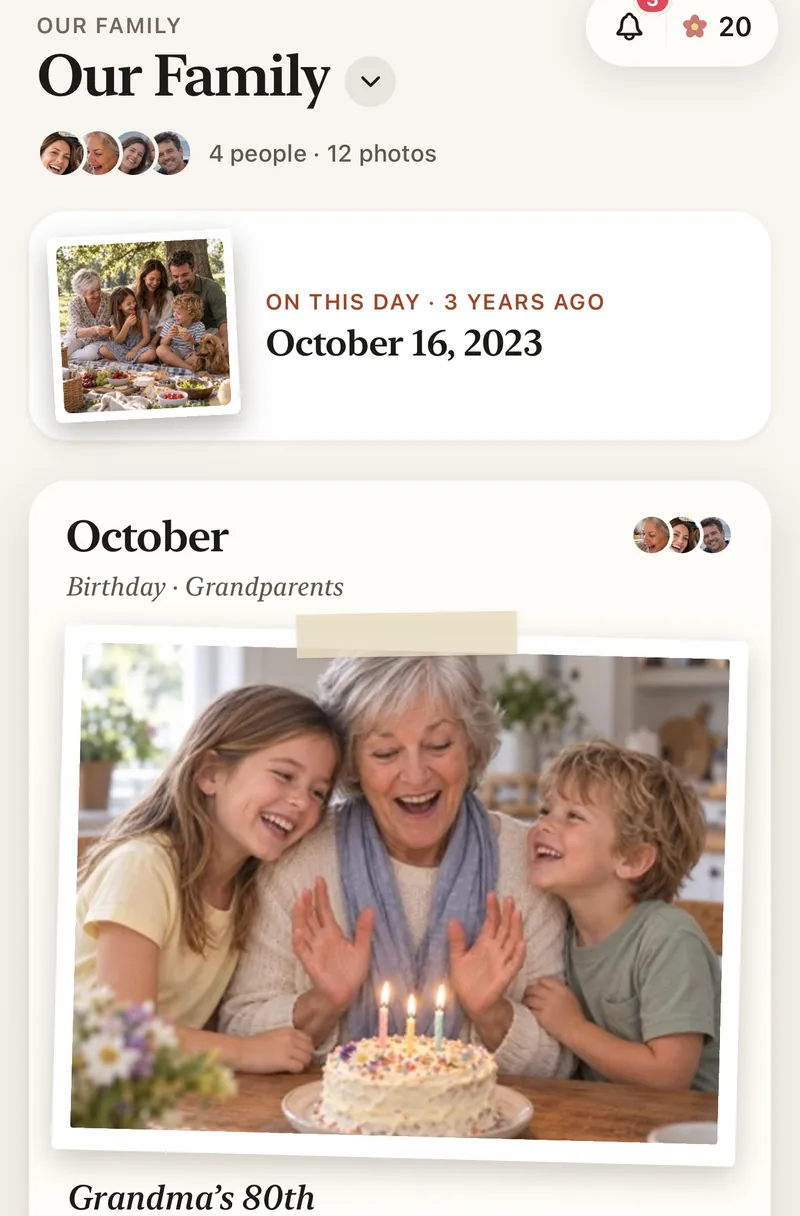
How to take a group photo with the camera timer
- Steady the phoneOn a shelf, a wall or a small tripod, at chest or eye height.
- Frame the groupUse 1x, move back, and leave a space for yourself.
- Set the timeriPhone: camera controls, then Timer. Galaxy: Quick controls, then Timer.
- Press and join10 seconds for a big group. Take several.
- Share them in one albumEveryone adds the photos they took, in full quality.
Questions
Where is the camera timer on iPhone in iOS 26?
In the camera controls. Open Camera, tap the controls button or swipe up from the camera modes at the bottom of the screen, tap Timer and choose 3, 5 or 10 seconds. It works the same way in iOS 27.
How do I keep only the best photo from a burst?
Tap the burst’s thumbnail, tap Burst at the top left, tap the circle on each photo you want to keep, and confirm. Apple’s guide also shows how to delete the whole burst.
How do I take a photo hands-free on a Samsung Galaxy?
In Camera settings, under Shooting methods, turn on Show palm or Voice commands. With Show palm, hold your palm up to the front camera; with Voice commands, say “Smile” or “Cheese”.
Can I use my Apple Watch as a camera remote?
Yes. Open Camera Remote on the watch, frame the shot on the watch and tap the shutter. It uses a 3-second timer by default, and the watch needs to be within about 10 metres (33 feet) of the iPhone.
Is Lumo free?
Yes. The family album, unlimited photos and videos, inviting family, and event albums for gatherings are all free, on iPhone, iPad and Android, and in a browser at app.lumomagic.com.
Start your family album.
Free. Private to your family. No ads, ever.