
iPhone privacy
Can your family see your photos with Family Sharing?
Short answer: no. Sharing an iCloud+ plan or Family Sharing doesn’t open your photo library to anyone. Photos are only shared when you put them somewhere shared. Here is what that means in practice.
Free on iPhone, iPad and Android. Private to your family.
No app? Open your album in any web browser: app.lumomagic.com

What Family Sharing shares
With Family Sharing, up to six people can share an iCloud+ storage plan, purchases and subscriptions. Each person still uses their own Apple Account, so their photos, documents and other information stay private.
The family can see how much of the shared storage each person uses, but not what is in it.
When your photos are shared
Photos only reach other people when you put them somewhere shared:
- A shared album: everyone in the album sees what is added to it.
- An iCloud Shared Photo Library: everyone in it sees and can edit the library, including photos saved there automatically from the camera.
- A shared Apple Account or a shared iPad: anyone using the same account sees the same library.
Check what you’re sharing
- Shared Photo Library: in the Photos settings, open Shared Library to see who is in it, and whether the camera adds photos to it automatically.
- Shared albums: in Photos, open Collections, then Shared Albums, to see the albums you’re in.
- Your own Apple Account: use your own account on your own devices, rather than a family one.
Share only the photos you choose
A family album is the opposite of a shared library: nothing goes in unless someone adds it. In Lumo, you choose each photo you add, and only the people in your family album see them. The rest of your camera roll stays yours.
A private family photo album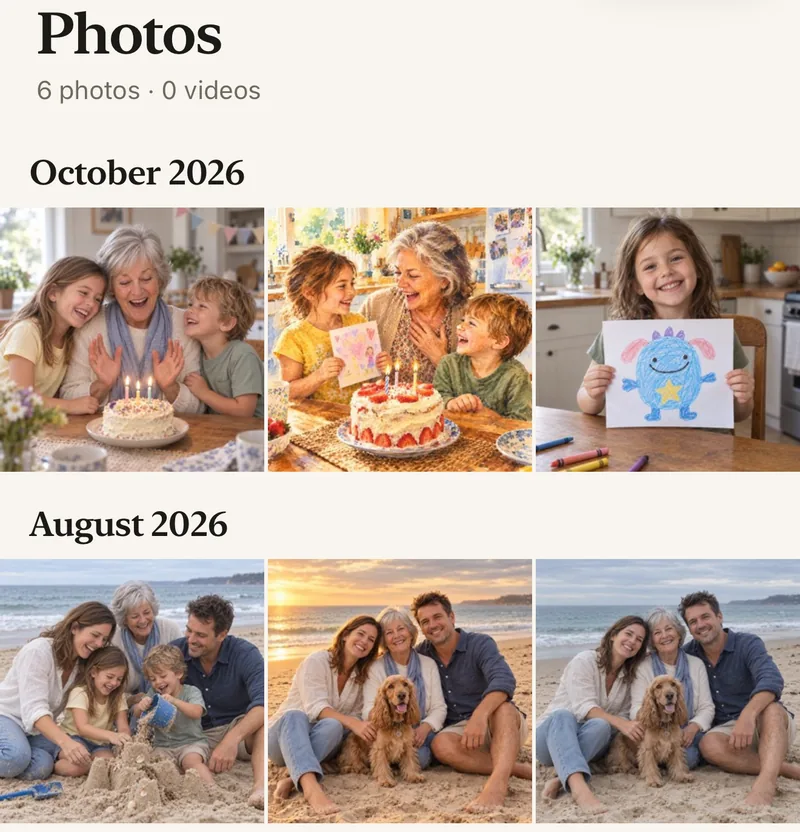
How to share some photos, not all
- Keep your own Apple AccountFamily Sharing stays fine; your library stays private.
- Start a family albumFree, on iPhone, iPad or Android.
- Add the photos you chooseNothing is added automatically.
- Invite the familyWith a private link or a 4-digit family code.
Questions
If I share iCloud storage with my family, can they see my photos?
No. Sharing an iCloud+ plan shares the space, not the content. Each person’s photos stay in their own account.
Can the Family Sharing organizer see my photos?
No. The organizer manages the group and purchases, not anyone’s photo library.
Then why can someone see my photos?
Usually because of a Shared Photo Library, a shared album, or a shared Apple Account on the same device. Check those first.
Who can see our photos?
Only the people in your family album. Nothing is public, there are no followers, and photos are never shown to anyone outside your family.
Where do these steps come from?
From Apple’s and Google’s own help pages, checked in November 2026. Menus can move a little between app versions.
Start your family album.
Free. Private to your family. No ads, ever.