
Christmas lights photos
How to photograph people in front of Christmas lights.
To photograph people in front of Christmas lights with your phone, go at dusk rather than in full dark, turn the flash off and let the phone use Night mode, stand everyone a few steps in front of the lights where some light falls on their faces, tap a face so the phone sets the brightness for it, and keep the phone still on a wall or a small tripod. Here is each step on iPhone and Samsung Galaxy, how to get the whole family in, and what to do with everyone’s photos afterwards.
Last updated
Lumo is a free, private family album for iPhone, iPad and Android. Send one link and the whole family can join.
Invited to a Lumo album? Open it in any web browser: app.lumomagic.com
Why faces go dark in front of the lights
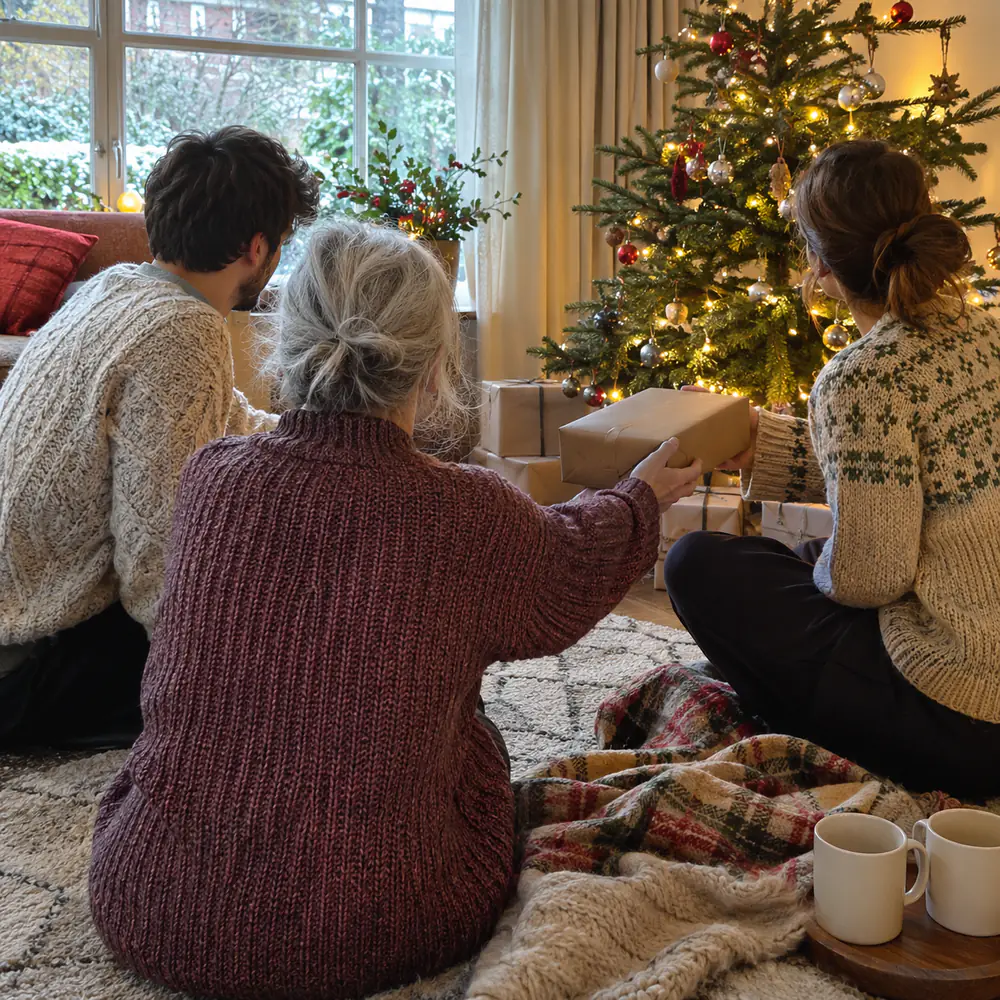
The lights are much brighter than the people in front of them. The phone sets the brightness for the lights, so faces come out as dark shapes, or it brightens the whole scene and the lights turn into white blobs. Nearly every fix comes down to the same thing: get some light on the faces, so they are closer in brightness to the lights.
The flash is the usual mistake. It lights the nearest face harshly, turns the background black and hides the lights you came to see. Turn it off.
Go at dusk, and stand in the light
The easiest time is the half hour or so after sunset, when the lights are already on and the sky is still deep blue. The sky still gives faces some light, and the photo has colour behind the lights instead of black.
Later in the evening, look for light that falls on faces: a lit shop window, a street lamp, or the display itself in front of the group rather than only behind it. Stand people a few steps in front of the lights, not against them, so the lights behind turn into soft dots and the faces stand out.
Phone settings: Night mode, no flash, tap a face
- iPhone: on iPhone 11 and later, Night mode turns on by itself in low light, and its icon at the top of the screen turns yellow. Hold still until the capture finishes, which can take a few seconds. Apple notes that turning on the flash or Live Photos switches Night mode off.
- Samsung Galaxy: in Photo mode, tap the moon icon to turn on Night mode, or choose Night under More. Samsung describes it as a mode for low light without the flash.
- Tap a face on the screen, so the phone focuses there and sets the brightness for faces. If the lights then look washed out, drag the brightness down a little.
- Don’t zoom in. Zoomed photos at night are usually softer; walk closer instead.
- Wipe the lens. A smudge turns every light into a streak or a haze.
Keep the phone still
In the dark, the phone takes longer to make each photo, so both the phone and the people need to keep still. Rest the phone on a wall, a bench or a railing, or use a small tripod; Apple suggests a solid surface or a tripod for Night mode. Ask everyone to hold their smile until the capture has finished, not only until they hear the click.
Take several in a row. At night, more photos come out slightly blurred, and you want one where everyone is sharp.
Getting everyone in front of the lights
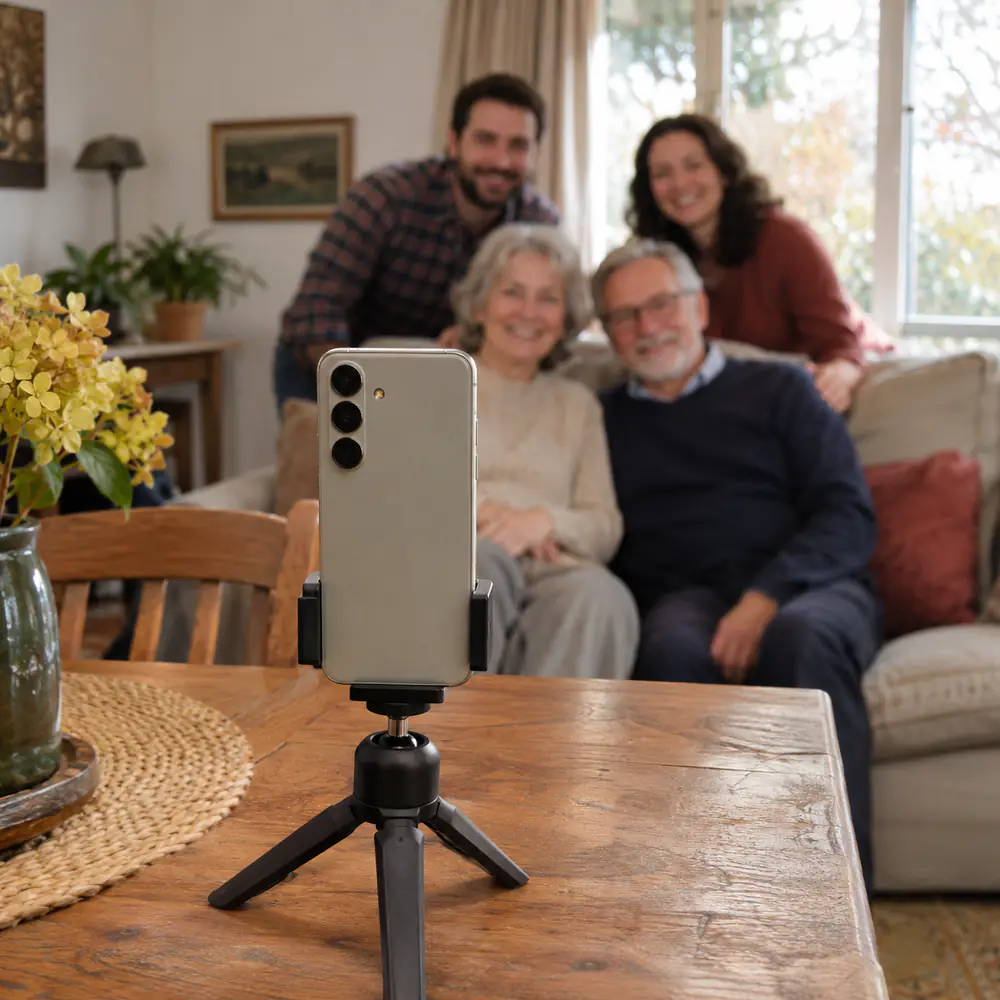
Put the phone on its steady spot, frame the group with a space for yourself, and set the camera timer. On iPhone with iOS 26 or iOS 27, the timer is in the camera controls: tap the controls button or swipe up from the camera modes at the bottom of the screen, then tap Timer. With an Apple Watch, the Camera Remote app shows what the iPhone sees and takes the photo from your wrist.
Or ask someone nearby. At a light display, other families are trying to take the same photo: offer to take theirs, and most will happily take yours.
How to use the camera timer on iPhone and AndroidIdeas for photos with the lights
- Walking under an arch or a tunnel of lights, from behind, holding hands or arm in arm.
- Faces close together, the lights as soft dots behind, taken a little closer than feels natural.
- Everyone looking up at the big tree or the display, taken from the side.
- Hands around warm drinks, scarves and hats on, with the lights glowing behind.
- At home: the tree lights on, the ceiling light off, a lamp to one side, and no flash.
Afterwards: everyone’s photos in one album
After an evening at the lights, the photos are spread over several phones: yours, the one that did the timer, a sister’s, a cousin’s. A few get sent in the family chat, smaller than they were taken; the rest stay where they are.
Lumo is a free, private family album where everyone adds the photos they took, in full quality, and everyone sees them. For an evening out or the holidays, make an event album: in the Family tab, tap your family name at the top, then New event, and share its link or QR code. Relatives add their photos from the app or in a browser at app.lumomagic.com, and they line up in the order they were taken.
How to collect photos from a group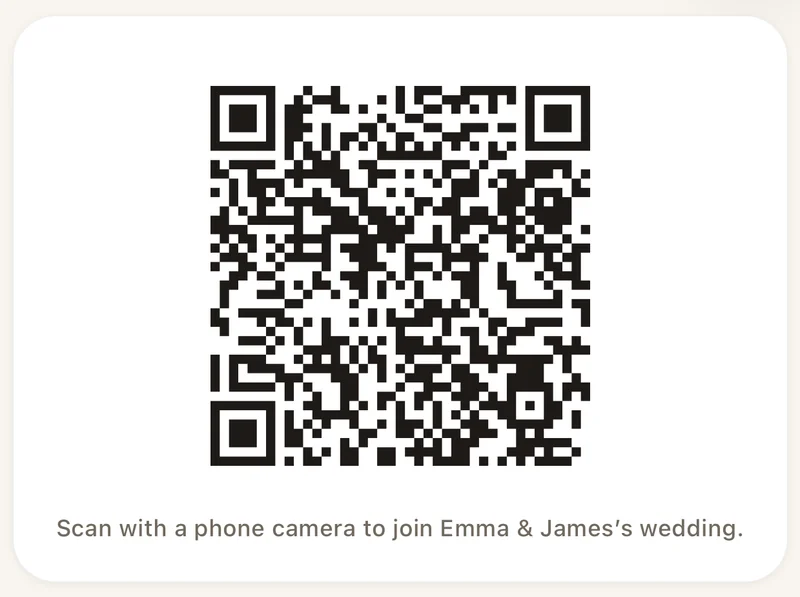
How to photograph people in front of Christmas lights
- Go at duskThe half hour after sunset, when the lights are on and the sky is still blue.
- Flash off, Night mode onLet the phone use Night mode, and keep the flash off.
- Put light on the facesA few steps in front of the lights, near a lit window, a lamp or the display.
- Steady the phone and tap a faceOn a wall or a small tripod. Tap a face to set the brightness.
- Use the timer and take severalEveryone keeps still until each capture finishes.
- Put the photos in one albumEveryone adds the photos they took, in full quality.
Questions
Should I use the flash in front of Christmas lights?
Usually not. The flash lights the nearest face harshly and turns the background dark, so the lights disappear. On iPhone, turning on the flash also switches Night mode off. Use soft light on the faces instead: a lit shop window, a street lamp, or a lamp indoors.
Why are faces dark in my Christmas light photos?
The phone sets the brightness for the bright lights. Tap a face on the screen so it sets the brightness for faces, move the group closer to a source of light, or go earlier, at dusk.
Why are my night photos blurry?
In the dark, the phone needs longer for each photo. Rest it on something steady or use a small tripod, ask everyone to keep still until the capture finishes, and take several.
How do we share the photos everyone took?
Make one album everyone adds to. In Lumo, make an event album for the evening and share its link or QR code. Everyone adds their photos in full quality, from the app or a browser, and they line up in the order they were taken.
Is Lumo free?
Yes. The family album, unlimited photos and videos, inviting family, and event albums for gatherings are all free, on iPhone, iPad and Android, and in a browser at app.lumomagic.com.
Start your family album.
Free. Private to your family. No ads, ever.