
Photo dates
Why are shared album photos out of order?
Usually because a photo lost its date taken on the way, or because the album shows photos in the order they were added. Here is how to fix a date in Google Photos and on iPhone, and how to keep the family’s photos in the order they happened.
Last updated
Lumo is a free, private family album for iPhone, iPad and Android. Send one link and the whole family can join.
Invited to a Lumo album? Open it in any web browser: app.lumomagic.com
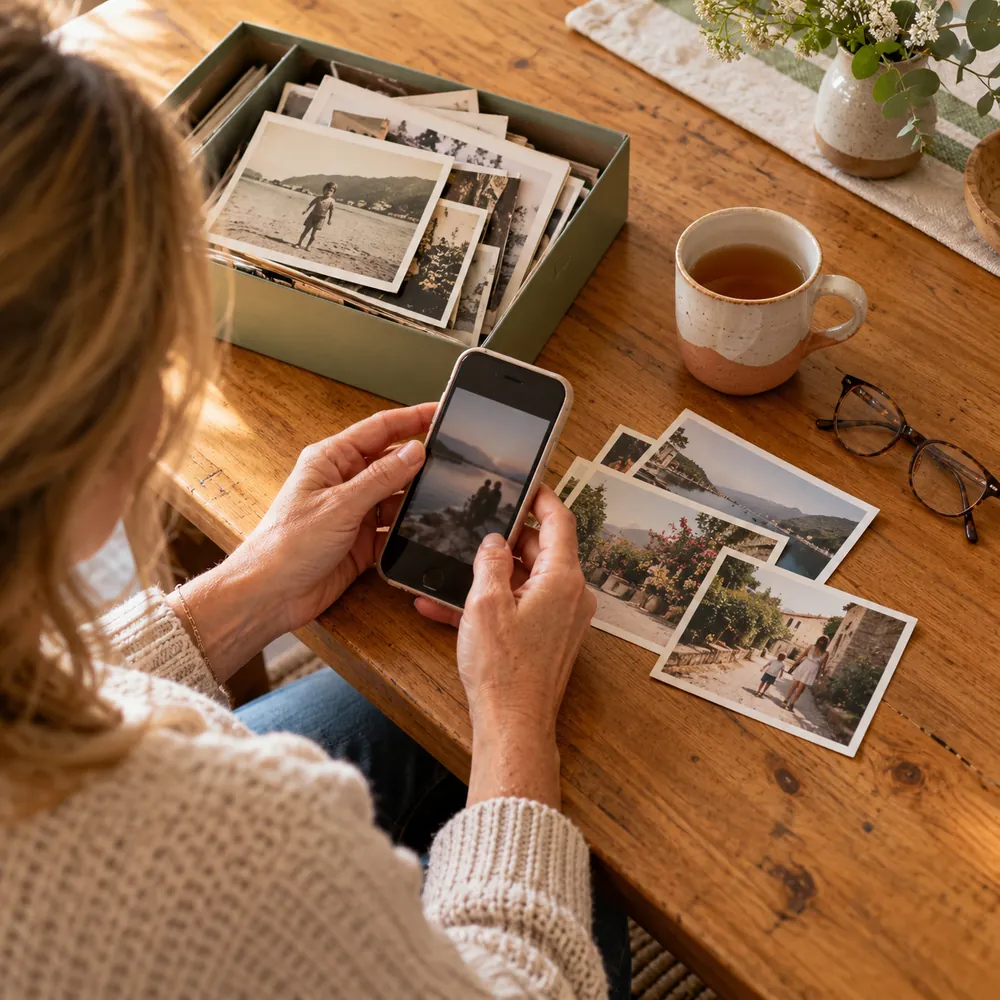
Where the date goes missing
- Photos sent through a chat app often arrive without their camera details, so they’re dated the day they were saved.
- Screenshots and downloaded copies carry the day they were made, not the day the photo was taken.
- Scans of old prints carry the day they were scanned.
- A camera with the wrong clock or time zone gives every photo the wrong date.
Google Photos
To fix a date: open the photo, tap More, then About (or swipe up), tap Edit next to the date, and save. You can only change photos you backed up, and copies already shared or downloaded may keep the old date.
If you made the album, you can choose its order: open the album, tap Edit album, then Sort by, and choose Oldest, Newest or Recently added. Only the person who made an album can change it.
iPhone and iCloud shared albums
To fix a date on iPhone: open the photo in Photos, swipe up or tap the Info button, tap Adjust next to the date, and choose the right date and time.
Shared albums made on iOS 26 or earlier show photos in the order they were added, so a photo added late appears at the end. Albums made on iOS 27 or later add new sorting options.
What changed in iOS 27 shared albumsLumo sorts by the date taken
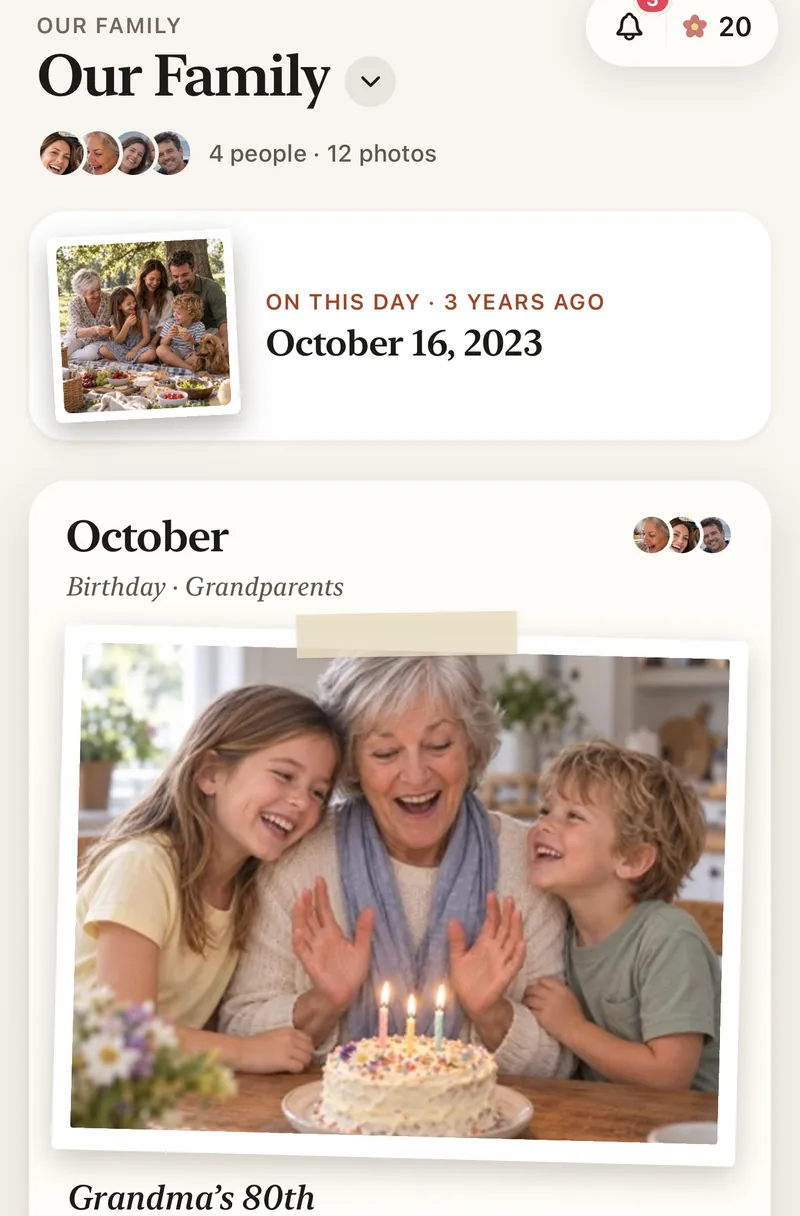
Lumo reads the date each photo was taken from the photo itself and files it under the right month, whoever adds it and whenever they add it. A photo from years ago goes back to its own year.
If a date is wrong, the person who added the photo can fix it: open the photo and choose Edit photo date. The date the camera recorded is kept with it.
Videos and Photos access
To read a video’s date, Lumo asks for access to your Photos library. If you don’t allow it, the video gets today’s date. Allow access when Lumo asks, or change the date afterwards with Edit photo date.
How to keep family photos in order
- Add the originalsFrom your Photos library, not from a chat.
- Allow Photos accessSo videos keep the date they were taken.
- Fix any wrong dateOpen the photo and choose Edit photo date.
Questions
Why are my shared album photos in the wrong order?
Most often the photos lost their date taken on the way, for example through a chat app, or the album lists photos in the order they were added.
Why does a photo show the date I saved it?
It was saved without its camera details, so the app uses the day it was saved. Add the original from the phone that took it, or change the date.
How does Lumo order photos?
By the date each photo was taken, grouped by month. The person who added a photo can change its date.
Why did my video get today’s date in Lumo?
Lumo reads a video’s date from your Photos library. If Photos access wasn’t allowed, the video gets today’s date. Open it and choose Edit photo date to fix it.
Is Lumo really free?
Yes. The album, unlimited photos and videos, inviting family, hearts and comments are all free. Lumo Pass is optional, for unlimited magic, full-length videos and saving originals. Unlimited means unlimited for everyday family use, under fair use.
Where do these steps come from?
From Apple’s and Google’s own help pages, checked in November 2026. Menus can move a little between app versions.
Start your family album.
Free. Private to your family. No ads, ever.