
Old family videos
Digitize family VHS tapes: DIY or a service?
Digitize family VHS tapes: DIY or a service? Start by checking whether the tapes play, then choose the route that suits your equipment and the work you want to take on.
Last updated
Lumo is a free, private family album for iPhone, iPad and Android. Send one link and the whole family can join.
Invited to a Lumo album? Open it in any web browser: app.lumomagic.com
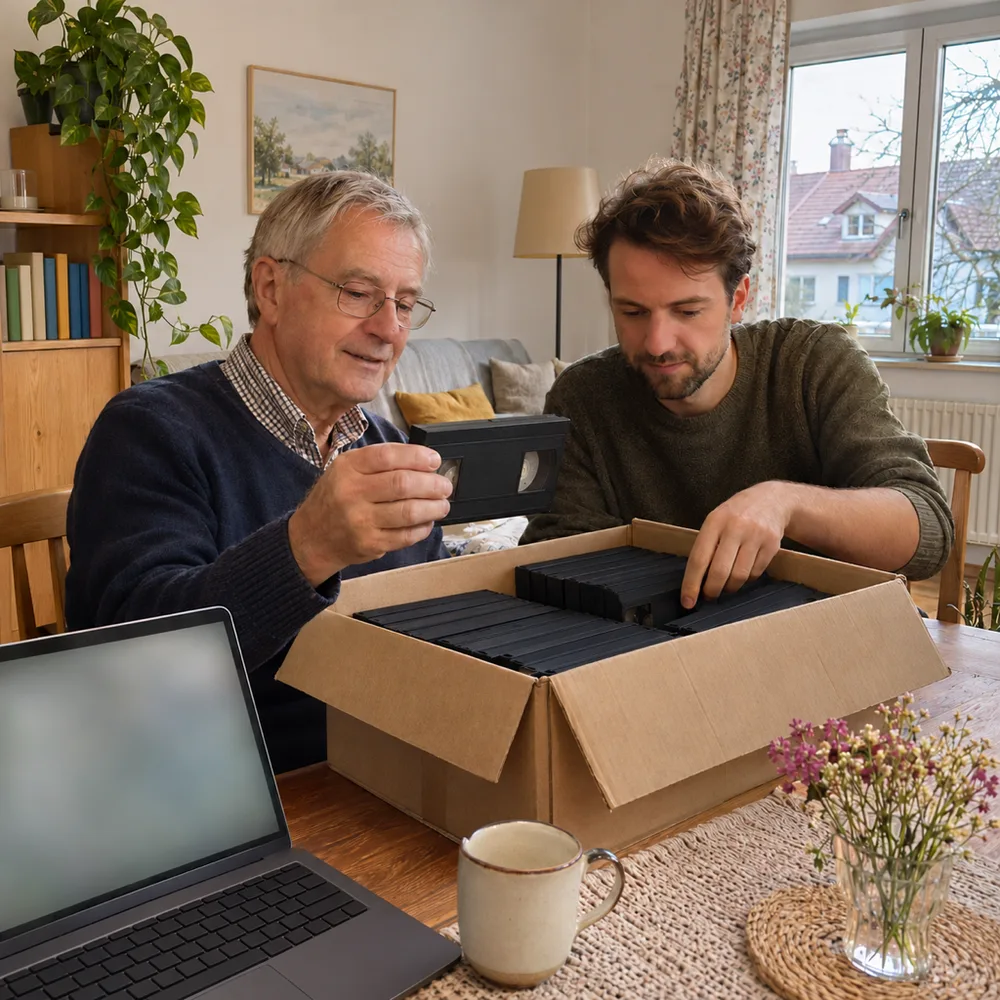
Check what is on the tapes
Read the labels and check that each tape plays in a suitable player. Note missing sound, picture problems and any uncertain dates. If a tape will not play, ask a digitizing service to assess it before trying to copy it.
Copy them yourself or use a service
Copying at home means using a player and a video-capture adapter to record onto a computer. Check that the equipment works together, and try a short recording before doing the rest. With a digitizing service, agree how you will receive the files, how playback problems are handled and how your tapes will be returned.
Play back every file and label it
Open each converted video and check the picture and sound throughout. Label the file with the known date and people; mark uncertain dates as approximate. Keep a note linking each file to its tape so you can find the source if something needs correcting.
Keep the tapes and a separate backup
Keep the original tapes and a separate backup of the checked files before sharing. If the same box contains printed photos, our guide to scanning family photo albums covers those; for the converted videos, see sharing long videos with family.
Share the converted videos with family
Lumo is a private family album on iPhone, Android and the web, where invited relatives can join and add converted videos through the web app without installing anything. It keeps originals, offers free unlimited photos and videos under fair use, and has no ads or face recognition. Optional Lumo Pass covers original downloads and full-length video playback; Lumo does not digitize tapes or provide a full phone backup.
Check a tape, make a file, inspect it
- Check the tapesRead the labels, check playback and note any picture or sound problems.
- Choose how to copyTry a short recording with a player and capture adapter, or agree the file delivery and tape return with a service.
- Review and keep copiesPlay each file, label it with dates and people, and keep the tapes plus a separate backup before sharing.
Questions
Should I copy the tapes myself or use a service?
Choose home copying if you want to set up a player and capture adapter and check the recordings yourself. Ask a service about file delivery and tape return if you prefer to hand over the conversion.
What should I check in each converted file?
Play it back and check the picture and sound throughout before considering the copy complete.
How should I name the files?
Use the known date and people, mark uncertain dates as approximate, and keep a reference to the original tape.
Should I keep the tapes after conversion?
Keep the tapes as well as a separate backup of the checked video files.
Start your family album.
Free. Private to your family. No ads, ever.