
Your wedding website
Let guests add their photos from your wedding website.
- Free
- Guests don’t need the app
- Full-quality photos and videos
- The album never expires
To let guests add their photos from your Zola, The Knot or Joy wedding website, make a free event album in Lumo, copy its invite link and paste it into a text block on a page guests visit, with a line such as “Add your photos here”. None of the three accepts custom code, so a link is the way to do it. Invite links work for 30 days, so add it in the month before the wedding.
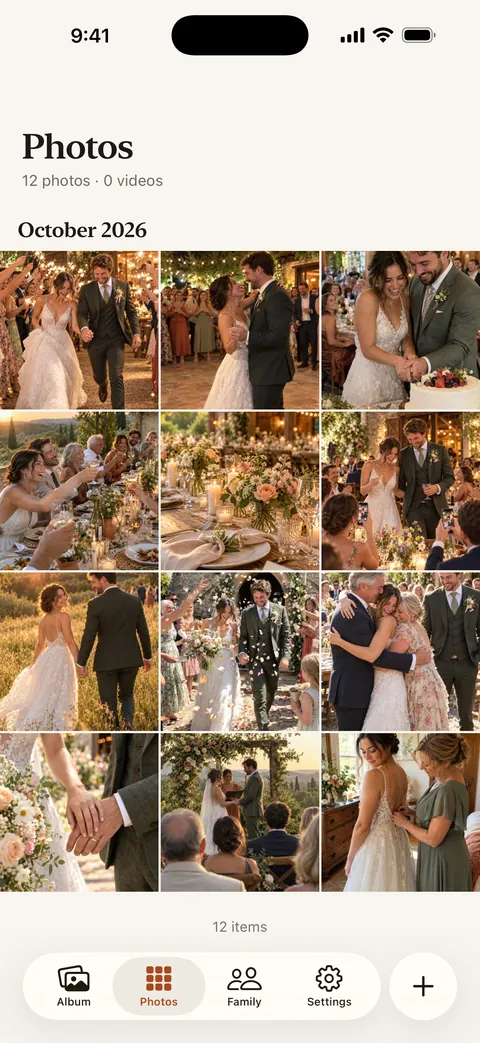
Lumo is a free, private family album for iPhone, iPad and Android. Send one link and the whole family can join.
Invited to a Lumo album? Open it in any web browser: app.lumomagic.com

Get the link
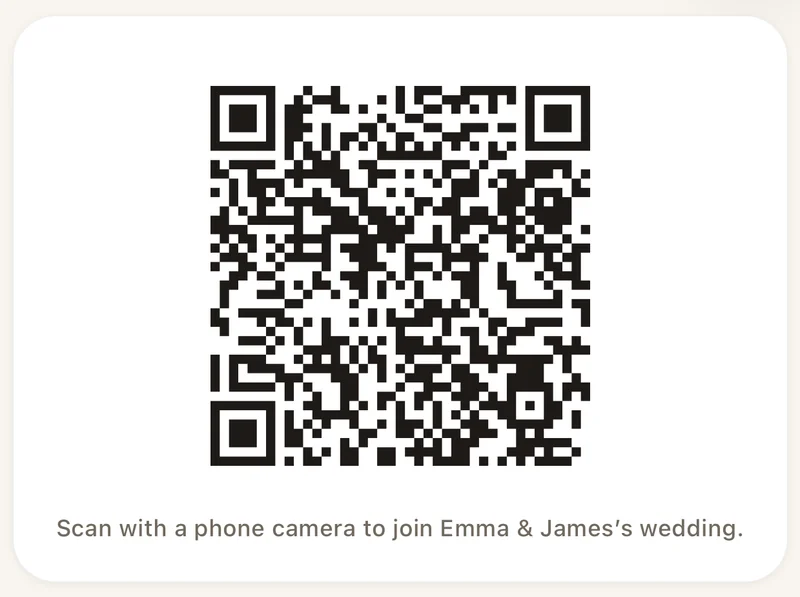
In Lumo, open the Family tab, tap your family name at the top, then New event, and name it, for example “Anna & Ben’s wedding”. Tap Invite, then Copy link.
Invite links and their QR codes stop working after 30 days; the album itself never expires. So add the link to your website within a month of the wedding, and if you add it earlier, make a new link and swap it in nearer the day.
Zola
Zola doesn’t offer custom pages, so put the link on a page you already have, such as your FAQs or your schedule. Add a text block or a button there, paste the link and give it a clear label.
The Knot
Open a page guests visit, such as a custom page, your FAQ or your schedule, and add a text block. Paste the link with a clear label; The Knot’s help center explains adding a hyperlink to your wedding website.
Joy
From your event dashboard, open Website and choose + Add New Page, and call it “Photos”. Click + Add Content, add a text block, and use the link button in the toolbar to link your words to the album.
What to write next to it
Say where the photos go and that it’s private, for example: “Add your photos and videos from the day to our wedding album. It opens in your browser or the free Lumo app, and only our guests can see it.”
Then publish, open the page on your phone, tap the link and check it opens the invite.
On the day
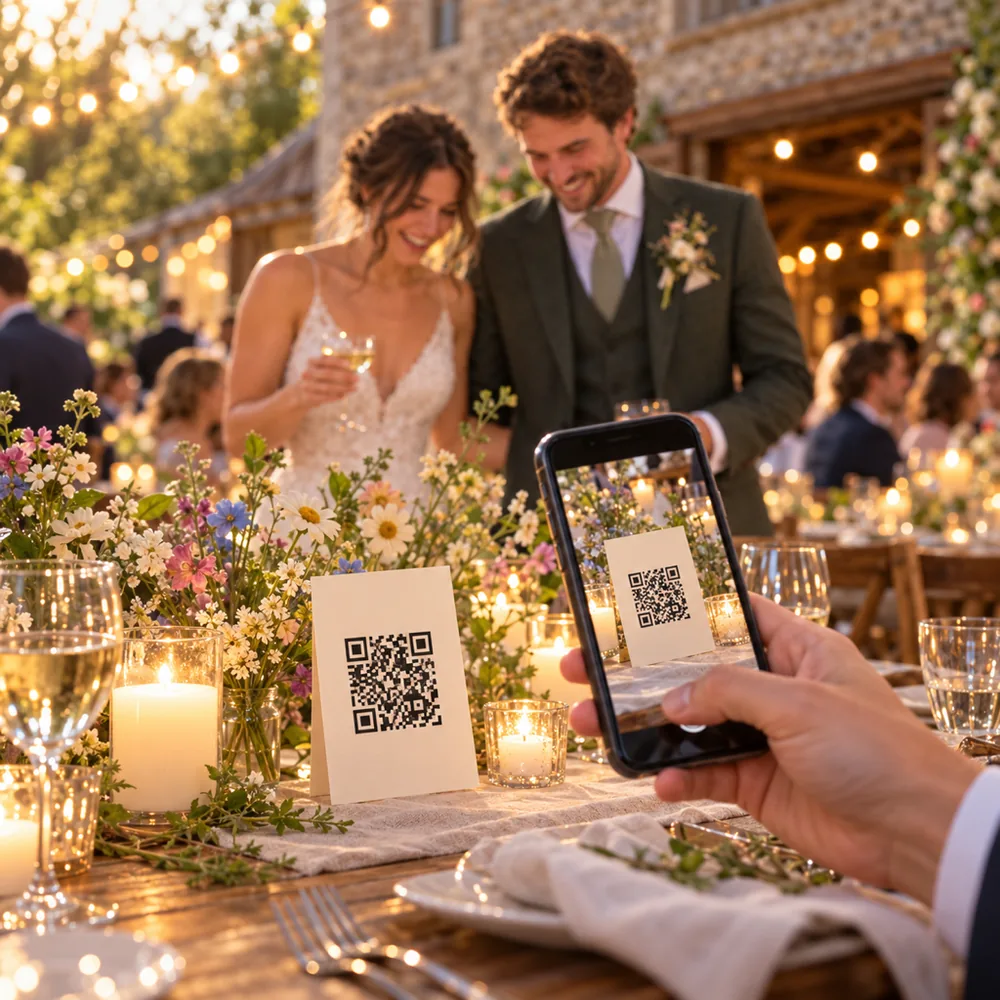
Most photos are taken at the reception, so put the same event’s QR code on the tables too. Both lead to the same album.
How to set up a wedding photo QR codeHow to add guest photo sharing to your wedding website
- Make an eventIn Lumo, open the Family tab, tap your family name at the top, then New event.
- Copy the linkTap Invite, then Copy link.
- Paste it on your websiteIn a text block on a page guests visit, with a clear label.
- Publish and testOpen the page on your phone and tap the link.
Questions
Can I embed the album on my wedding website?
Zola, The Knot and Joy don’t accept custom code, so add a link instead. Guests tap it and land on the invite for your event.
Zola has its own guest camera. How is Lumo different?
Zola’s Disposable Camera gives each guest a set number of shots and reveals the gallery when the couple chooses. Lumo is an album: guests add any photos and videos from their phone, in full quality, and everyone sees them straight away.
Why does the link stop working?
Every Lumo invite link stops working after 30 days, so an old link can’t be passed around for ever. The album never expires. Make a new link and update your website if it runs out.
Do guests need to install an app?
No. Guests can scan the code or open the link and choose “Continue in your browser” to join at app.lumomagic.com, signed in with Apple, Google or email. The free app for iPhone, iPad and Android works too.
How many guests can join?
Each link or QR code works for up to 500 people. Make another if you need more.
Is it free?
Yes. Event albums are free: unlimited photos and videos for everyone you let in, in the app or in a browser at app.lumomagic.com.
Start your family album.
Free. Private to your family. No ads, ever.