
iPhone shared albums
iOS 27 shared albums: what changed, and what it costs.
Short answer: yes, for the owner. Shared albums made on iOS 27 or later count toward the iCloud storage of the person who made them, including every photo and video other people add. Albums made on iOS 26 or earlier don’t, and neither do temporary shared albums. Here is what changed and how to choose.
Free on iPhone, iPad and Android. Private to your family.
No app? Open your album in any web browser: app.lumomagic.com

What’s new in iOS 27
Apple rebuilt shared albums in iOS 27, iPadOS 27 and macOS 27. For albums made there:
- Photos and videos are kept in their original format, at full resolution.
- Up to 100 people per album, including the owner.
- People can join from a link on the web, even without an Apple device or Apple Account.
- Emoji reactions, filters and sorting, and an option to approve who joins.
- iCloud Photos has to be turned on to make and use these albums.
The catch: the owner’s iCloud storage
Everything in a new shared album counts toward the iCloud storage of the person who made it, including photos and videos that others add. There’s no limit on the number of photos beyond that storage.
iCloud gives 5 GB free. A busy family album at full resolution fills that quickly, and then it’s a monthly iCloud+ plan for whoever owns the album.
Older albums and temporary albums
Albums made on iOS 26 or earlier keep the old rules: they don’t use anyone’s storage, but they hold up to 5,000 photos and videos, photos are reduced to 2048 pixels on the long side, and videos to 720p.
iOS 27 also has temporary shared albums: turn on Make Album Temporary when you create one. They don’t count toward iCloud storage, hold up to 5,000 photos and videos, and are deleted after 30 days, which suits a weekend away more than a family album.
iCloud shared album full? What to doA family album that uses nobody’s storage
Lumo keeps your family’s photos and videos in full quality in one private album, free and unlimited for everyday family use, under fair use. Nothing counts toward anyone’s iCloud or Google storage.
It works the same on iPhone, iPad and Android, so the whole family adds to one album, and it never expires.
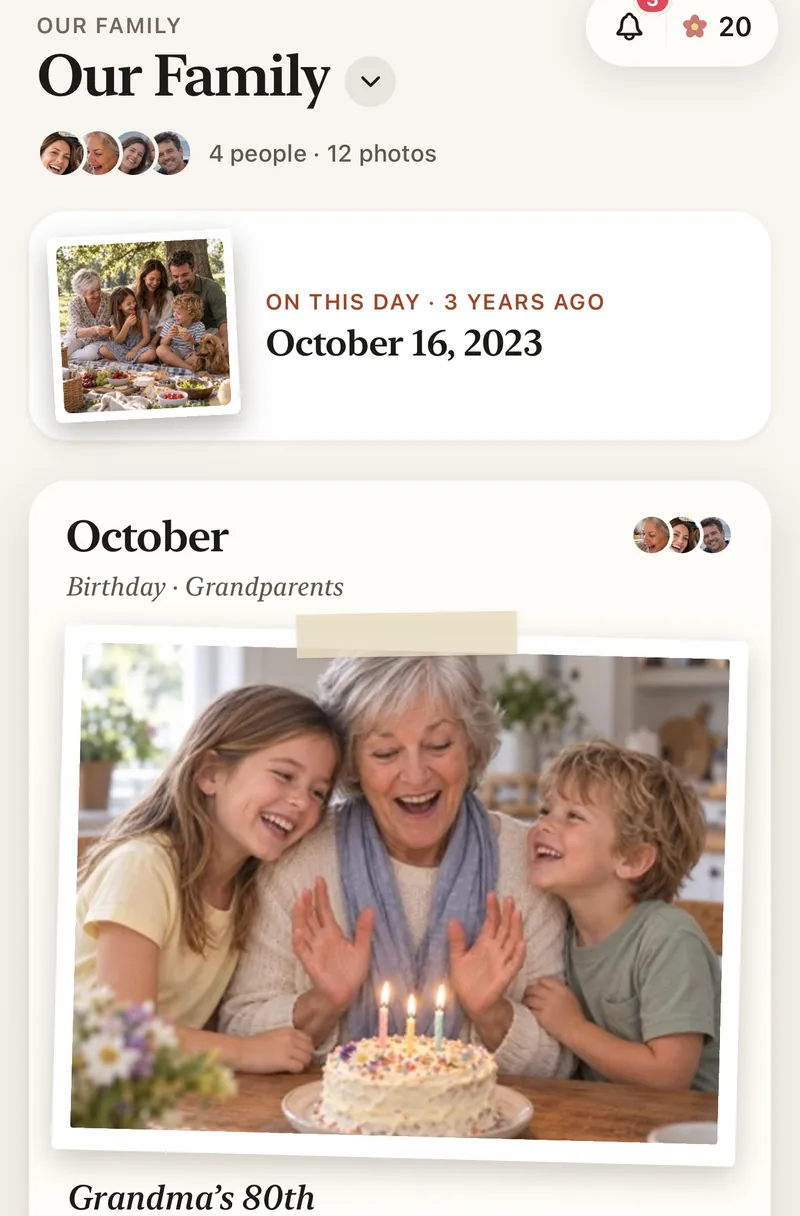
Choosing a shared album on iOS 27
- A weekend or one eventA temporary shared album: free, gone after 30 days.
- A small album you’ll keepA new shared album, if the owner has iCloud storage to spare.
- The family album, for yearsOne that doesn’t use anyone’s storage, like Lumo.
Questions
Do iOS 27 shared albums count toward iCloud storage?
Yes, for the person who made the album. Everything in it counts toward their storage, including what others add. Temporary shared albums don’t count.
Do my old shared albums now use my storage?
No. Albums made on iOS 26 or earlier keep the old rules: no storage used, up to 5,000 photos and videos, and smaller photos.
Can family on Android join an iOS 27 shared album?
Yes. Albums made on iOS 27 or later can be joined from a link in a web browser, without an Apple device.
How do I make a temporary shared album on iOS 27?
In Photos, tap Collections, scroll to Shared Albums and tap it, then tap Add. Name the album, pick some photos and turn on Make Album Temporary. iCloud Photos doesn’t need to be on for a temporary album.
Is Lumo really free?
Yes. The album, unlimited photos and videos, inviting family, hearts and comments are all free. Lumo Pass is optional, for unlimited magic, full-length videos and saving originals. Unlimited means unlimited for everyday family use, under fair use.
Where do these steps come from?
From Apple’s and Google’s own help pages, checked in November 2026. Menus can move a little between app versions.
Start your family album.
Free. Private to your family. No ads, ever.