
Share wedding photos with family
Everyone’s photos from the day.
The photographer’s, yours, and everyone else’s, in one album.
- Free
- Guests don’t need the app
- Full-quality photos and videos
- The album never expires
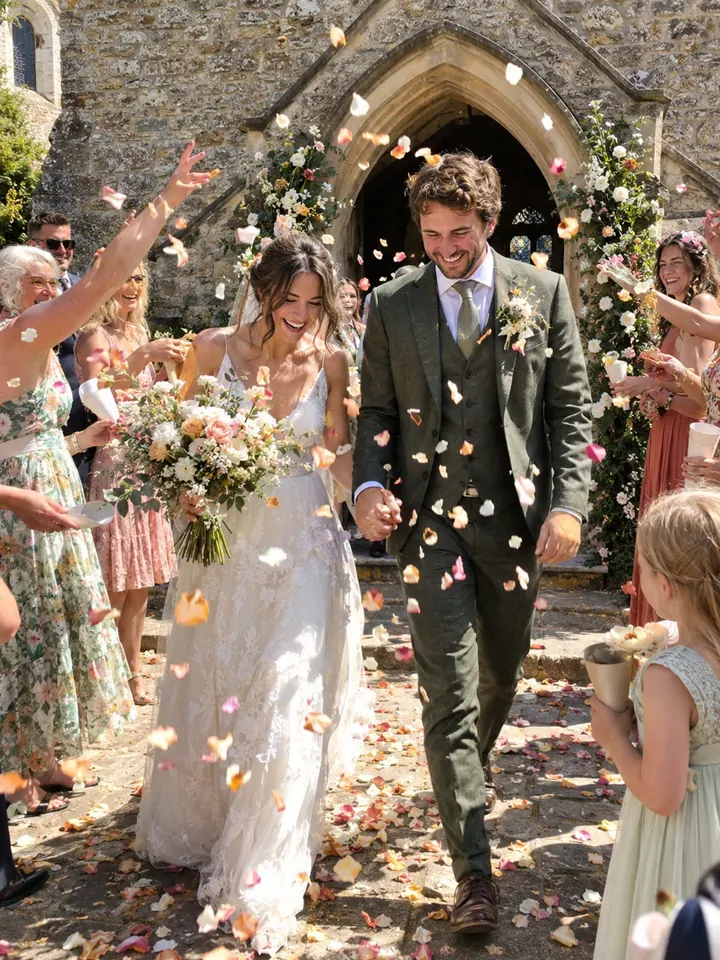
After the wedding
Where wedding photos end up
The professional gallery sits behind a download link, a few photos go to social media, and the rest stay on guests’ phones. The ceremony video is too big for a group chat. The people who would treasure it most, often grandparents and family far away, see the least.
- The photographer’s galleryBehind a download link
- Social mediaA few favourites
- Guests’ phonesEverything else
- The ceremony videoToo big for the group chat
Step by step
A wedding album inside the family album
In Lumo, make an album called “Our wedding” inside your family album. Add the photographer’s photos, your own, and the ones family took on their phones. Everyone sees them in order, from getting ready to the last dance, with hearts and comments beside each one.
- 1
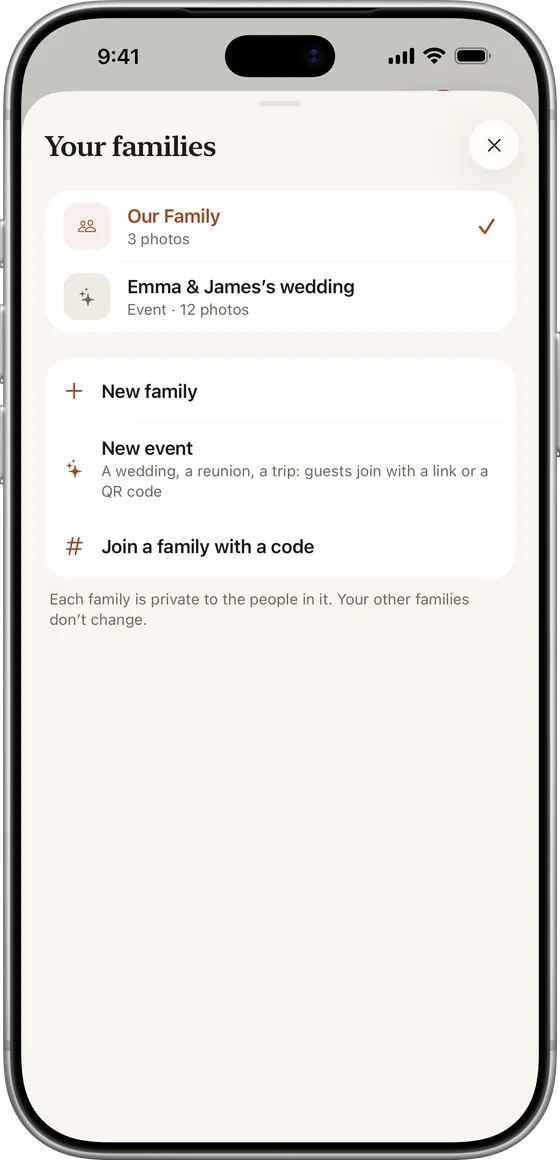
Start a family album
Free, on iPhone, iPad or Android.
- 2
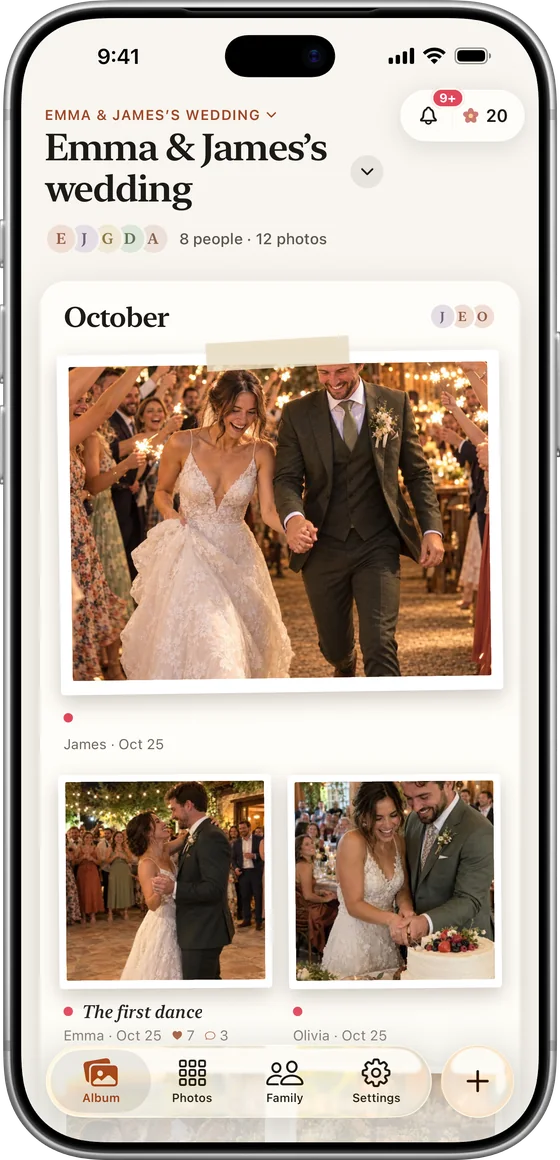
Make an “Our wedding” album
Tap Albums, then New album.
- 3
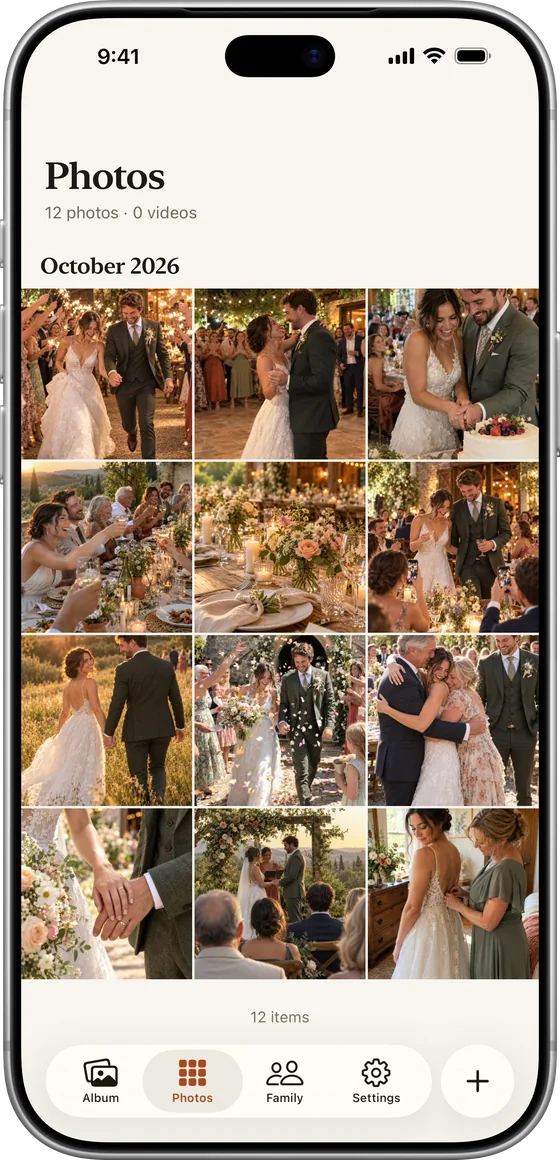
Add the photos and videos
The photographer’s gallery, your phone, and family’s phones.
- 4
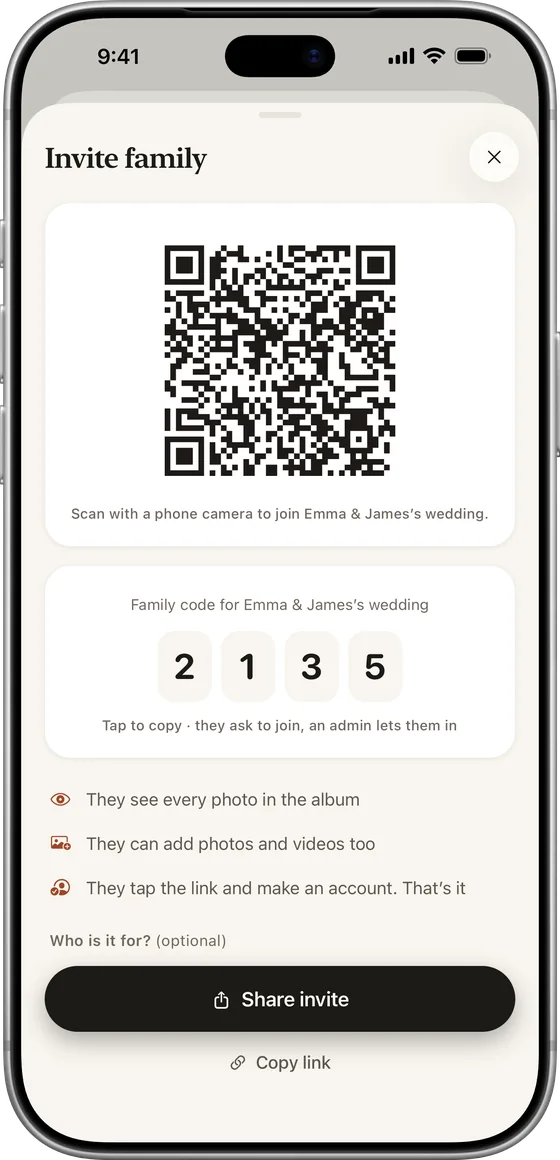
Invite the family
Grandparents tap a private link, or type your 4-digit family code.
The photos stay in the family album too, next to everything that came before and after.
Far away
For everyone who couldn’t make the trip.
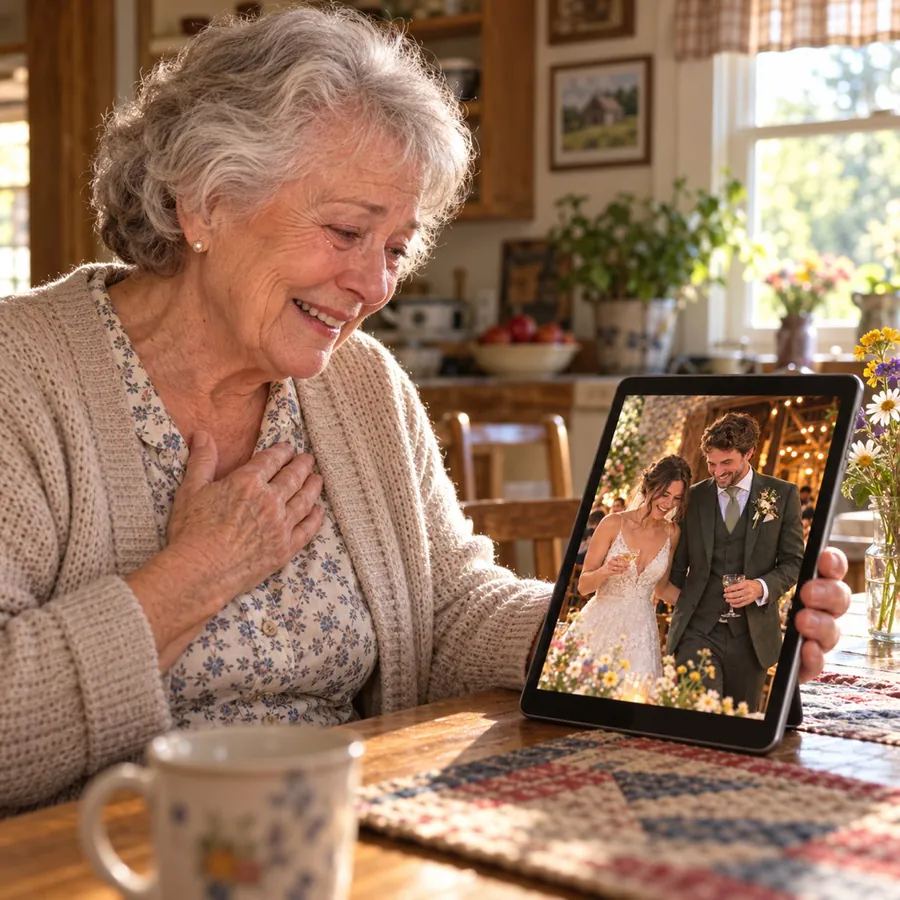
The photographer’s gallery arrives weeks later, everyone’s photos are on their own phones, and Grandma couldn’t make the trip. A private family album puts it all in one place, with the ceremony video kept whole.
- Every photo, the moment it’s added
- Hearts and comments beside each one
- A private link or a 4-digit family code to join
Full length
The ceremony video, kept whole
Vows and speeches run long. Lumo keeps each video whole, up to 3 GB. The family can watch the first minute free, and Lumo Pass plays every video in full for the whole family.
Sharing long videos →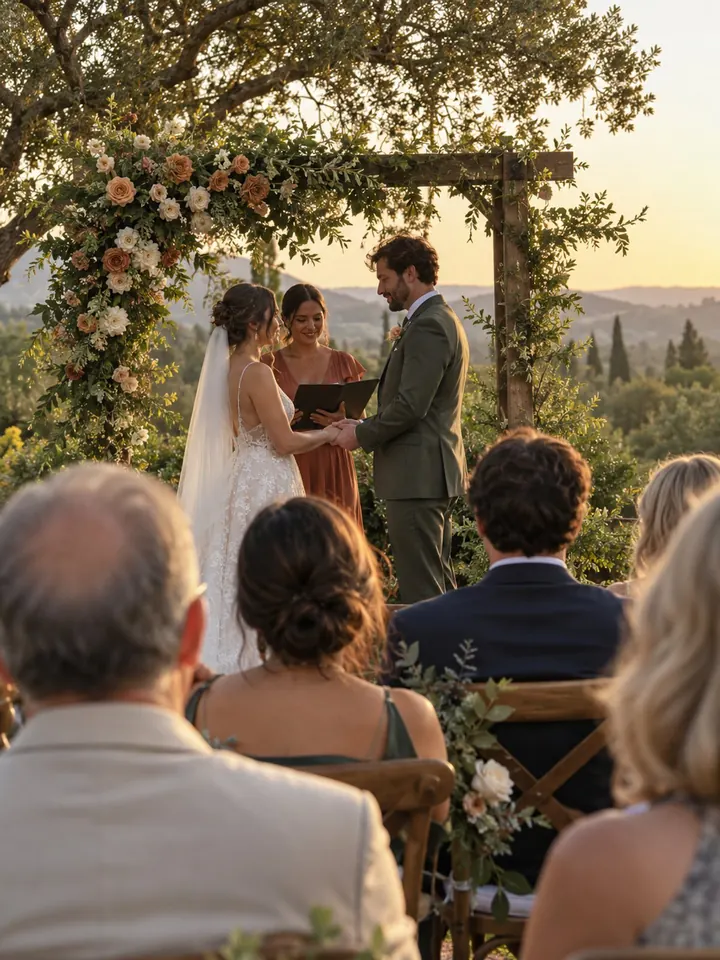 The ceremony Kept whole
Lumo Magic
Thank-you cards from your own photos
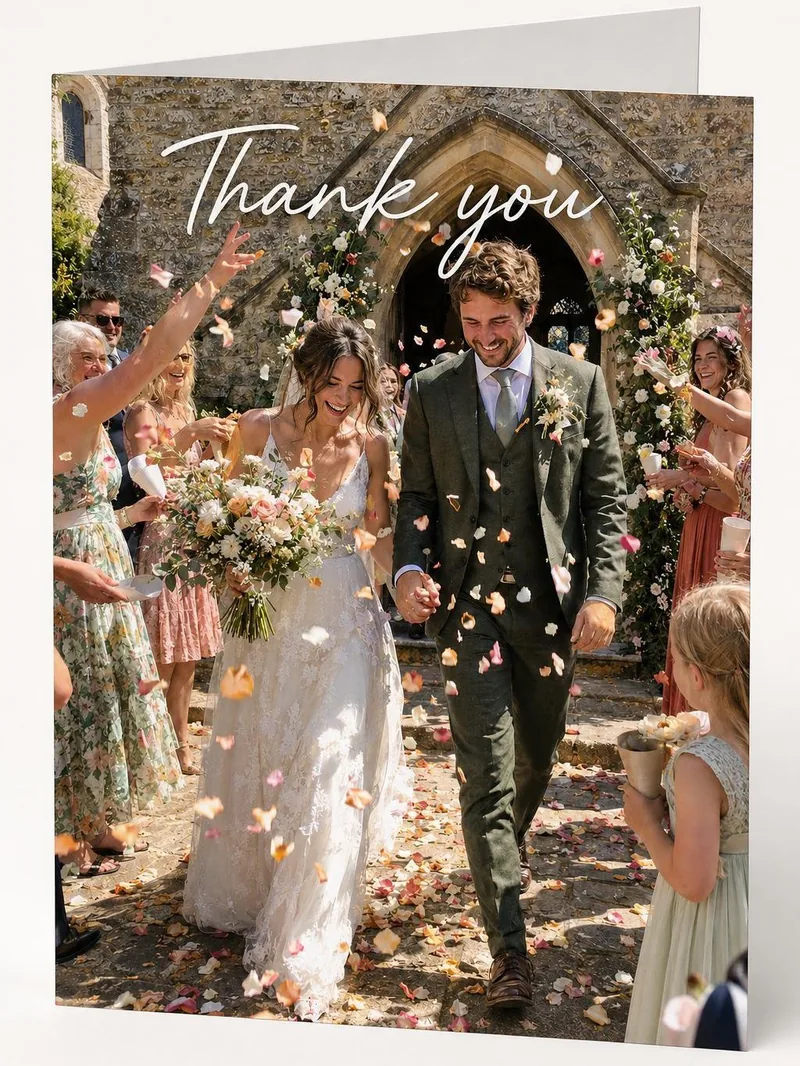
Lumo Magic turns a wedding photo into a thank-you card, a postcard or a watercolor painting in one tap, with no prompt to write. It runs only when you ask, and the original photo stays as it was.
Make cards from family photos →
Private, and free
Private, as a wedding should be
Only the family you invite can see the album. Nothing is public, there are no ads, and photos are encrypted in transit and at rest. To send one photo to a friend, make a single-photo link: it opens for 45 minutes, then shows only a small preview.
Free
No fee for the album, and no limit on photos or videos.
Easy for everyone
Grandparents tap a link, or type the family code.
Only your family
No ads, no public links, no followers.
Never expires
Come back to the wedding any time, for years.
Questions
Sharing the day
Can family add their own photos from the day?
Yes. Everyone in the family album can add photos and videos from their phone. Friends can send you theirs, and you add the ones you love.
Do photos keep their full quality?
Yes. Lumo keeps the original file of every photo, and every video whole, up to 3 GB each. Everyone sees a sharp viewing copy, and with Lumo Pass the family can download the originals.
Does Lumo use AI on our photos?
Only when someone in your family asks. Lumo Magic runs when someone taps it on a photo: that one photo is sent to OpenAI or Google to make the new picture, which is saved next to the original. The rest of the album isn’t sent anywhere for AI, and the original stays exactly as it was. More in our privacy policy.
How does Lumo keep our photos safe?
Photos are encrypted in transit and at rest, and only signed-in members of your family album can open them. Invite links stop working after 30 days, a family code only asks to join, and you can turn the code off or remove someone at any time. There are no ads, and we don’t sell your data.
Is Lumo really free?
Yes. The album, unlimited photos and videos, inviting family, hearts and comments are all free. Lumo Pass is optional, for unlimited magic, full-length videos and saving originals. Unlimited means unlimited for everyday family use, under fair use.
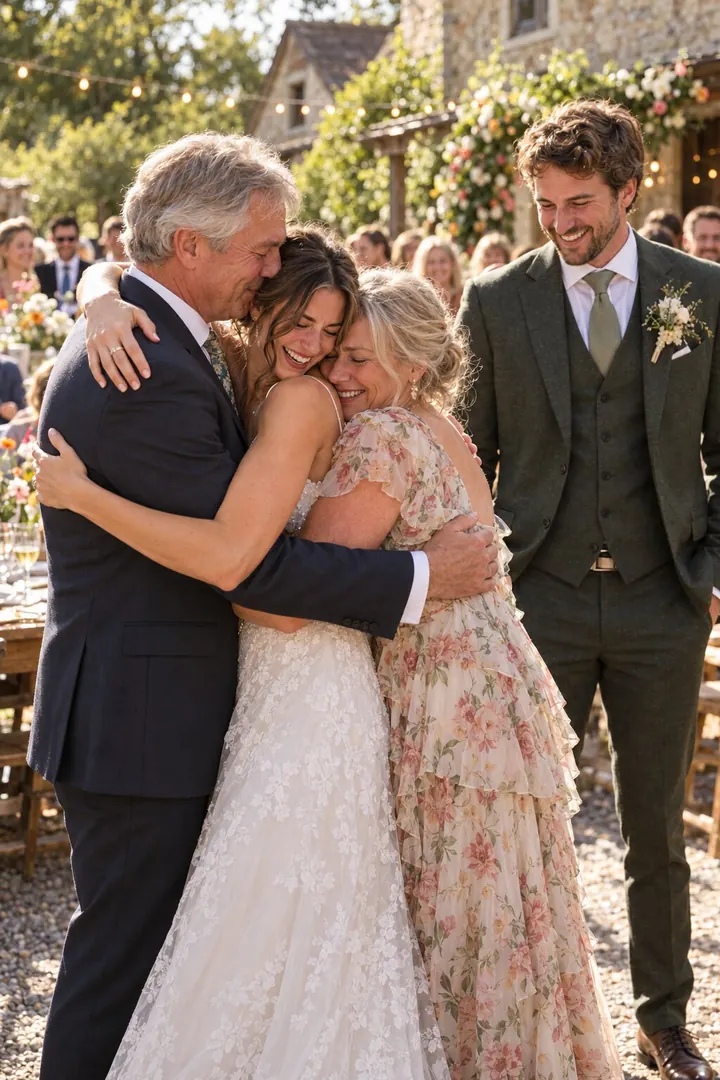

Share the wedding with your family.
The photographer’s gallery arrives weeks later, everyone’s photos are on their own phones, and Grandma couldn’t make the trip. A private family album puts it all in one place, with the ceremony video kept whole.
Grandma RoseI watched the vows three times.