
Sharing pet photos
Your pet’s photos, shared with the whole family.
To share pet photos with the whole family, keep one private family album that everyone can open, and give your pet its own album inside it, named after them. Everyone adds photos from their own phone or a browser, and the pet’s photos stay in the family album too. Going away? A separate small album for the pet sitter keeps the rest of your photos to yourselves.
Last updated
Lumo is a free, private family album for iPhone, iPad and Android. Send one link and the whole family can join.
Invited to a Lumo album? Open it in any web browser: app.lumomagic.com
Why the dog’s photos get lost in the family chat
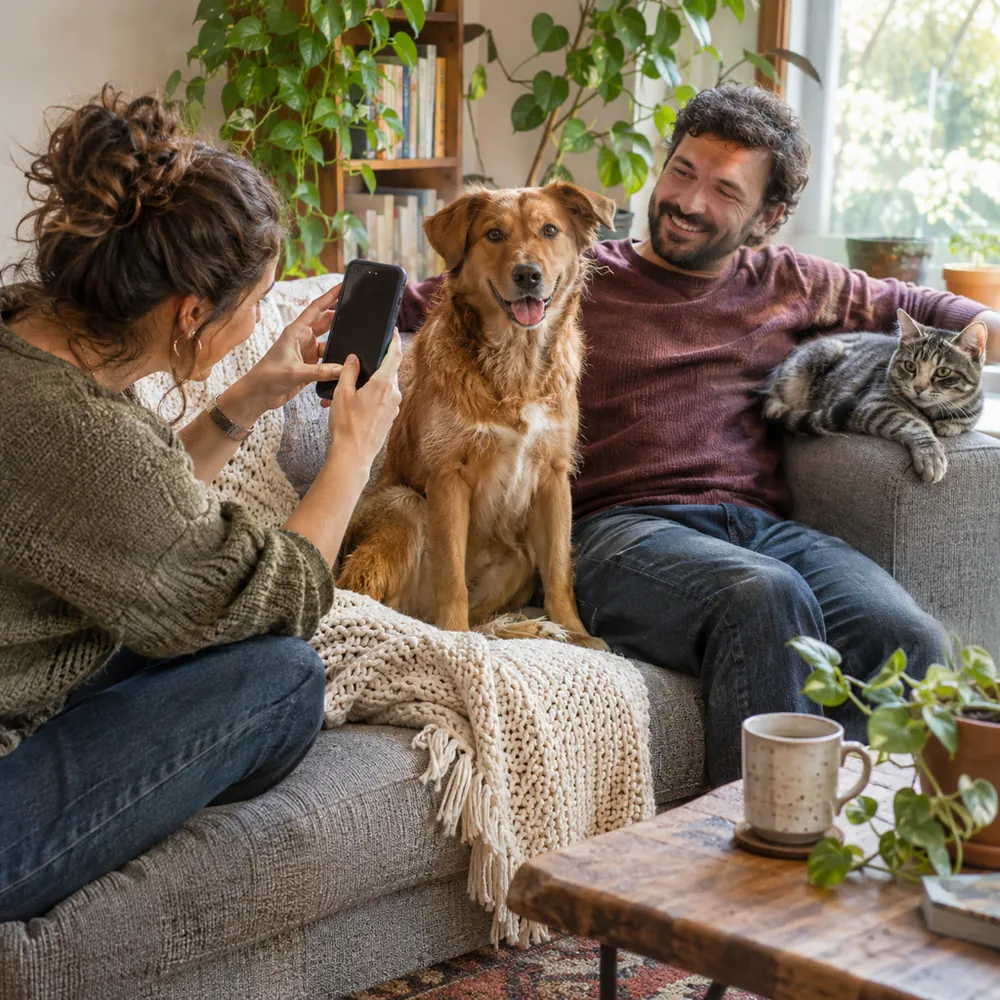
The dog in the snow, the cat asleep in the laundry basket: pet photos are often the ones the whole family enjoys most, from the cousins to the grandparents. In a group chat they scroll away under the day’s messages, and they are often sent at lower quality than they were taken.
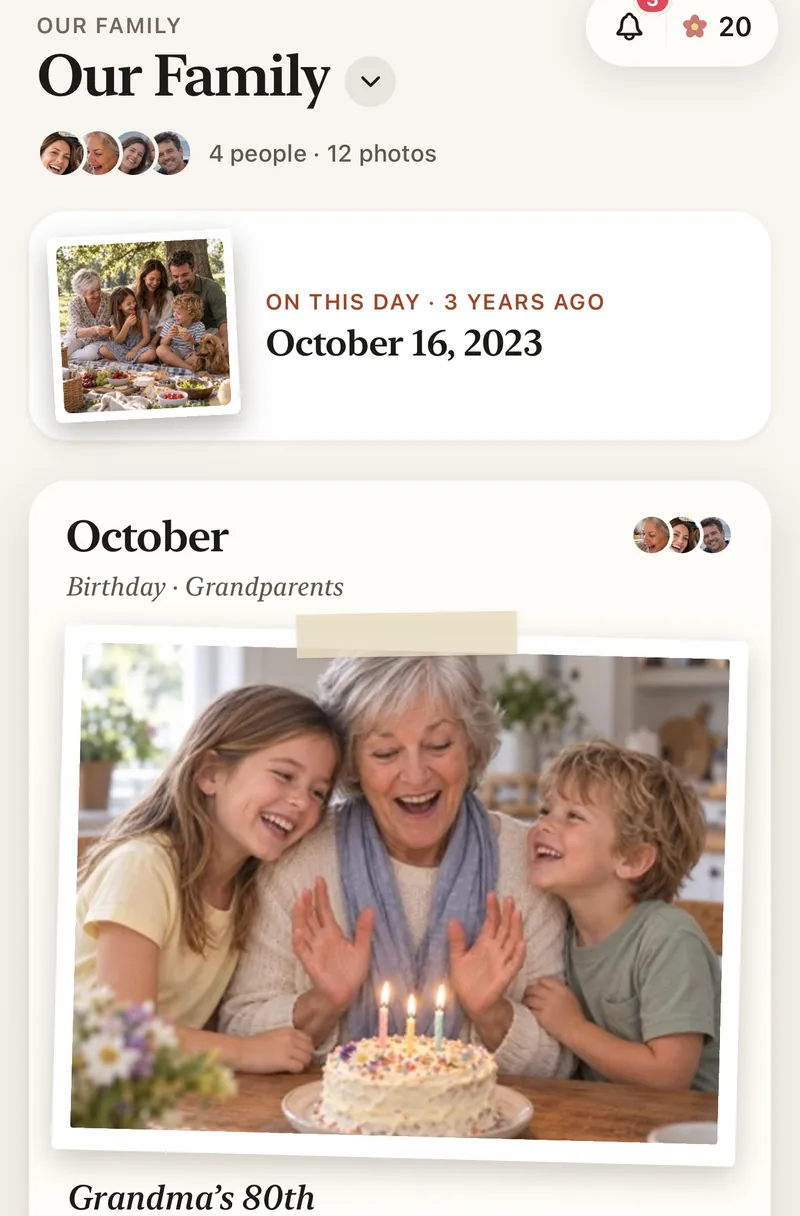
A shared family album keeps them in one place, in order, with everyone you invite.
Give your pet its own album
In Lumo, tap Albums, then New album, and name it after your pet: “Mochi”, “Biscuit” or “The cats”. Add photos to it when you add them to Lumo, or later from the family album.
The photos in Mochi’s album stay in the family album as well, next to the trips and birthdays they belong with. Nobody has to choose where a photo goes, and nothing shows up twice.
You add the photos; Lumo doesn’t go looking
Lumo doesn’t scan your photos for pets or faces. A photo is in Mochi’s album because someone in the family put it there, so there is nothing to train and nothing to correct. Tags such as Walks or Beach help you find a photo again.
A photo app without face recognitionEveryone adds from their own phone
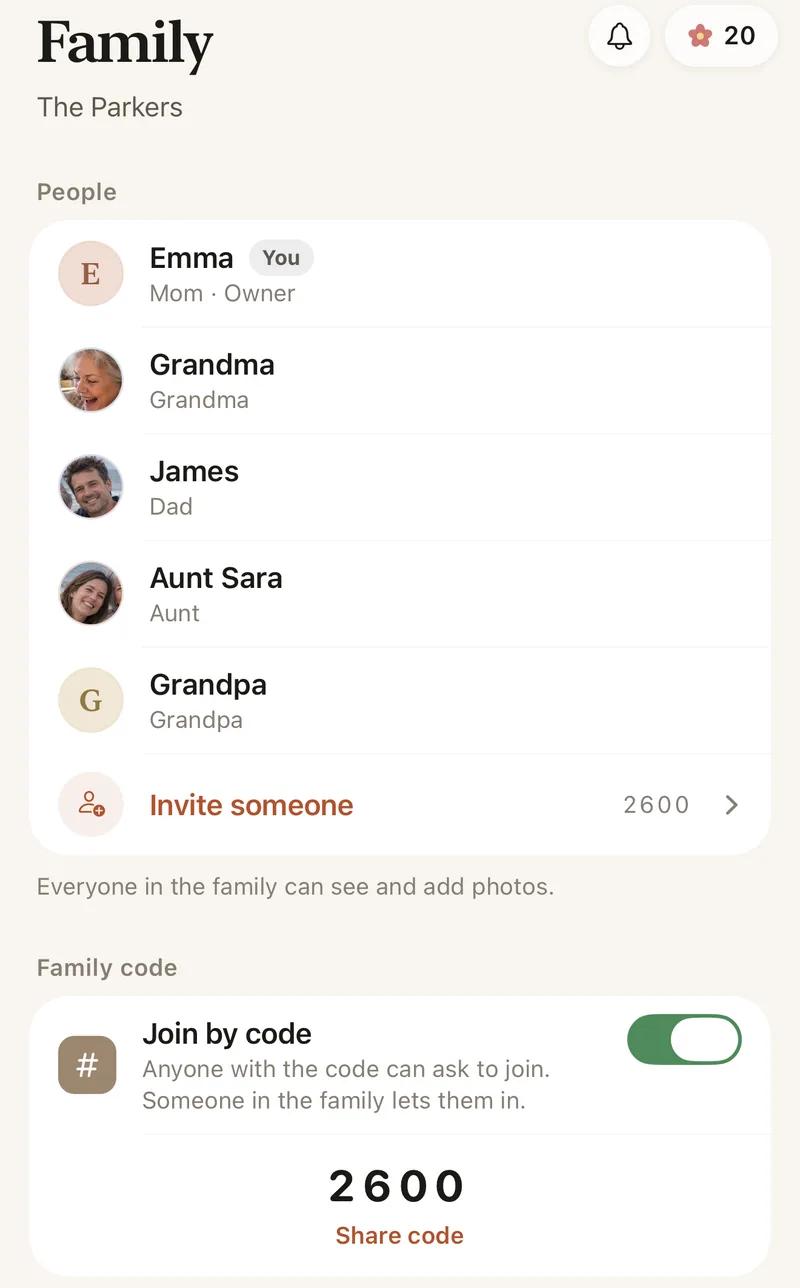
Invite the family with a private link or your 4-digit family code. Each person adds photos and videos from iPhone, iPad or Android, or signs in at app.lumomagic.com in a browser. Photos already in the album are skipped, so the same walk doesn’t appear three times.
Hearts and comments sit right beside each photo, so the family can join in without a busy group chat.
While you’re away: photos from the pet sitter
Anyone who joins your family album sees all of it: every photo, from every year. That is right for family, but usually not for a pet sitter or the neighbour who feeds the cat.
The honest setup is a second, small family just for the trip. Open the Family tab, tap your family name at the top, then New family, and call it something like “Mochi this week”. Send the sitter an invite link. They can open it in a browser and add photos without installing anything, though they do sign in with Apple, Google or email. Invite anyone at home who wants to see the updates too.
- The sitter sees only what is added to the small family
- Your main family album stays private to the family
- Photos in the small family stay there: they don’t move into your main album by themselves
When you’re home again
Save the photos you want to keep to your phone, then add them to the family album and to Mochi’s album. Remove the sitter from the small family and they can no longer open it. Keep the small family for the next trip, and send a new invite link when you need one.
How to share pet photos with the family in Lumo
- Start a family albumFree, on iPhone, iPad or Android.
- Give your pet an albumTap Albums, then New album, and use their name.
- Invite the familyWith a private link or your 4-digit family code.
- Add photos as they happenEveryone adds from their own phone or a browser.
Questions
Does Lumo find my pet’s photos by itself?
No. Lumo doesn’t scan photos for pets or faces. You and your family choose which photos go in your pet’s album.
Will a photo show up twice, in the family album and the pet’s album?
No. Your pet’s album shows photos that are in the family album, so each photo is there once, with its hearts and comments.
Can a pet sitter see our family photos?
Only if you invite them into your family album. For a sitter, make a separate small family for the trip: they see only what is added there, and you can remove them when you’re back.
Does the pet sitter need the app?
No. They can open the invite link in a browser and add photos at app.lumomagic.com. They do sign in, with Apple, Google or email, so only people you invited can open the album.
Can we have an album for each pet?
Yes. Make one album for each pet, or one for all of them. A photo can be in more than one album.
Is Lumo free?
Yes. The album, unlimited photos and videos, inviting family, hearts and comments are free, for everyday family use under fair use. There are no ads.
Start your family album.
Free. Private to your family. No ads, ever.