
Wedding photo sharing app
The vows, from the third row.
Your photographer gets the big moments. Your guests get everything else.
- Free
- Guests don’t need the app
- Full-quality photos and videos
- The album never expires

On the day
Set it up in a minute. Your guests do the rest.
Make an event in Lumo for the wedding and show its QR code on table cards, the program or a sign. Guests scan it with their phone camera and join, in the free app or straight in their browser.
- 1
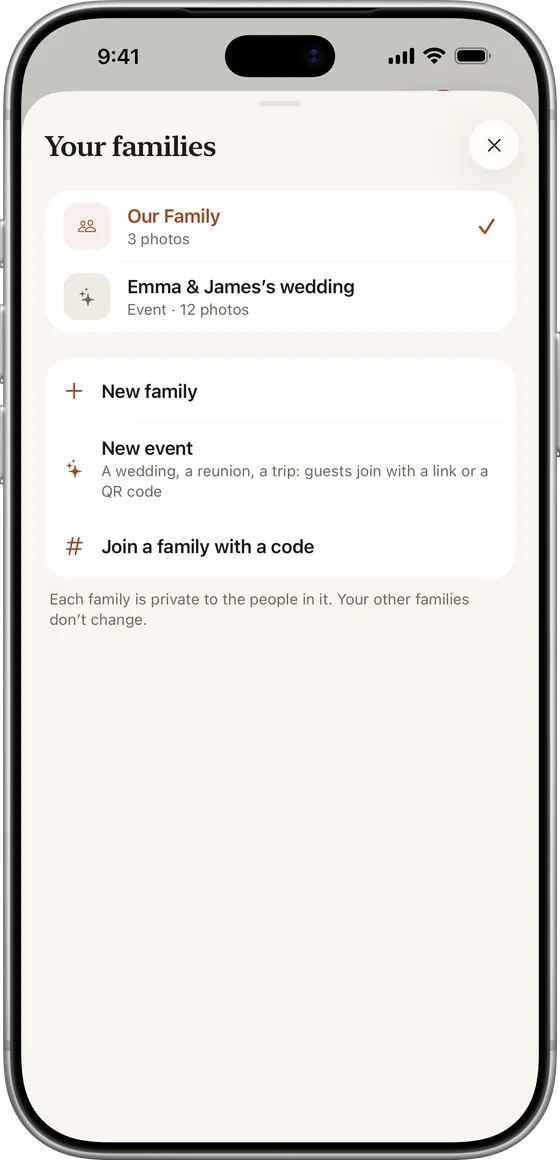
Make an event
In Lumo, tap your family name, then New event, and name it.
- 2
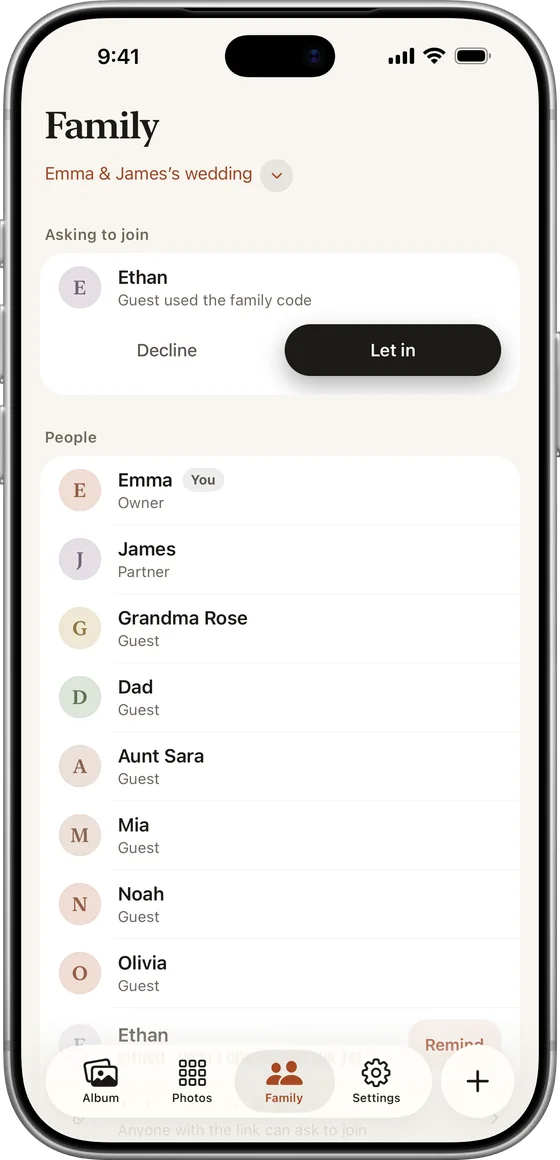
Choose who lets people in
Turn on “Only admins can let people in” if you’d like to approve guests.
- 3
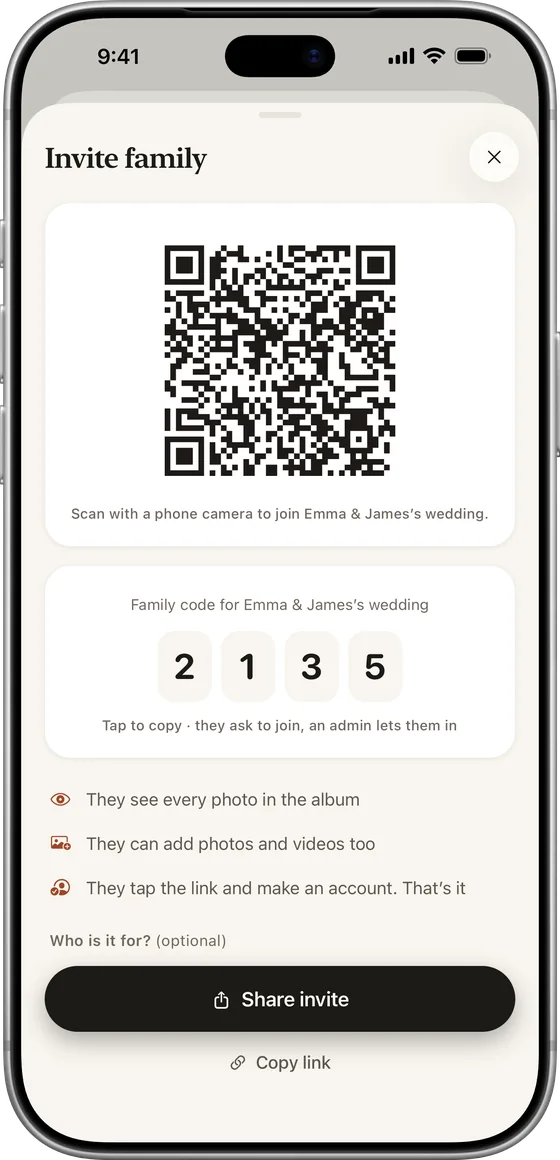
Show the QR code
Invite, then Show a QR code. Print it or put it on a screen.
- 4
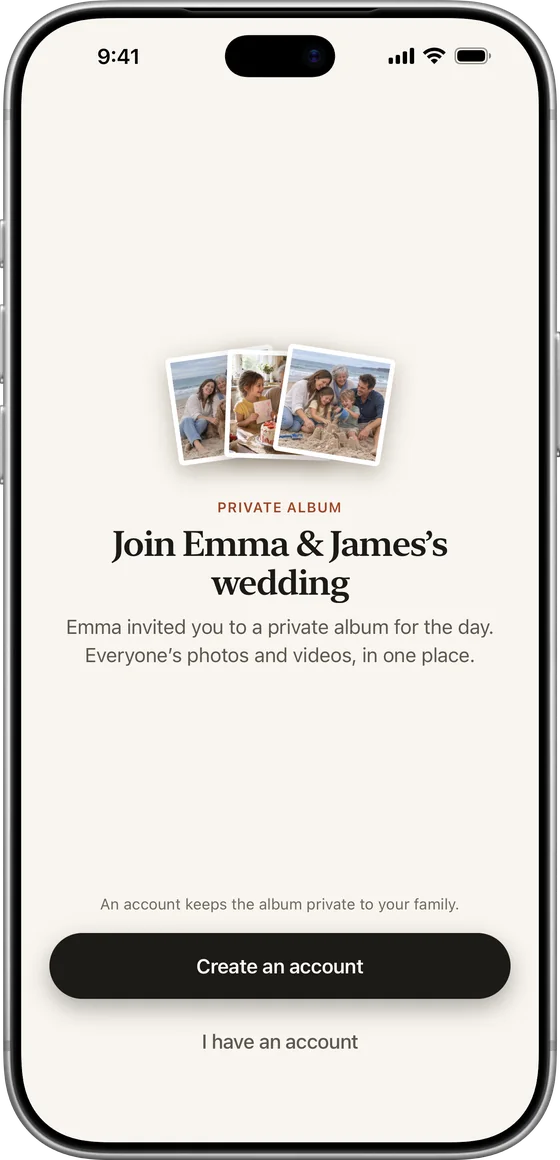
Guests scan and add photos
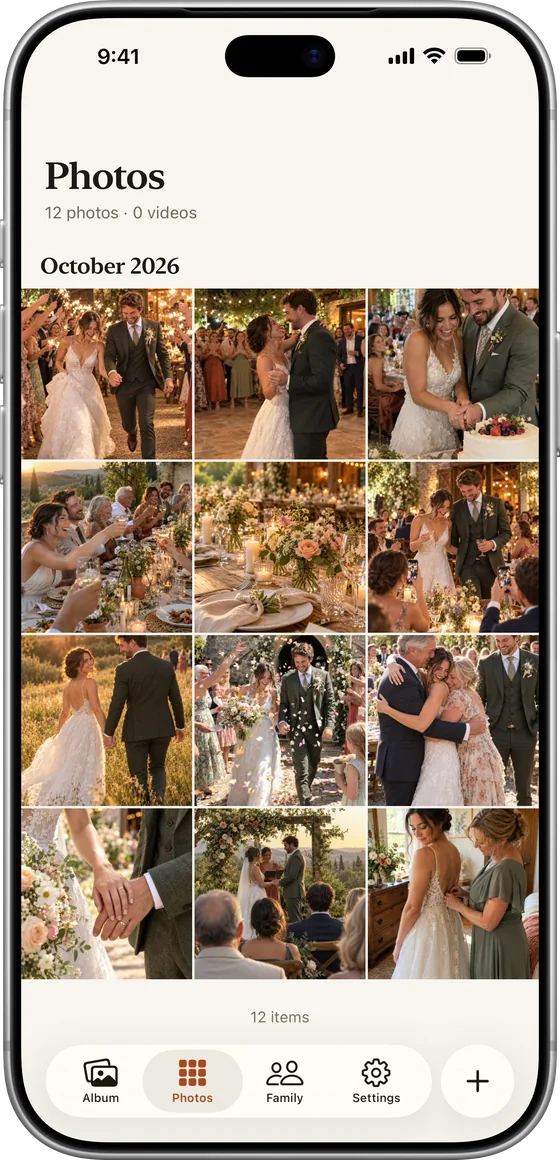
Everything lands in one album, in order, for everyone there.
From every table
Every angle of the day, from every guest.
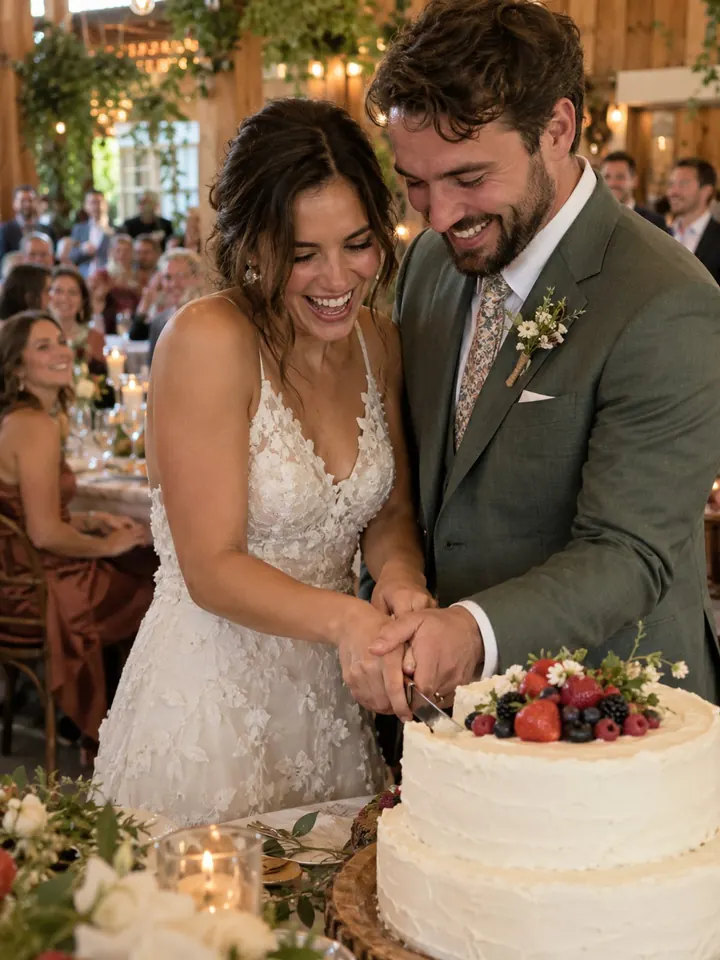
Everything they add appears for everyone in the album, in the order it was taken: the getting ready, the vows from the third row, the dance floor at midnight.
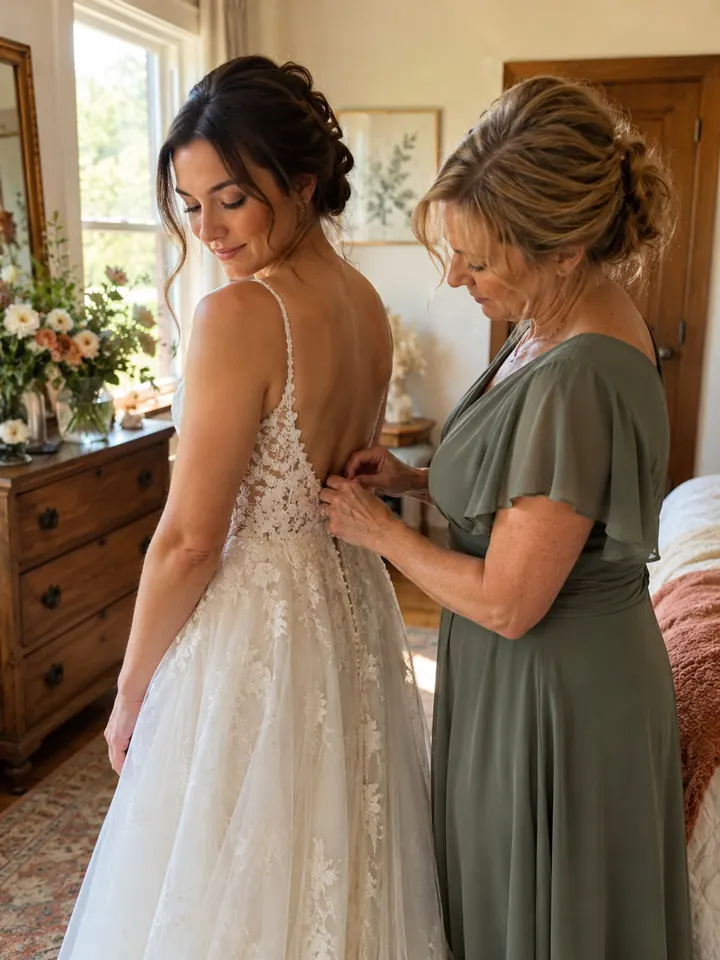
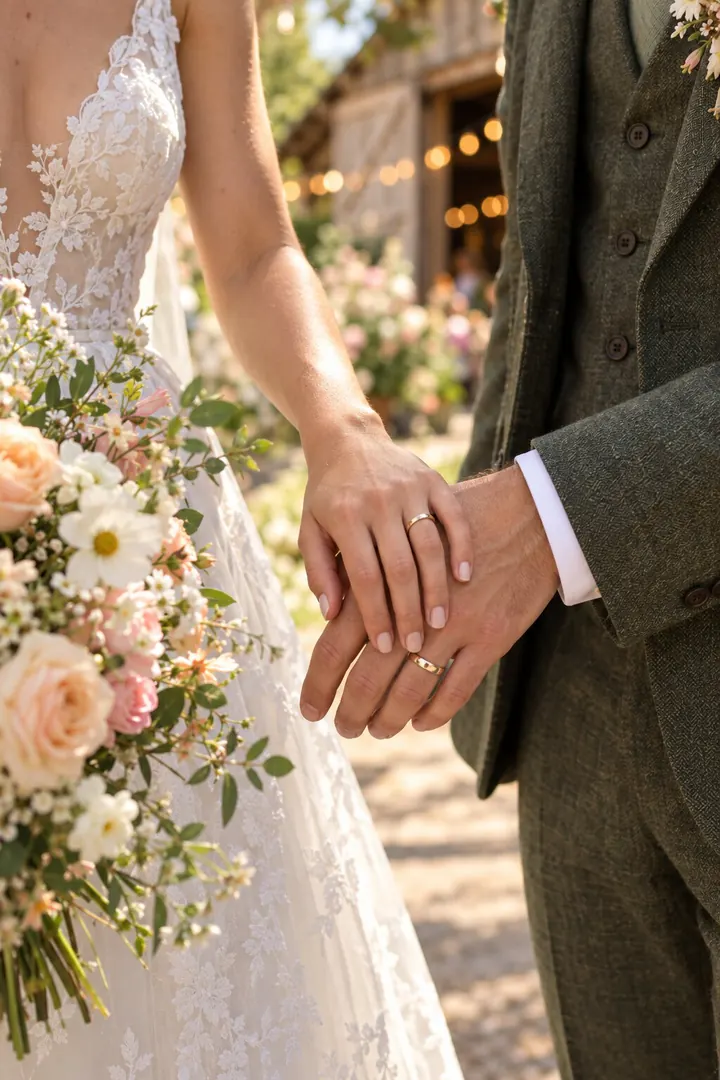
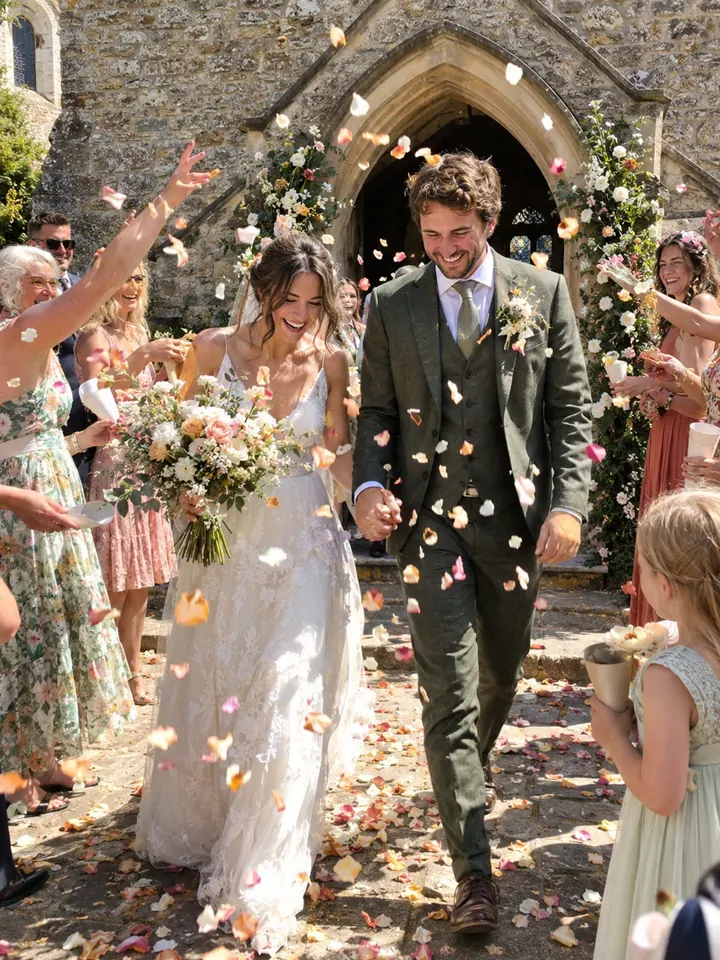

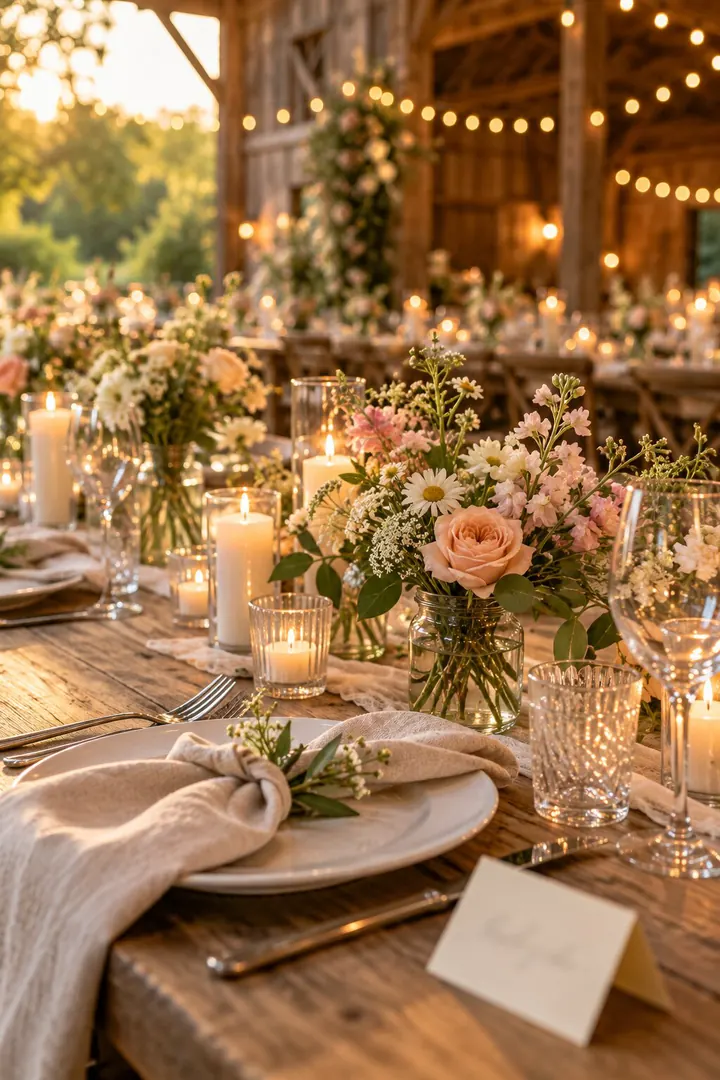




Full quality
Full quality, and every video whole
Lumo keeps the original of every photo and every video whole, up to 3 GB each, so nothing is squeezed the way chat apps do.
- Originals kept, up to 3 GB each
- Videos whole, never squeezed
- In order, the way the day happened
Everyone can watch the first minute of each video free. With Lumo Pass, which covers everyone in the album, guests can watch every video in full and save the originals.

Private
You decide who gets in
Turn on “Only admins can let people in”, and scanning the code sends a request that you, or anyone you make an admin, accepts. You can remove someone, or turn a link off and make a new one, at any time.
- Approve each guest, or let the code bring everyone in
- Remove anyone or turn a link off, any time
- One QR code for up to 500 guests
Private, and free
A wedding album that stays with the people who were there.
Free
No fee per wedding, and no limit on photos or videos.
No app needed
Guests can join and add photos in their browser.
Only your guests
No ads, no public links, no followers.
Never expires
Come back to the wedding any time, for years.
After the wedding
Keep every guest’s photos. Share them with the family.
The album doesn’t expire. Guests who already use Lumo keep their own family next to it, and can come back to the wedding any time.
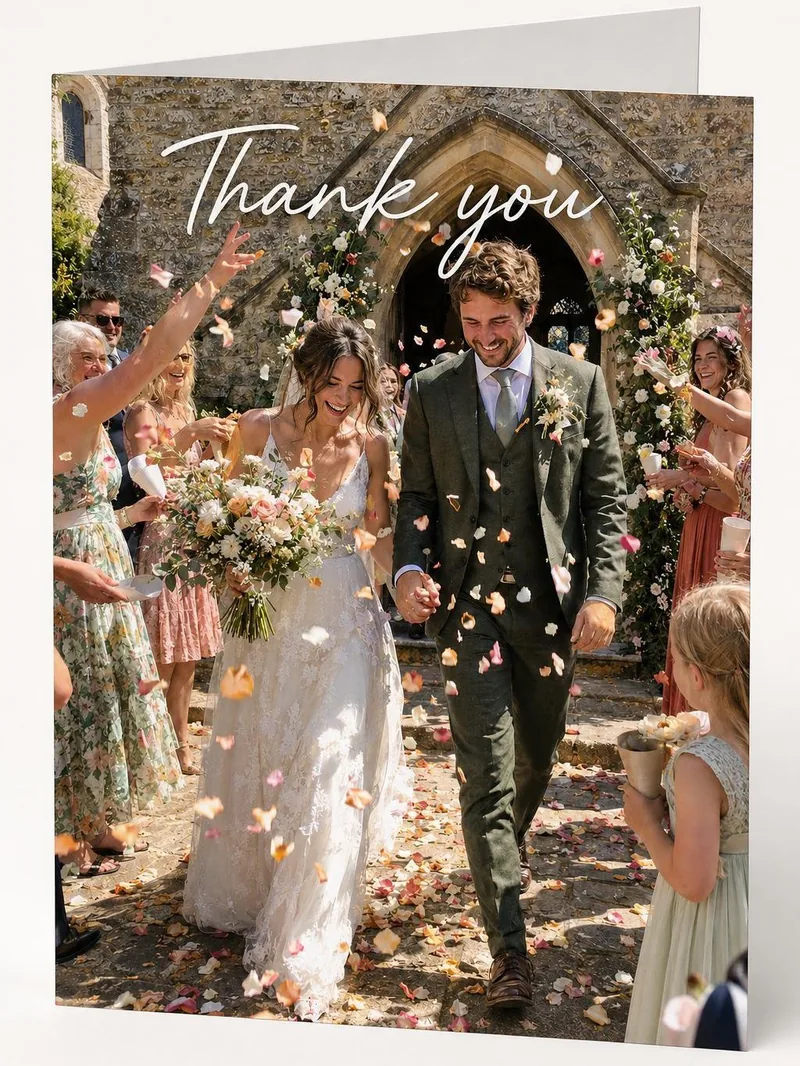
Turn a favourite photo into a thank-you card or a watercolor in one tap with Lumo Magic. It runs only when someone asks, and the original photo stays as it was.
Sharing the wedding with family →

Questions
Before the big day
Do guests need to install an app?
No. Guests can scan the code and choose “Continue in your browser” to join at app.lumomagic.com, signed in with Apple, Google or email. The free app for iPhone, iPad and Android adds notifications and Magic.
How much does it cost?
The wedding album is free: unlimited photos and videos for everyone you let in. Lumo Pass is optional, for unlimited Magic, full-length videos and saving originals, and one Pass covers the whole album.
How many guests can join?
Each link or QR code works for up to 500 people. Make another if you need more.
Can guests see each other’s photos?
Yes. Everyone in the wedding album sees what’s added, including guests who don’t know each other. Nobody outside the album can.
Does Lumo use AI on our photos?
Only when someone in your family asks. Lumo Magic runs when someone taps it on a photo: that one photo is sent to OpenAI or Google to make the new picture, which is saved next to the original. The rest of the album isn’t sent anywhere for AI, and the original stays exactly as it was. More in our privacy policy.
How are the photos kept safe?
Photos are encrypted in transit and at rest, and only people in the wedding album can open them. Invite links stop working after 30 days, and you can turn a link off or remove someone at any time. There are no ads, and we don’t sell your data.
Start your wedding album.
Your photographer captures the big moments. Your guests capture everything else. Put a QR code on the tables, and every photo and video they take lands in one private album you keep, free.