
Add color
See old family photos in color.
A grandparents’ wedding, the first family home, a great-grandparent known from a single picture. Lumo adds natural color to black-and-white photos, keeps every face the same, and saves the color version beside the original.
Free on iPhone, iPad and Android. Private to your family.
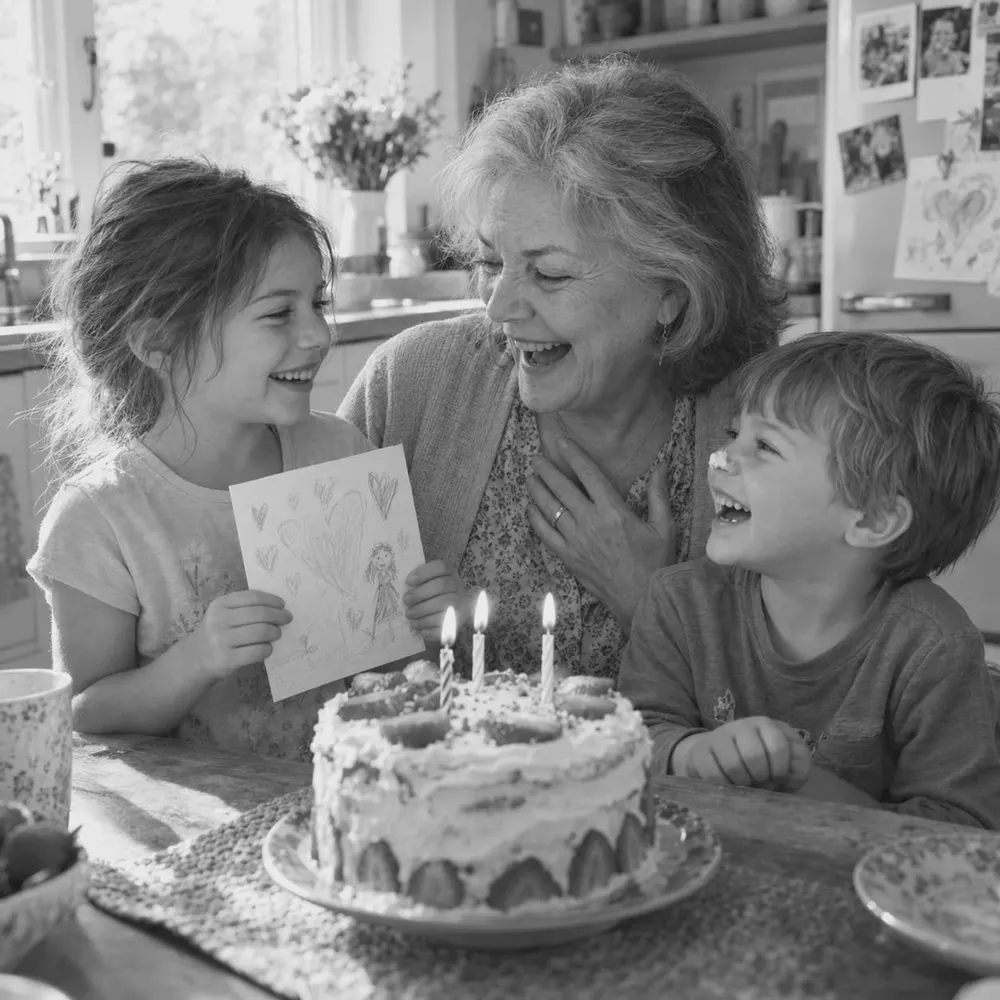

Natural color, not a tint
A filter tints everything the same. Add color looks at what’s in the photo and gives skin, hair, clothing and backgrounds believable colors for their time.
Start with a good copy
For a printed photo, take a straight, clear picture of it in good light, or scan it, and add it to your family album. Then open it and tap Add color.
Faded or damaged?
If the print is scratched, creased or blurry, use Restore old photo first, then add color to the restored version.
Restoring old family photosHonest about what AI does
The colors are the AI’s best guess, not a record of the real ones. That’s why the original black-and-white photo always stays exactly as it was.
How to make one
- Pick a photoOpen any photo in your family album.
- Tap Make somethingLumo shows every style, previewed on your photo.
- Choose Add colorTap once. There’s no prompt to write.
- Keep it or share itIt’s saved next to the original for the whole family, and you can save it to your phone.
Questions
Does magic cost anything?
Each piece of magic uses a few flowers, Lumo’s in-app credits. Lumo Pass makes magic unlimited for the whole family.
Will it still look like us?
Lumo asks the AI to keep everyone recognizable: the same faces, ages, hair and clothing, and the same number of people. AI can still get details wrong, which is why the original always stays beside it.
Does it change my original photo?
No. What Lumo makes is saved as a new picture next to the original, and the original stays exactly as it was.
Will it be the same shape as my photo?
Yes. A tall photo comes back tall and a wide photo comes back wide, so it fits the frame or the phone screen you had in mind.
Who can see our photos?
Only the people in your family album. Nothing is public, there are no followers, and photos are never shown to anyone outside your family.
Start your family album.
Free. Private to your family. No ads, ever.