
For grandparents
Grandparents: start the family album yourself.
You don’t have to wait for your sons and daughters to set up a family album. In Lumo, anyone can start one: get the free app, start your family album, and send the family the invite link with a short message asking for their photos. They can add photos in their web browser at app.lumomagic.com without installing anything, and every photo they add appears in your album.
Lumo is a free, private family album for iPhone, iPad and Android. Send one link and the whole family can join.
Invited to a Lumo album? Open it in any web browser: app.lumomagic.com

You can be the one who starts it
Most family albums are started by the parents, and the grandparents are invited later, if someone remembers. Yet it’s often the grandparents who want the photos most, and who ask for them in every phone call.
In Lumo, anyone can start a family album, so you don’t have to wait. Start it, invite your family, and the photos come to you instead of you asking for them one by one.
Step 1: start the album
It takes about five minutes, on the phone or tablet you already have:
- Get Lumo free from the App Store or Google Play.
- Tap Start your family album and sign in with the account your phone already uses: Apple on an iPhone or iPad, Google on Android, or your email.
- Give the album a name the family will recognize, such as your family name.
- Add a few photos of your own first, even old ones from the cupboard, so the family finds something when they open it.
Step 2: send the invite link
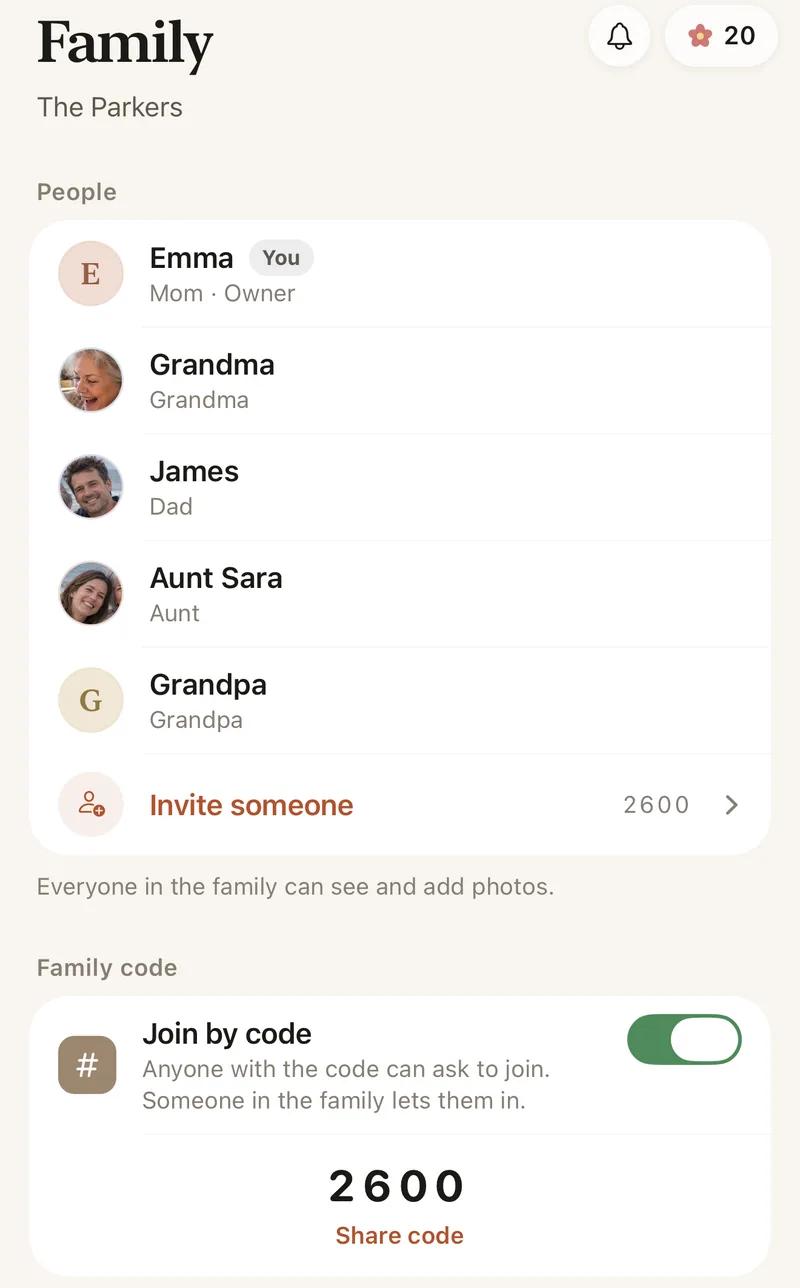
In the Family tab, tap Invite someone and share the link in the chat you already use with your family: LINE, WhatsApp, Messages or email. A tap on the link brings them into the album. Invite links stop working after 30 days, so if someone is late, send a new one.
Would you rather tell them on the phone? Every family album has a 4-digit family code, also in the Family tab. They type it into Lumo to ask to join, and you tap to let them in.
Messages you can copy and send
Asking is the hard part, so here are a few messages to copy, change and send with the link:
To a son or daughter: “I’ve started a family photo album, so I can see your photos without asking every time. Could you add a few from this month? It opens in your browser, nothing to install. Here’s the link:”
To the family group chat: “Hello everyone! I’ve made a private photo album just for our family. Only the people in it can see the photos. I’d love it if you added any photos you’d like me to see, big days and ordinary ones. Here’s the link:”
To someone who doesn’t want another app: “You don’t need the app. Tap the link, choose to continue in your browser, sign in with Google, Apple or your email, and add your photos from there.”
After a family get-together: “Thank you for Sunday! If you took any photos, I’d love to see them in our album. Here’s the link again:”
They don’t need to install anything
Sons and daughters are often the ones with full phones and too many apps. They don’t need another one: the invite link opens the album in their web browser at app.lumomagic.com. They sign in with Apple, Google or email, and add photos and videos from their phone or computer, in full quality.
Anyone who would rather have the app can get it free on iPhone, iPad or Android. Either way, they all see the same album.
When the photos start arriving
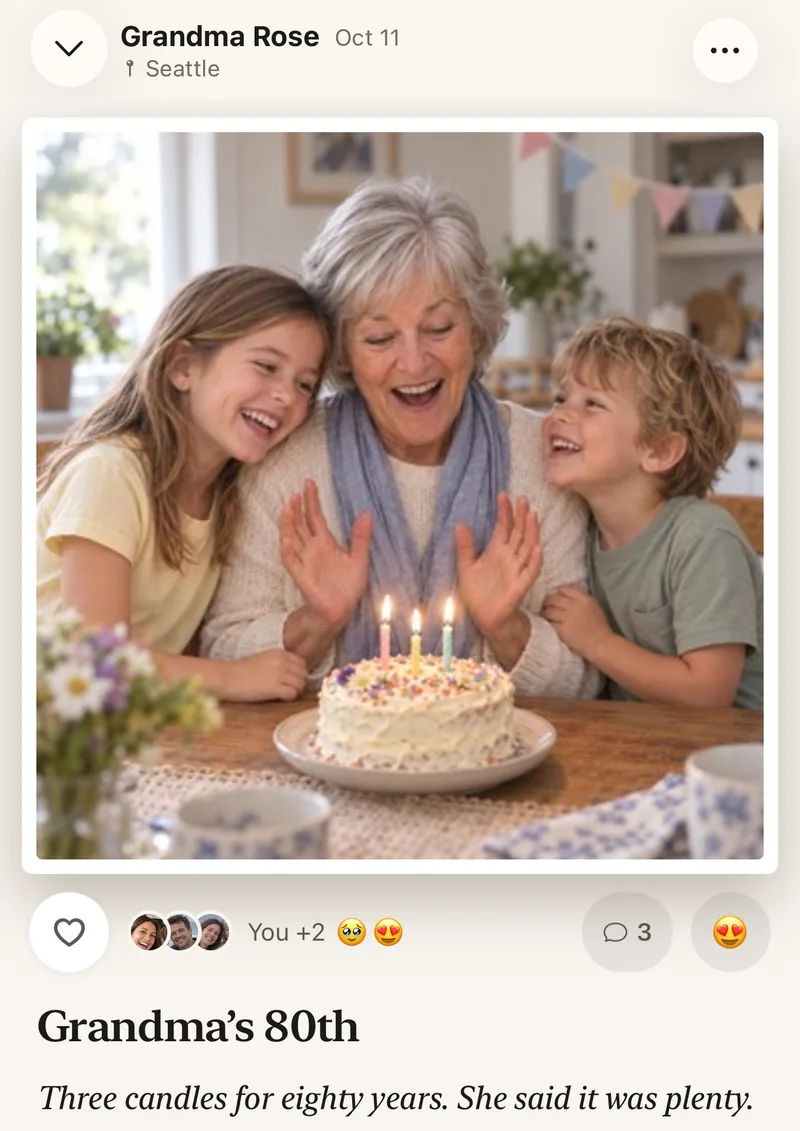
Lumo lets you know when new photos arrive, at most once an hour. Tap the heart on a photo or write a comment: the family sees it right beside the photo. It’s the nicest way to say thank you, and the best way to get more photos.
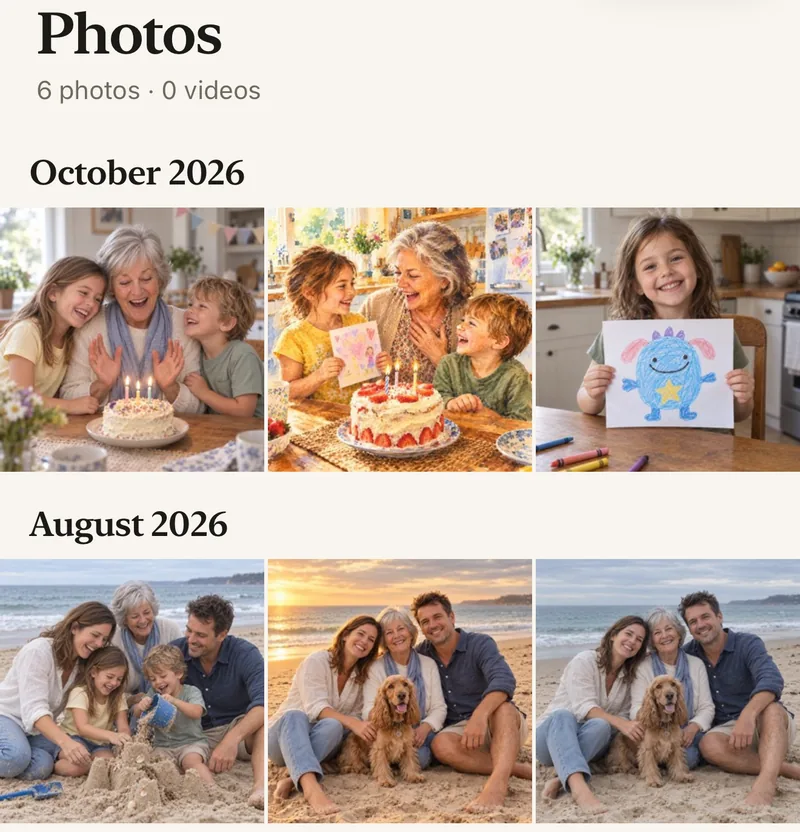
Every photo is placed on the day it was taken, whoever took it, so the family’s photos line up month by month.
Private, and yours to look after
Only the people you invite can see the album. Nothing is public, there are no followers and no ads. A family code only asks to join, so nobody gets in unless someone in the family lets them in, and you can remove anyone at any time.
A photo app that’s easy for older parentsHow to start the family album as a grandparent
- Get Lumo freeOn iPhone, iPad or Android.
- Start your family albumSign in with Apple, Google or email, and name the album.
- Add a few photos of your ownSo the family finds something when they open it.
- Send the link with a messageIn LINE, WhatsApp, Messages or email.
- Heart and commentThe family sees your thanks right beside their photos.
Questions
Can a grandparent start the family album?
Yes. Anyone can start a family album in Lumo and invite the rest of the family. You don’t need anyone to set it up for you.
Does my family need to install the app?
No. They can open the invite link in a web browser at app.lumomagic.com, sign in with Apple, Google or email, and add photos without installing anything.
What if the invite link doesn’t work any more?
Invite links stop working after 30 days. Send a new one from the Family tab, or give them your 4-digit family code to type into Lumo.
Can my family see each other’s photos too?
Yes. Everyone in the family album sees every photo, hearts and comments, so the whole family keeps up, not only you.
Is Lumo free?
Yes. The family album, adding photos and videos, inviting the family, hearts and comments are all free.
Who can see our photos?
Only the people in your family album. Nothing is public, there are no followers, and photos are never shown to anyone outside your family.
Start your family album.
Free. Private to your family. No ads, ever.