
New Year’s Eve
Everyone’s photos from New Year’s Eve, in one album.
To get everyone’s photos from a New Year’s Eve party, make one private event album in Lumo before the night and share its link in the group chat, or put its QR code by the drinks. Guests scan it, sign in with Apple, Google or email, and add the photos and videos they took, in their browser at app.lumomagic.com or in the free app. There’s nothing to install, the midnight videos stay whole, and the album is there on New Year’s Day.
Last updated
Lumo is a free, private family album for iPhone, iPad and Android. Send one link and the whole family can join.
Invited to a Lumo album? Open it in any web browser: app.lumomagic.com

At midnight, every phone is filming
The countdown, the toast, the fireworks, the first hug of the year: on New Year’s Eve everyone films the same minute from a different spot. On New Year’s Day the best video is on someone else’s phone, and the group chat fills up with “can you send me that?”
Videos sent in a chat get shrunk, and long ones often don’t send at all. One album for the night keeps every photo in full quality and every video whole.
Why photos lose quality on WhatsAppBefore the night
- A few days before: make an event in Lumo, for example “New Year’s Eve at Sam’s”, and share its link in the group chat.
- On the night: put the QR code by the door or the drinks, for anyone who missed the link.
- If there’s a TV: show the 16:9 slide before the countdown.
- Mention the album once, before midnight. That’s enough.
A free sign for the drinks table
Download the free party sign (PDF) with A5, A6, 5×7 in and 4×6 in pages, or the 16:9 slide (PNG) for the TV. In Lumo, make an event, tap Show a QR code and place the code in the frame.
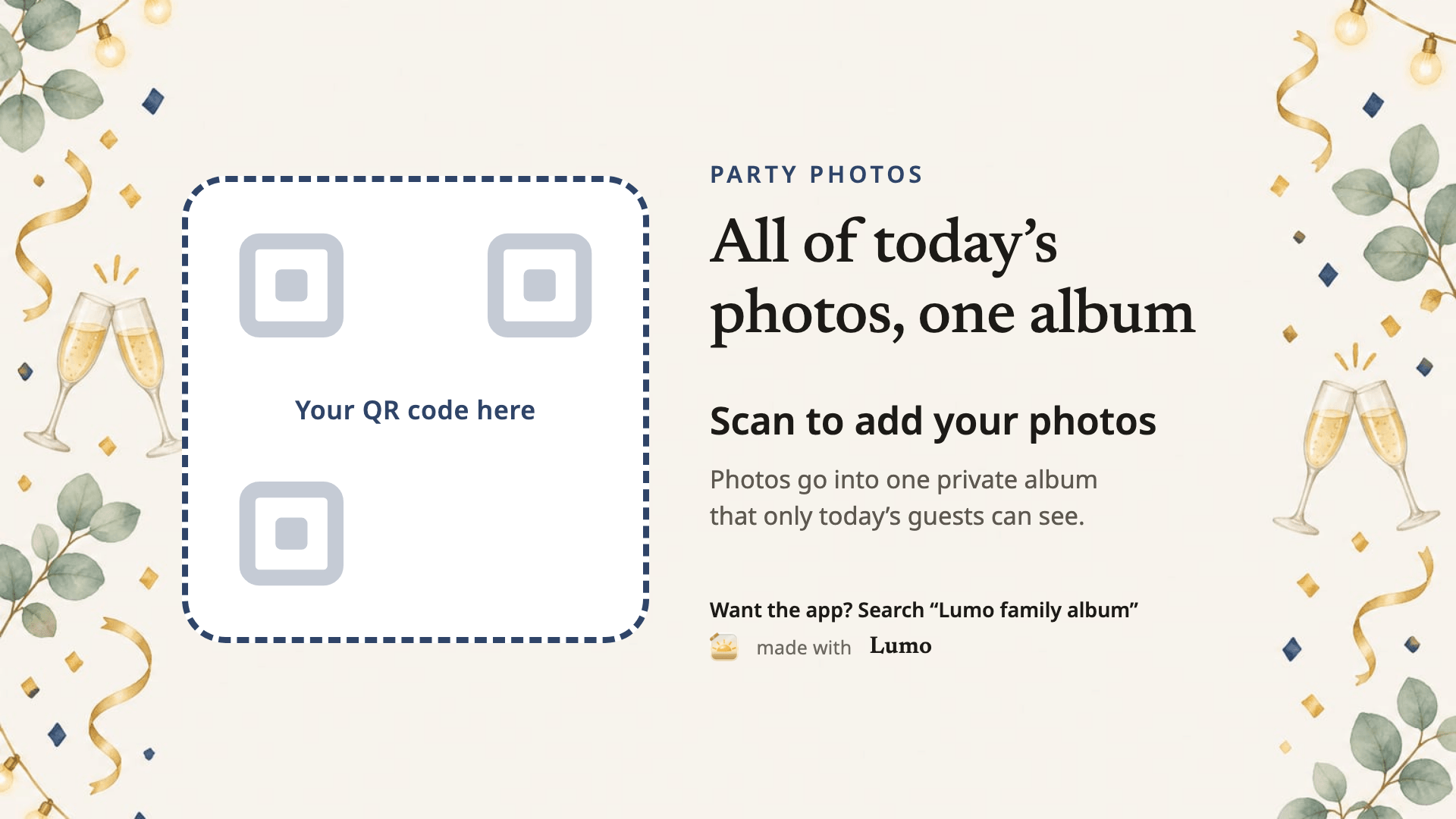
For a party at a bar, a club or a venue, the same code works for up to 500 people.
More free QR photo signs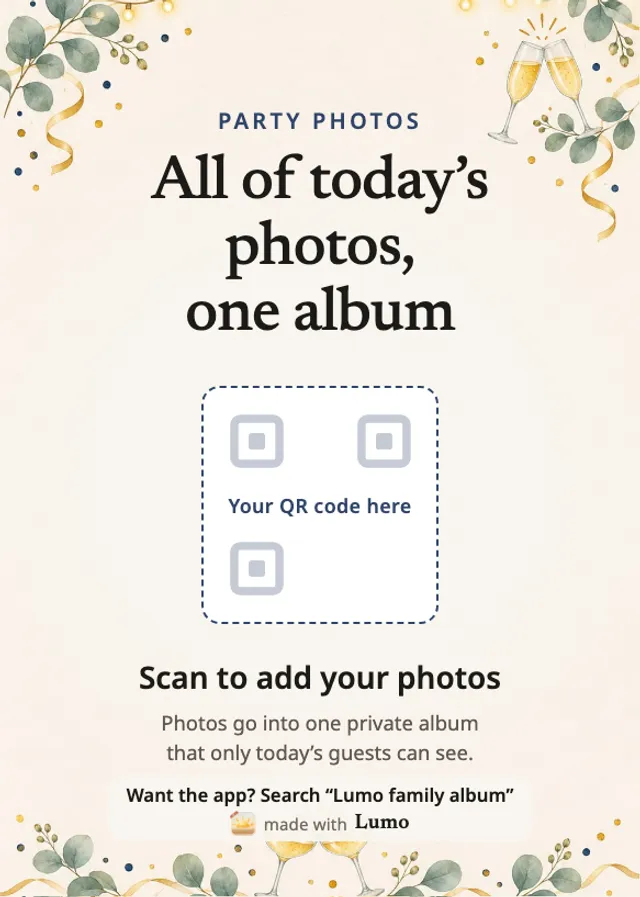
What guests do
They open the link or point their phone camera at the code, choose “Continue in your browser”, sign in with Apple, Google or email, and add photos at app.lumomagic.com. There’s nothing to install. The free app works too, on iPhone, iPad and Android.
Turn on “Only admins can let people in” to accept each guest yourself. Only people in the album can see the photos; nothing goes on a public page.
On New Year’s Day
The event album stays, so people can add their photos after they’ve slept. Photos are kept in full quality, and videos whole, up to 3 GB each. It’s separate from anyone’s family album.
Pick the best photo of the night and make a free New Year card from it in your browser.
Make a free New Year cardGot engaged at midnight?
Make one private album just for both families and show them the proposal photos and the video first, before anything goes on social media. Then, for the party, an event album with a QR code on the tables.
Share your engagement with both familiesHow to get everyone’s New Year’s Eve photos
- Make an eventIn Lumo, open the Family tab, tap your family name at the top, then New event.
- Share the link or the QR codeIn the group chat before the night, and by the drinks on the night.
- Guests add their photos and videosIn their browser or the free app, in full quality.
- Look back on New Year’s DayEvery photo of the night, in one place.
Questions
Do guests need to install the app?
No. They can scan the code and choose “Continue in your browser” to add photos at app.lumomagic.com, signed in with Apple, Google or email. The free app works too, on iPhone, iPad and Android.
Are the midnight videos kept whole?
Yes. Videos are kept as they were filmed, up to 3 GB each, and photos in full quality.
Is it free?
Yes. There is no fee per event and no limit on photos. Videos are kept whole, up to 3 GB each.
Does the QR code expire?
Yes, after a year, like every link for an event album, so you can make the code well before the party. The album itself stays, and you can make a new code at any time.
How are the photos kept safe?
Photos are encrypted in transit and at rest, and only people in the album can open them. Invite links and QR codes work for a year, and you can turn a link off or remove someone at any time. There are no ads, and we don’t sell your data.
Start your family album.
Free. Private to your family. No ads, ever.