
Choosing a family album
Outgrowing your iCloud shared album?
iCloud Shared Albums are built into every iPhone, and since iOS 27 new albums use the owner’s iCloud storage. Lumo is one free, private album for the whole family, on iPhone and Android, with photos and videos kept whole.
Free on iPhone, iPad and Android. Private to your family.
No app? Open your album in any web browser: app.lumomagic.com

What’s the same
Both are private and ad-free, and both let family add photos, like them and comment.
- Private: only the people you invite
- Hearts or likes, and comments
- No ads
Side by side
| Lumo | iCloud Shared Albums | |
|---|---|---|
| Price | Free | Free to use, but shared albums made on iOS 27 or later count toward the owner’s iCloud storage, including what others add: 5 GB free, then $0.99 a month for 50 GB, $2.99 for 200 GB or $9.99 for 2 TB (200 GB is $35.88 a year). Older and temporary shared albums don’t use storage |
| Storage | Unlimited photos and videos, under fair use | iOS 27 or later: as much as the owner’s iCloud storage holds. Older and temporary albums: up to 5,000 photos and videos each |
| Videos | Each video can be up to 3 GB, kept whole, with no limit on how many. The first minute plays free; Lumo Pass plays the full length | iOS 27 or later: kept in the original format. Older albums: up to 15 minutes, shown at up to 720p |
| Ads | None, ever | None |
| How sharing works | One private album the whole family adds to. Join with an invite link or a 4-digit family code | Album by album, up to 100 people each. Since iOS 27, people can join by link and add photos on the web |
| Works on | iPhone, iPad and Android | iPhone, iPad and Mac; on the web for everyone else (iOS 27 albums) |
| Also does | Magic: coloring pages, cards, paintings and more from your photos, no prompts. Each creation uses 20 flowers; new accounts get 60 free, and packs start at $1.99 for 60. Lumo Pass, optional ($9.99 a month or $59.99 a year, one Pass for the whole family): unlimited Magic, full-length videos and original-quality downloads | Built into the Photos app. Albums made before iOS 27 show photos at up to 2048 pixels |
Checked October 2026 against Apple’s “Shared Albums limits” support page.
What changed in iOS 27
Shared albums made on iOS 27 or later keep photos and videos in full quality, and people without an Apple device can join and add photos on the web. In exchange, everything in the album, including what others add, counts toward the owner’s iCloud storage: 5 GB is free, then it’s a monthly iCloud+ plan.
Albums made before iOS 27 keep the old rules: they don’t use storage, but hold up to 5,000 items, show photos at 2048 pixels and videos up to 15 minutes at 720p.
Lumo keeps the original of every photo and the whole of every video with no storage to buy, and has its own app on iPhone, iPad and Android.
How unlimited storage worksWhat they look like
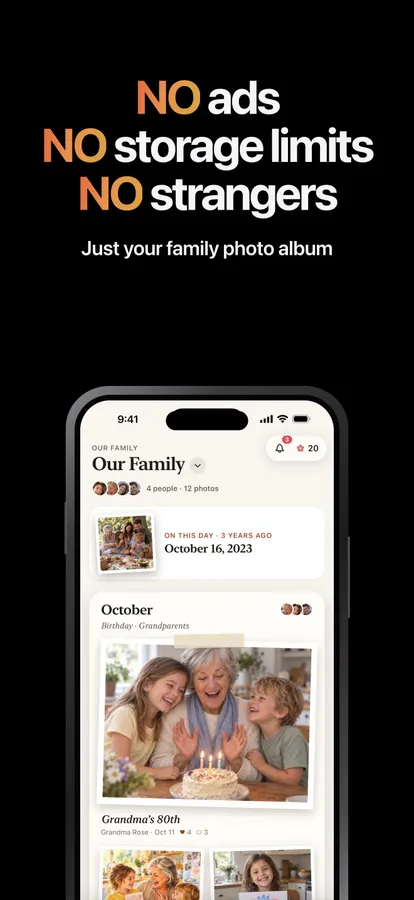
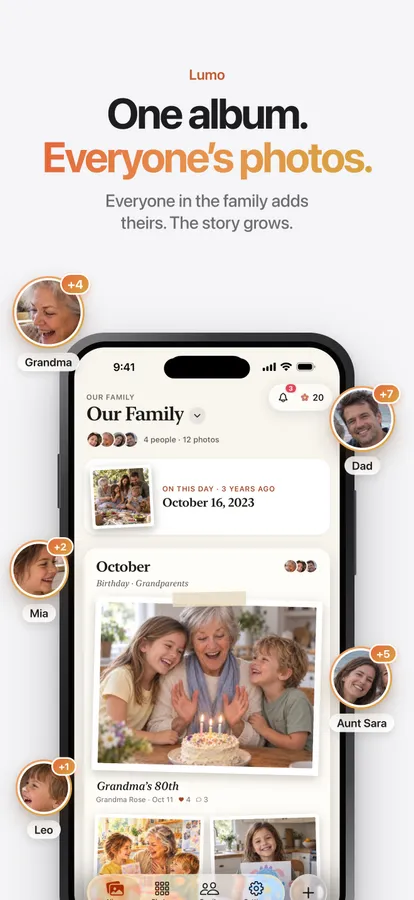
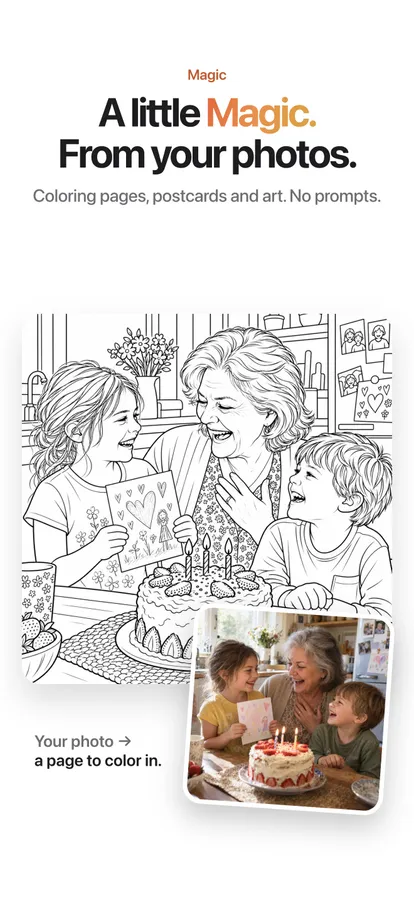
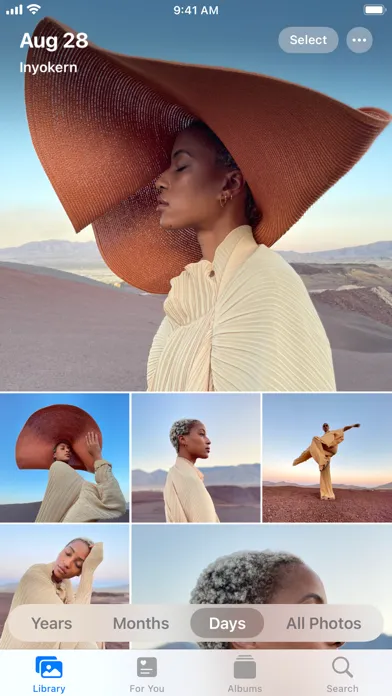
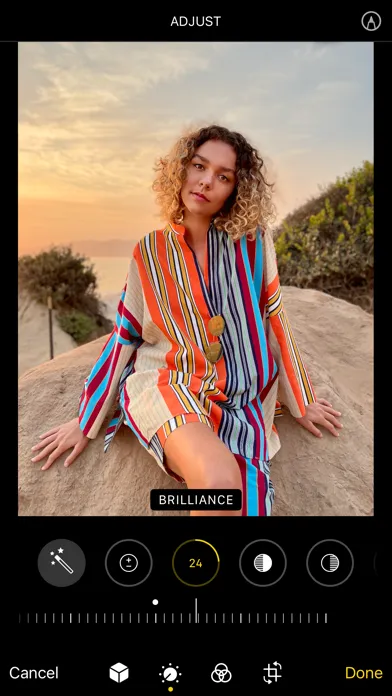
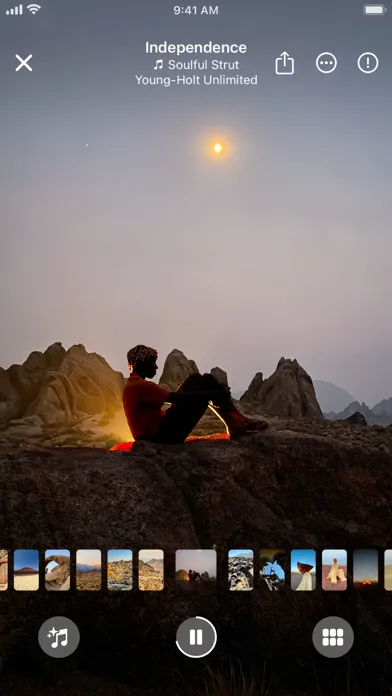
Screenshots are each app’s own App Store screenshots, as published in October 2026. iCloud and Photos are trademarks of Apple Inc.; Lumo isn’t affiliated with any of them.
Which one suits your family?
If everyone has an iPhone, there’s room in the owner’s iCloud storage and you share a few albums a year, iCloud Shared Albums are hard to beat. If the family album is where everyone keeps everyday photos and long videos, including grandparents on Android, Lumo is made for that.
Questions
Is Lumo really free?
Yes. The album, unlimited photos and videos, inviting family, hearts and comments are all free. Lumo Pass is optional, for unlimited magic, full-length videos and saving originals. Unlimited means unlimited for everyday family use, under fair use.
Who can see our photos?
Only the people in your family album. Nothing is public, there are no followers, and photos are never shown to anyone outside your family.
Can I move photos from an iCloud shared album?
Yes. Save the photos to your iPhone, then add them to Lumo. Lumo skips photos that are already in your album.
Where do these facts come from?
From each company’s own help pages, pricing pages and App Store listings, checked in October 2026. Prices are US prices and vary by country. If something has changed, write to contact@doola.ai and we’ll fix it.
Start your family album.
Free. Private to your family. No ads, ever.