
Choosing a family album
Google Photos backs up your photos. Lumo shares them with family.
Keep using Google Photos as your personal backup. Use Lumo as the one private album where the whole family adds photos, sees them, and talks about them.
Free on iPhone, iPad and Android. Private to your family.
No app? Open your album in any web browser: app.lumomagic.com

Different jobs
Google Photos is built around your own library: everything your phone takes, backed up and searchable. Sharing works album by album, link by link.
Lumo starts from the family instead. There is one album, everyone in it can add photos and videos, and they appear for everyone in order, with hearts and comments next to each photo.
Storage that doesn’t run out
A Google account’s free 15 GB is shared across Gmail, Drive and Photos, and photos saved in original quality count toward it. Lumo doesn’t count gigabytes: the family album is free and unlimited for everyday family use, under fair use.
How unlimited storage worksSide by side
| Lumo | Google Photos | |
|---|---|---|
| Price | Free | Free up to 15 GB, shared with Gmail and Drive. 100 GB is $1.99 a month |
| Storage | Unlimited photos and videos, under fair use | 15 GB free across your whole Google account |
| Videos | Each video can be up to 3 GB, kept whole, with no limit on how many. The first minute plays free; Lumo Pass plays the full length | Long videos too; every video counts toward your storage |
| Ads | None, ever | No ads in the app |
| How sharing works | One private album the whole family adds to. Join with an invite link or a 4-digit family code | Album by album, with a link or with contacts |
| Works on | iPhone, iPad and Android | iPhone, Android and the web |
| Also does | Magic: coloring pages, cards, paintings and more from your photos, no prompts. Each creation uses 20 flowers; new accounts get 60 free, and packs start at $1.99 for 60. Lumo Pass, optional ($9.99 a month or $59.99 a year, one Pass for the whole family): unlimited Magic, full-length videos and original-quality downloads | Backup of your whole camera roll, AI search and editing, photo books and prints in some countries |
Checked October 2026 against Google One’s plans page and Google Photos’ App Store listing.
What they look like
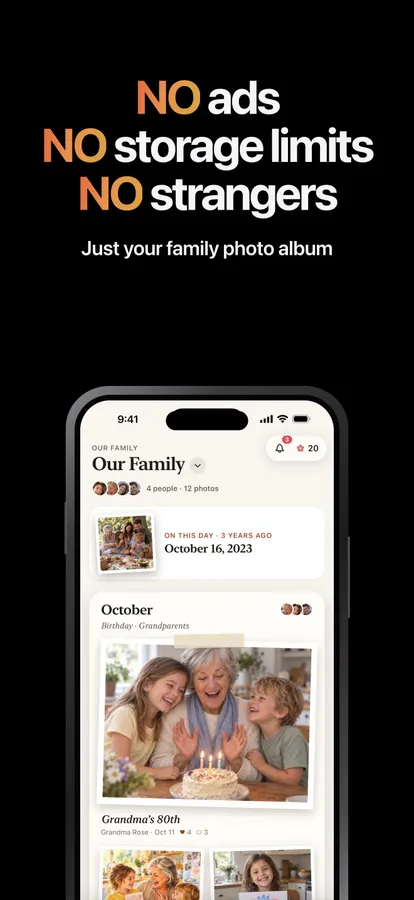
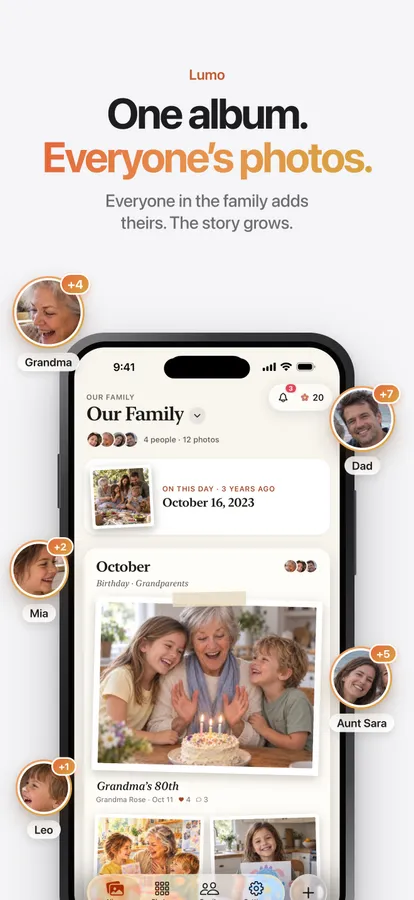
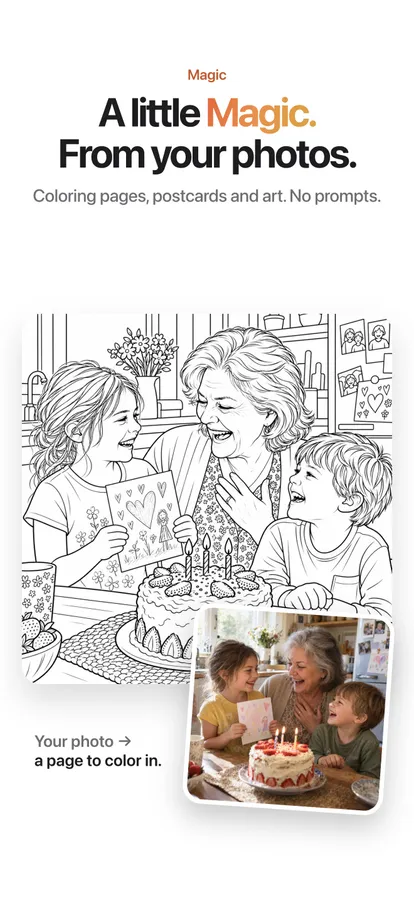
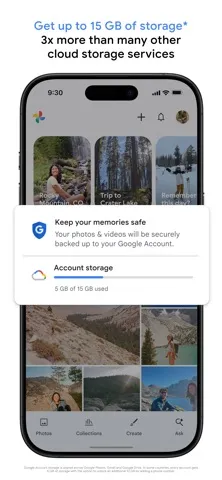
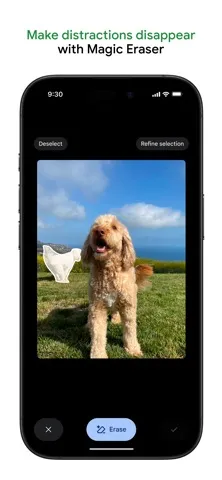

Screenshots are each app’s own App Store screenshots, as published in October 2026. Google Photos is a trademark of Google LLC; Lumo isn’t affiliated with any of them.
Made for grandparents, too
Joining takes one tap on a private invite link, or a 4-digit family code. There are no folders to manage and no settings to get wrong: what’s in the album is shared with the family, and nobody else.
Sharing photos with grandparents
Use both
Many families keep Google Photos as a backup and add the photos worth sharing to Lumo. Lumo skips anything already in the album, so adding the same photo twice is harmless.
Comparison checked October 2026 against Google’s storage help. Google Photos is a trademark of Google LLC; Lumo isn’t affiliated with it.
Questions
Is Lumo really free?
Yes. The album, unlimited photos and videos, inviting family, hearts and comments are all free. Lumo Pass is optional, for unlimited magic, full-length videos and saving originals. Unlimited means unlimited for everyday family use, under fair use.
Who can see our photos?
Only the people in your family album. Nothing is public, there are no followers, and photos are never shown to anyone outside your family.
How do grandparents join?
Send them a private invite link and they tap it, or give them your 4-digit family code. A code only asks to join; someone in the family lets them in.
What phones does it work on?
Lumo is on iPhone, iPad and Android. Invite links open on any phone or computer.
Do I need a Google account?
No. You can sign in to Lumo with Apple, Google or email.
Start your family album.
Free. Private to your family. No ads, ever.