
Google Photos and family
How to share Google Photos with your family.
Google Photos has three ways to share with family: a shared album, a share link and partner sharing. Here’s how each works, who can see what, and when a family album is simpler.
Free on iPhone, iPad and Android. Private to your family.
No app? Open your album in any web browser: app.lumomagic.com

Share an album
In Google Photos, select the photos, tap Create, then Album, and give it a name. When it’s ready, tap Share and choose people by name, email or phone number.
People with a Google Account can see the album, add their own photos and comment. Only the owner can remove someone.
Share with a link
From the share sheet, tap Create link. People don’t need a Google Account to open it, which helps with relatives who don’t use Google. It also means anyone who has the link can open the album, so a link is unlisted rather than private.
Partner sharing
Partner sharing gives one other person your whole library, or photos of chosen people from a date you pick. It’s made for two people, not a whole family.
What to know about storage
Photos and videos in your Google Photos library count toward your Google Account storage: 15 GB free, shared with Gmail and Drive. Saving photos from a shared album into your library counts toward yours.
When a family album is simpler
Google Photos is built around one person’s library, shared album by album. Lumo is built around the family: one private album everyone adds to, invites by link or code, hearts and comments, no storage to buy and no ads.
AI in Lumo runs only when someone in the family taps Magic on a photo, to make a card or a coloring page. The rest of the album isn’t sent anywhere for AI.
Lumo and Google Photos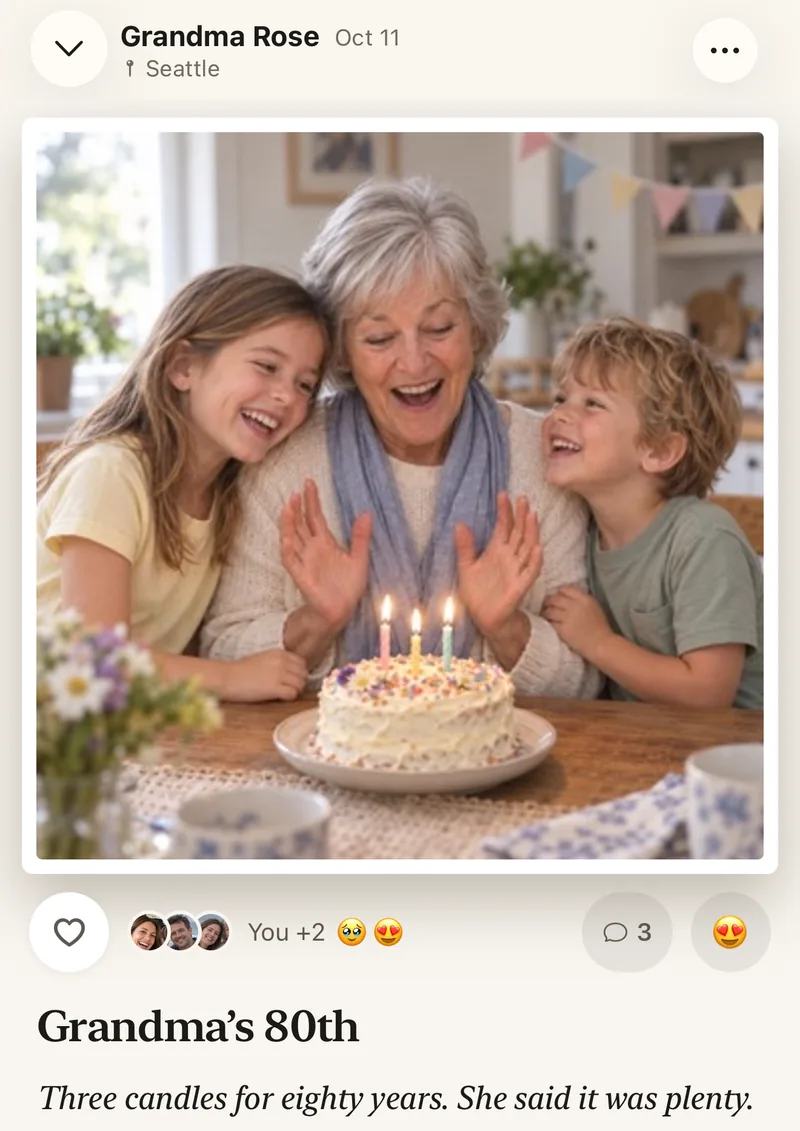
How to bring Google Photos into a family album
- Start a family album in LumoFree, on iPhone, iPad or Android.
- Invite the familySend a private link, or share your 4-digit family code.
- Save the photos you want to your phoneFrom Google Photos, as usual.
- Add them to LumoLumo skips photos already in the album, so nothing appears twice.
Questions
Can people without a Google Account see a shared album?
Yes, if you share a link: anyone with the link can open the album without signing in.
Can I use Google Photos and Lumo together?
Yes. Keep backing up your phone with Google Photos, and add the photos the family should see to Lumo.
Does Lumo use AI on our photos?
Only when someone in your family asks. Lumo Magic runs when someone taps it on a photo: that one photo is sent to OpenAI or Google to make the new picture, which is saved next to the original. The rest of the album isn’t sent anywhere for AI, and the original stays exactly as it was. More in our privacy policy.
Is Lumo really free?
Yes. The album, unlimited photos and videos, inviting family, hearts and comments are all free. Lumo Pass is optional, for unlimited magic, full-length videos and saving originals. Unlimited means unlimited for everyday family use, under fair use.
Where do these steps come from?
From Apple’s and Google’s own help pages, checked in October 2026. Menus can move a little between app versions.
Start your family album.
Free. Private to your family. No ads, ever.