
Photo to painting
Turn a family photo into a painting worth framing.
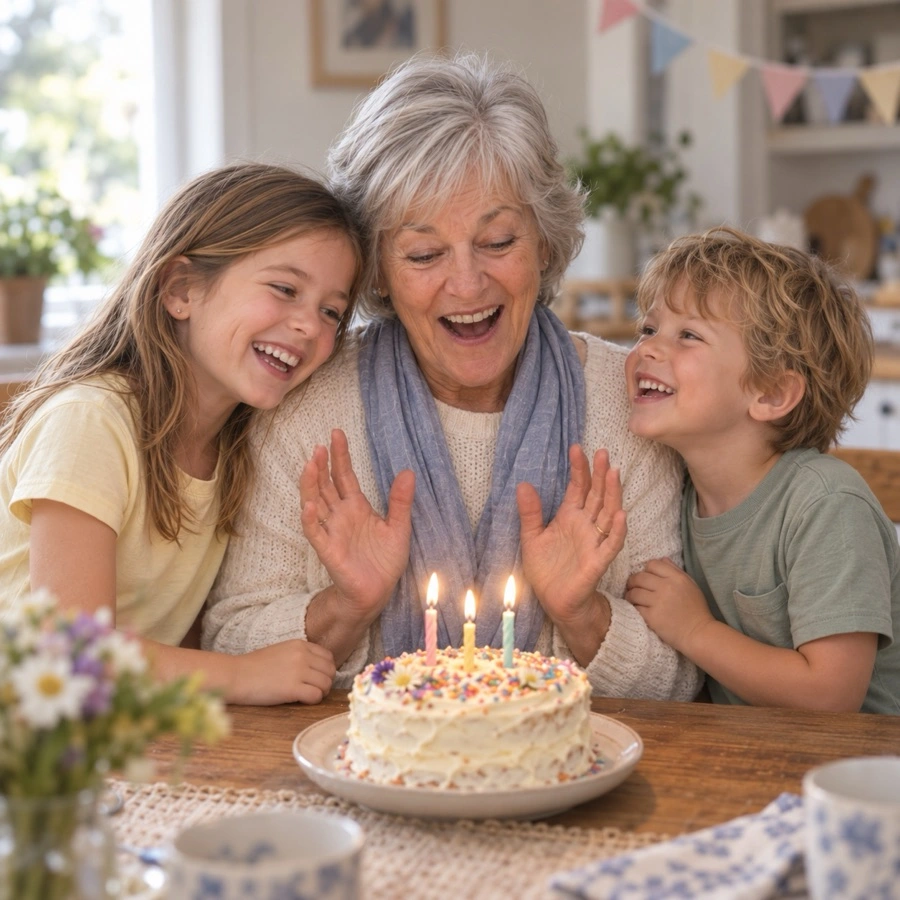
A watercolor of the birthday, a storybook painting of the beach day: pick a photo, tap a style, and Lumo paints it. It keeps everyone recognizable, keeps your photo’s shape, and never changes the original.
Free on iPhone, iPad and Android. Private to your family.
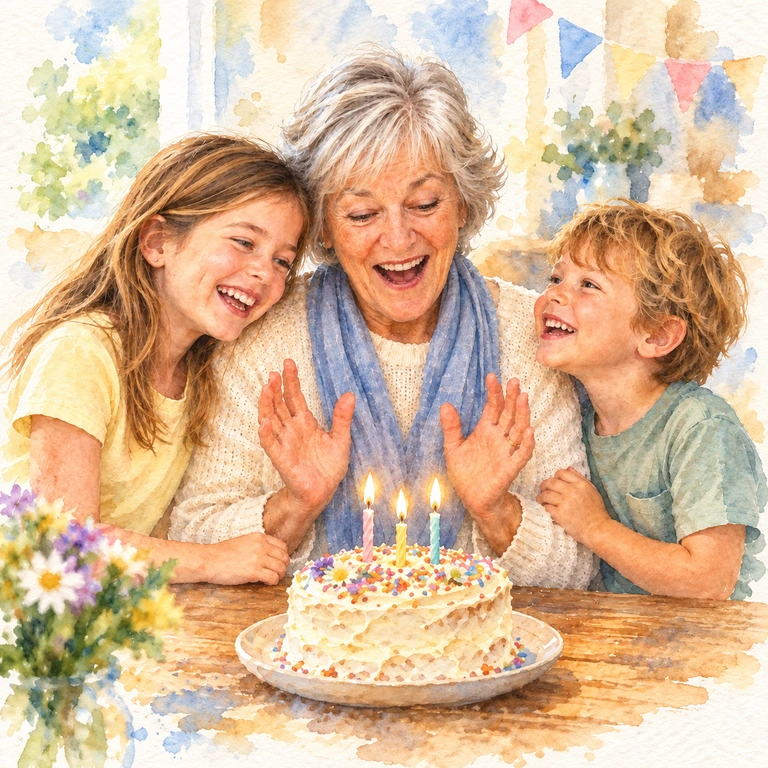
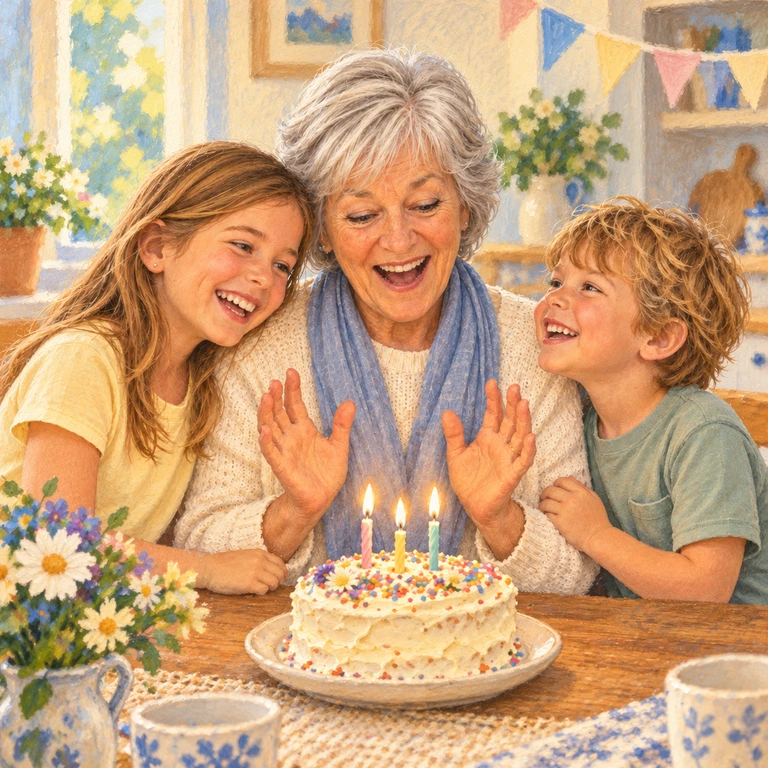
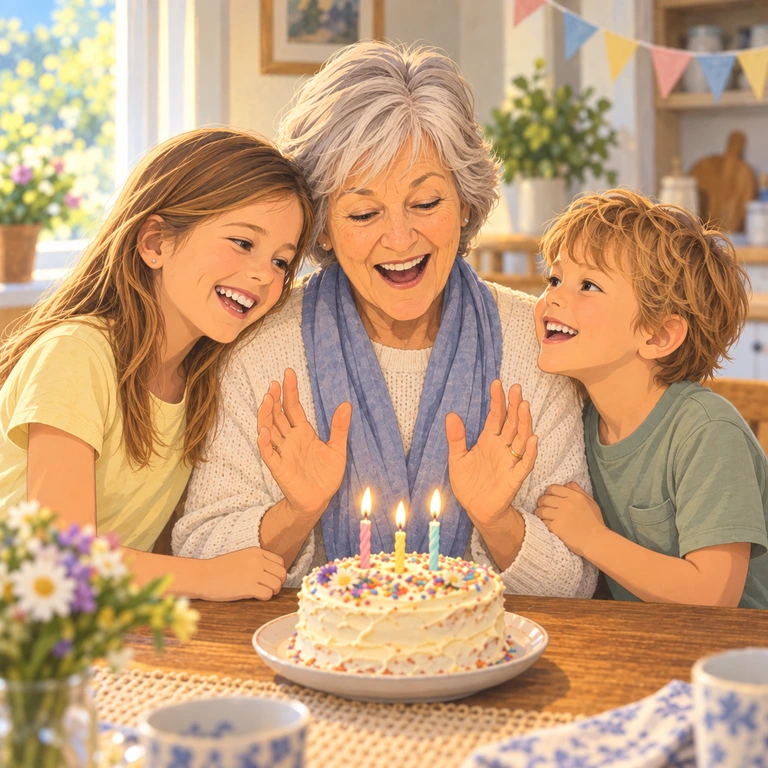
Painted styles
Each one starts from a photo already in your family album. These were all made from the same birthday photo.
Made to hang on a wall
The painting comes back in the same shape as your photo, tall or wide, so it fits the frame you had in mind. Save it to your phone and print it at home, at a print shop or with any photo-printing service.
A painted family photo is a thoughtful gift for grandparents, especially of a day they were there for.
Which photos paint best
Any photo works. A few things help the painting look like the people in it:
- Faces that are clear and not too small
- Soft, even light
- A simple background
- One to five people or pets
Honest about what AI does
Lumo uses AI image models to paint your photo. Results can be imperfect, so the original always stays as it is, right beside the painting.
How to make one
- Pick a photoOpen any photo in your family album.
- Tap Make somethingLumo shows every style, previewed on your photo.
- Choose a painted styleTap once. There’s no prompt to write.
- Keep it or share itIt’s saved next to the original for the whole family, and you can save it to your phone.
Questions
Does magic cost anything?
Each piece of magic uses a few flowers, Lumo’s in-app credits. Lumo Pass makes magic unlimited for the whole family.
Will it still look like us?
Lumo asks the AI to keep everyone recognizable: the same faces, ages, hair and clothing, and the same number of people. AI can still get details wrong, which is why the original always stays beside it.
Will it be the same shape as my photo?
Yes. A tall photo comes back tall and a wide photo comes back wide, so it fits the frame or the phone screen you had in mind.
Can I paint an old photo?
Yes. For a faded or scratched print, try Restore old photo first, then paint the restored version.
Does it change my original photo?
No. What Lumo makes is saved as a new picture next to the original, and the original stays exactly as it was.
Start your family album.
Free. Private to your family. No ads, ever.