
Wedding RSVPs
Wedding RSVP QR code: how to set one up.
- Print it beside a short web address
- Add a reply-by date
- Test on iPhone and Android
- Keep the form short
To set up a wedding RSVP QR code, put your RSVP on a wedding website, make a QR code of its link, and print it on the invitation or reply card next to a short web address and a reply-by date. Test one printed copy before ordering.
Last updated
No card needed · works on any phone or computer
How a wedding RSVP QR code works
A QR code is a picture of a web address. Guests point their phone camera at it, tap the link that appears, and land on your RSVP form. The code does nothing on its own: it only opens the page, so start with a wedding website that takes replies.
On an iPhone, Apple’s help says to open the Camera app, hold the phone so the code shows on screen, and tap the link. Android’s guide says the same for the camera app, and adds a QR scanner in Quick Settings and Google Lens. Most guests won’t need instructions, but a short line helps those who do.
Where to print it, and what to write next to it
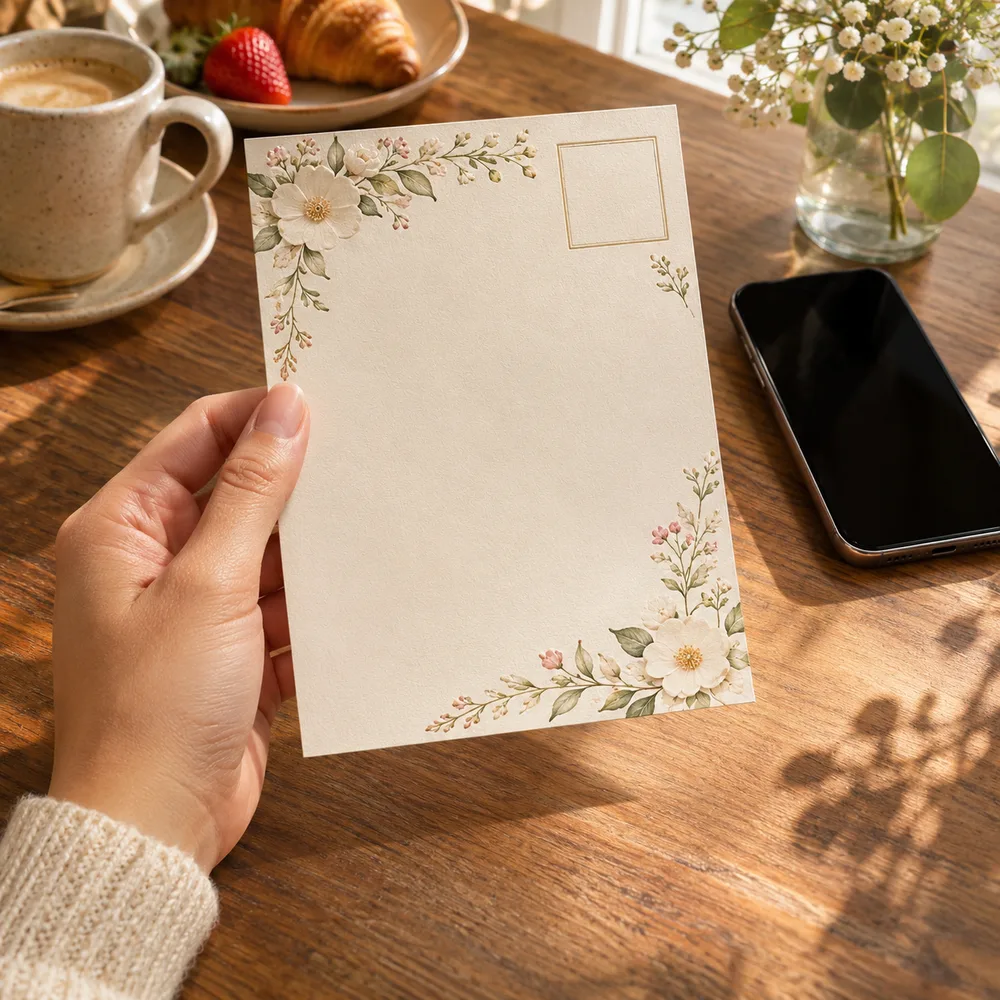
The QR code goes where guests will be when they decide to reply: on the invitation or on the reply card in the same envelope. Zola’s RSVP guide suggests putting your website address on the reply card, and the same card is the natural home for the code.
Always print the web address next to the code, short enough to type, plus the date you need replies by. Someone reading the invitation on a computer, or whose camera won’t focus, can still reply.
| Where | What to print next to the code | Good to know |
|---|---|---|
| The invitation | “Reply online by 1 May”, your short web address, and a phone number for anyone who’d rather call | Keep the code small and in a corner, so it doesn’t take over the design |
| A reply card in the envelope | “Scan to reply”, the web address, the reply-by date and your names, so the card makes sense on its own | A separate card keeps the invitation itself clean |
| The save the date | Usually just the website for travel and places to stay, with “Invitation to follow” | RSVPs normally open with the invitation, once the guest list is final |
| A reminder message | The web address as a link, not the code: a code in a text or email can’t be scanned by the phone showing it | You send reminders from your own phone or email |
Size, contrast and a test scan
Print the code dark on a light background, with a clear margin of plain paper around it. Pale gold on cream, white on a photo, or a code placed over a pattern often won’t scan. Don’t stretch it, and keep it at least the size of a postage stamp.
Before you order the whole run, print one copy at the real size on the real paper. Scan it with an iPhone and an Android phone, in ordinary room light, and make sure it opens the RSVP page, not your home page or a draft. Then type the short address by hand to check that too.
What to put next to the code: the reply-by date
A clear date gets you an answer in time for the caterer. Etiquette advice varies on how early: the Emily Post Institute suggests a reply-by date two to three weeks before the wedding, while Zola’s RSVP guide suggests around one month before. Zola also says to make the date easy to see, not tucked into small print.
Use the same date on the card and on the website, so guests aren’t left choosing between two.
Wedding RSVP questions: what to ask online
Keep the form short. Most couples need four things: the guest’s name, yes or no, how many people are coming, and a note for anything you should know, such as an allergy or a dietary need.
Ask more only if you’ll use it. A plated dinner needs meal choices; a weekend of events needs a reply for each one. If you need those, choose an RSVP service that has them, and if you don’t, a shorter form gets more replies.
Guests who won’t scan a code
Some guests won’t use a QR code or a website, and that’s fine. Print a phone number or an email address next to the code, as the Emily Post Institute suggests for couples who take replies that way. Zola’s guide suggests being ready to call older guests to get their reply.
When someone replies by phone, add them yourself to the same list, so you keep one count, not two.
How Lumo does it
Lumo makes a free wedding website at an address like lumomagic.com/w/anna-and-tom, with RSVP replies, the day’s schedule, directions, what to wear and answers to guests’ questions. There are no ads, and no card is needed to start. You make it in a browser on your phone or computer, or in the Lumo app.
From the Share screen you can save a QR code of your website as a PNG or PDF, ready to place on your invitation or reply card. Guests reply in their browser with their name, yes or no, how many are coming (up to 10) and an optional note; they don’t need an account or an app. Only the two of you see the replies, and they’re deleted 90 days after the wedding.
Lumo keeps the form short on purpose: it has no meal choices, custom questions, named plus-ones, separate events or reply-by setting, and it never messages or emails your guests. Ask guests to use the note for dietary needs, print your reply-by date on the card, and send any reminders yourself.
Make your free wedding websiteSetting up a wedding RSVP QR code with Lumo
- Make your wedding websiteStart at lumomagic.com/wedding in a browser or in the Lumo app, and add the day, the venue and anything guests should know.
- Save the QR codeOpen the Share screen and save the QR code as a PNG or PDF.
- Place it on the cardPut it on the invitation or reply card with your web address, a reply-by date and a phone number.
- Test one printed copyScan it with an iPhone and an Android phone, and type the address by hand.
- Follow up yourselfCheck replies in Lumo and message anyone who hasn’t answered from your own phone.
Questions
How do I make a QR code for my wedding RSVP?
Make a wedding website that takes RSVPs, then make a QR code of its link. In Lumo, the Share screen saves the code as a PNG or PDF for your invitations.
Where should the RSVP QR code go?
On the invitation or on the reply card in the same envelope, next to a short web address and your reply-by date. A save the date usually carries just the website, since RSVPs open with the invitation.
Do I still need paper reply cards if guests RSVP online?
Not always. You can print one small card with the QR code, the web address and the reply-by date instead of a card guests mail back. Offer a phone number for anyone who would rather call.
How big should a QR code be on a wedding invitation?
At least the size of a postage stamp, printed dark on a light background with plain space around it. Print one test copy at real size and scan it with two phones before ordering.
What should a wedding RSVP ask?
The guest’s name, yes or no, how many are coming, and a note for dietary needs. Add meal choices or one reply per event only if you need them.
Can Lumo’s RSVP ask for meal choices?
No. Lumo’s RSVP asks for name, yes or no, how many are coming and an optional note. Guests can use the note for allergies or dietary needs.
Do guests need an account to reply?
Not in Lumo. Guests reply in their browser with no account and no app, and only the couple sees the replies.
Start your family album.
Free. Private to your family. No ads, ever.