
New baby
The best baby photos are on everyone else’s phone.
You’re holding the baby, so other people take the photos: your partner, the grandparents, the friends who visit. Here’s how to get every one of them into one private album, without asking twice.
Free on iPhone, iPad and Android. Private to your family.
No app? Open your album in any web browser: app.lumomagic.com

Why baby photos end up scattered
In the first weeks, photos come from everywhere: the hospital, your partner’s phone, grandparents, aunts and friends dropping off dinner. Some arrive in a chat, shrunk; most never arrive at all, because nobody wants to send forty photos one by one.
Asking again later rarely works. The answer is a place everyone can add to themselves, set up before the visits start.
One album everyone adds to
Start a family album and invite the people who take photos of the baby. Each of them adds photos straight from their own phone, in full quality, and Lumo puts them in order by the day they were taken.
Lumo skips anything already in the album, so if two people add the same photo, it appears once. Videos are kept whole, up to 3 GB each.
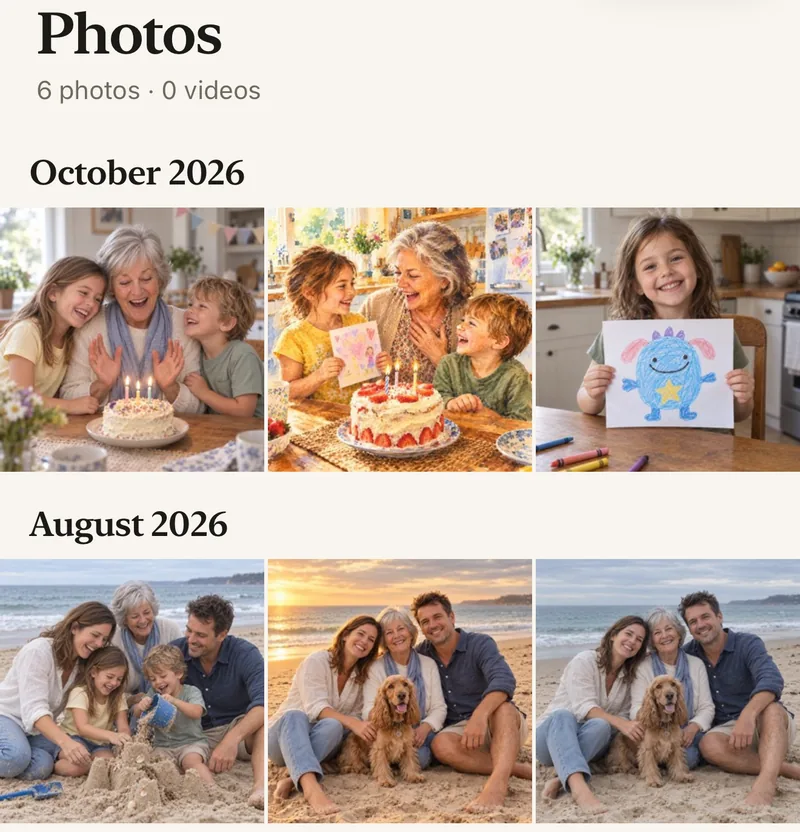
A small album just for the baby
Make an album inside the family album for the baby. The photos stay in the family album too, so grandparents see everything as it arrives, and you can open the baby’s album when you just want those.
- Photos sorted by the day they were taken
- Hearts and comments beside each photo
- Only the family you invite can see them
Before the visits start
Send the invite link in the family chat before the birth, or put your 4-digit family code on a note by the door for visitors who are family. A code only asks to join; you let each person in.
Sharing baby photos privatelyHow to gather the baby photos
- Start a family albumFree, on iPhone, iPad or Android.
- Invite the photo-takersYour partner, grandparents and close family, with a private link.
- Ask them to add their photosStraight from their phones. Duplicates are skipped.
- Make an album for the babyInside the family album, so everyone still sees everything.
Questions
Do grandparents need to sort their photos first?
No. They add photos from their phone and Lumo sorts them by the day they were taken. Duplicates are skipped.
Can visitors who aren’t family add photos?
Only people in the family album can add or see photos. For a one-off, a friend can send you their photos and you add them.
How do grandparents join?
Send them a private invite link and they tap it, or give them your 4-digit family code. A code only asks to join; someone in the family lets them in.
Who can see our photos?
Only the people in your family album. Nothing is public, there are no followers, and photos are never shown to anyone outside your family.
Is Lumo really free?
Yes. The album, unlimited photos and videos, inviting family, hearts and comments are all free. Lumo Pass is optional, for unlimited magic, full-length videos and saving originals. Unlimited means unlimited for everyday family use, under fair use.
Start your family album.
Free. Private to your family. No ads, ever.