
Office holiday party
Every guest’s photos from the holiday party, not just the booth’s.
To collect photos from an office holiday party, make one private event album in Lumo and put its QR code in the invite, on the tables and next to the photo booth. Coworkers scan it, sign in with Apple, Google or email, and add the photos and videos they took, in their browser at app.lumomagic.com or in the free app. There’s nothing to install, every photo stays in full quality, and the album stays after the party.
Last updated
Lumo is a free, private family album for iPhone, iPad and Android. Send one link and the whole family can join.
Invited to a Lumo album? Open it in any web browser: app.lumomagic.com

The booth gets a few photos. The phones get the rest.
A photo booth or a backdrop is great for posed shots, but most of the night happens somewhere else: the toast, the awards, the team that finally got everyone into one picture. Those photos end up on dozens of phones, and the next day someone asks in the work chat whether anyone got a good one.
One album for the party, with one QR code, puts every guest’s photos in the same place as the booth’s.
Where to put the QR code
- In the invite: paste the invite strip, or add the album’s link, so people can join before they arrive.
- Next to the photo booth or backdrop: guests already have their phones out there.
- On every table, with a bigger sign at check-in.
- On the screen: the 16:9 slide during the welcome or between the awards.
- In the toast: mention it once. That’s enough.
A free sign, slide and invite strip
Download the free party sign (PDF) with 5×7 in, 4×6 in, A5 and A6 pages, the 16:9 slide (PNG) and the invite strip (PNG). Their words suit an office, a team or any group.
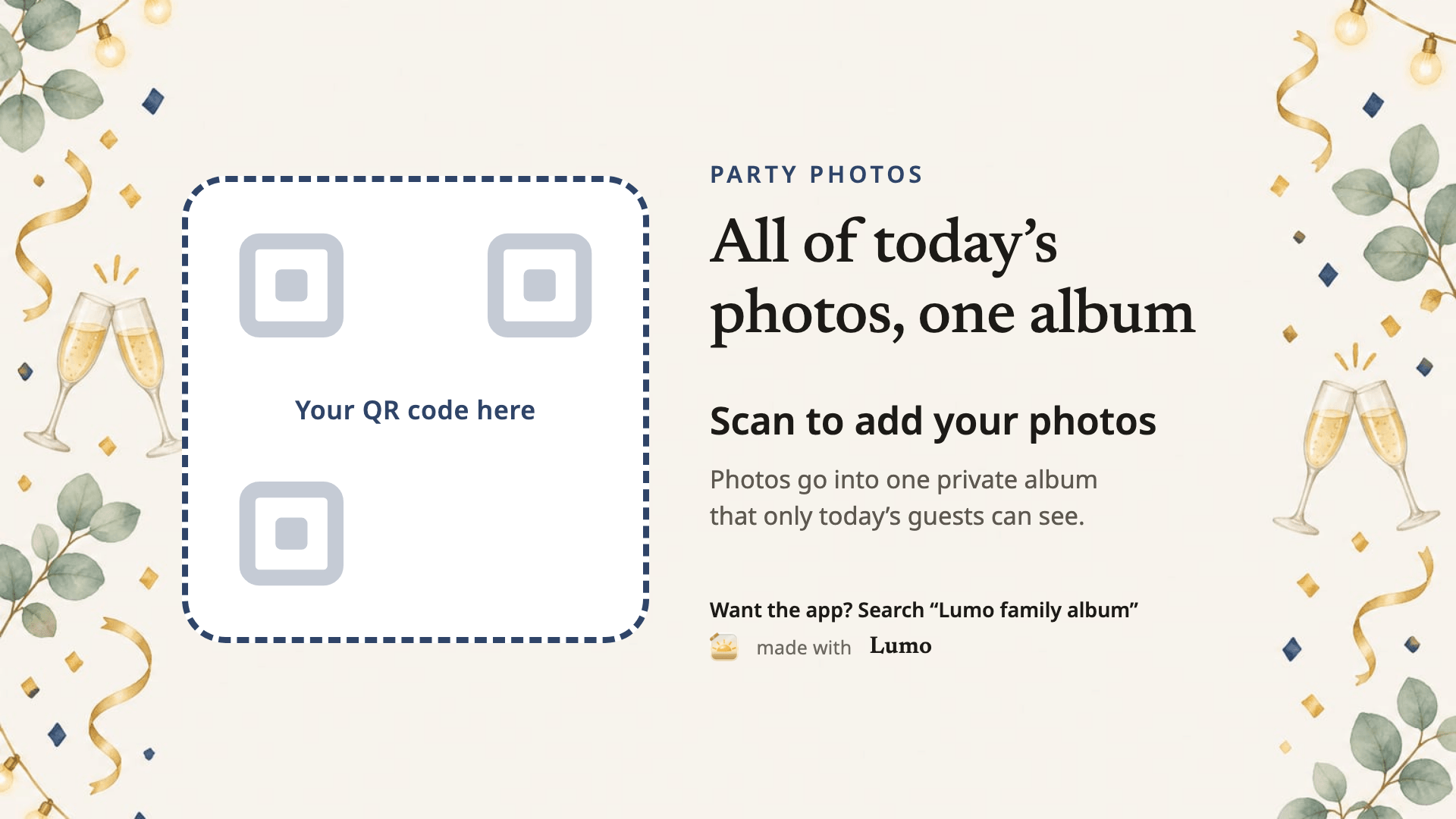

In Lumo, make an event, for example “Holiday party”, tap Show a QR code and place the code in the frame. Before the day, scan the printed sign with two different phones.
More free QR photo signs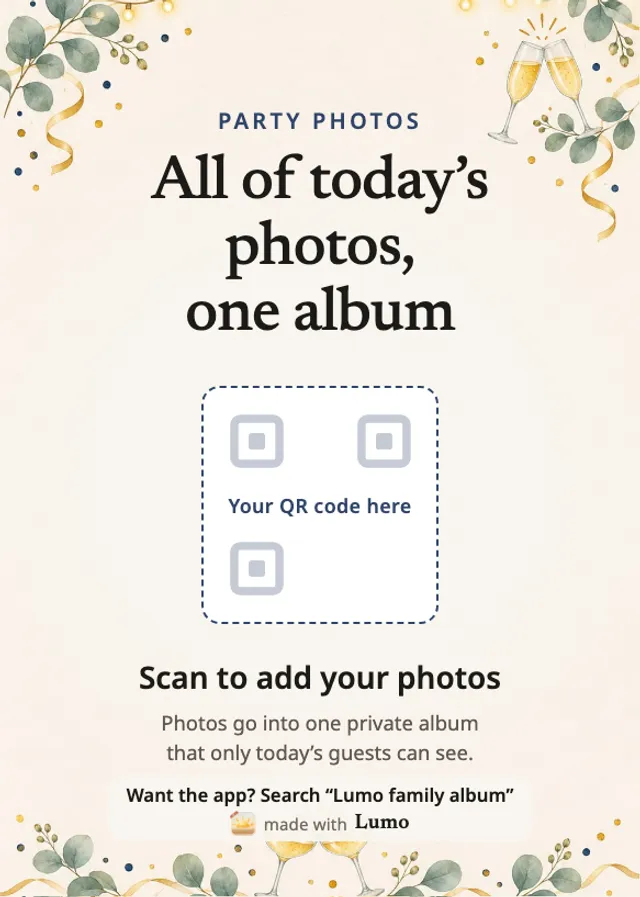
What coworkers do
They point their phone camera at the code, choose “Continue in your browser”, sign in with Apple, Google or email, and add photos at app.lumomagic.com. There’s nothing to install, and the free app works too, on iPhone, iPad and Android.
One code works for up to 500 people. Turn on “Only admins can let people in” to accept each guest yourself. Only people in the album can see the photos; nothing goes on a public page.
After the party
The event album stays, so guests can add photos the next morning, and anyone who couldn’t come can see the night. Photos are kept in full quality, and videos whole, up to 3 GB each. Anyone in the album can save the photos they want, for the team newsletter or the year-end slideshow.
The event is its own album, separate from anyone’s family album.
How event albums workHow to collect office holiday party photos
- Make an eventIn Lumo, open the Family tab, tap your family name at the top, then New event.
- Share the QR codeIn the invite, on the tables and next to the photo booth.
- Coworkers add their photosIn their browser or the free app, in full quality.
- Keep the albumEvery photo from the party, in one place.
Questions
Do guests need to install the app?
No. They can scan the code and choose “Continue in your browser” to add photos at app.lumomagic.com, signed in with Apple, Google or email. The free app works too, on iPhone, iPad and Android.
Do coworkers need a Google account?
No. They can sign in with Apple, Google or email, on an iPhone, an Android phone or a computer.
Is it free?
Yes. There is no fee per event and no limit on photos. Videos are kept whole, up to 3 GB each.
Does the QR code expire?
Yes, after a year, like every link for an event album, so you can make the code well before the party. The album itself stays, and you can make a new code at any time.
How are the photos kept safe?
Photos are encrypted in transit and at rest, and only people in the album can open them. Invite links and QR codes work for a year, and you can turn a link off or remove someone at any time. There are no ads, and we don’t sell your data.
Start your family album.
Free. Private to your family. No ads, ever.