
Families in two countries
One album for both sides of the family.
To share photos with family in another country, keep one private album that both sides open whenever it suits them. In Lumo, everyone sees the same photos and whole videos, on iPhone, Android or in a web browser, and each person sees the app in their own language. What people write stays as written, so hearts and short comments carry the conversation.
Lumo is a free, private family album for iPhone, iPad and Android. Send one link and the whole family can join.
Invited to a Lumo album? Open it in any web browser: app.lumomagic.com
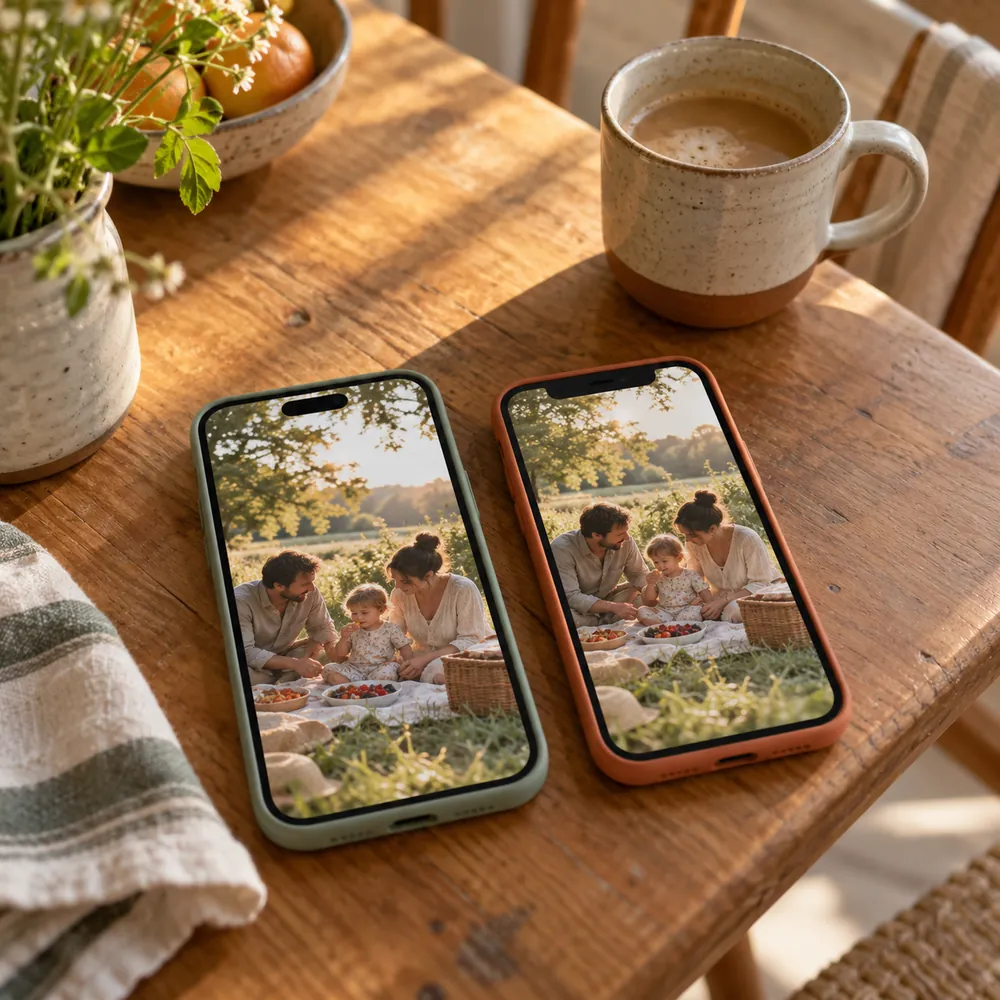
Why chats and links fall short across borders
Most families split between two countries start with whatever is at hand. Each way works for a while, then something gets lost:
- Each side uses a different chat app, so photos get forwarded twice, or not at all.
- Photos sent in chats are often made smaller, and long videos get cut or squeezed.
- Download links expire, and a folder of files is hard for grandparents to open.
- Albums tied to one phone maker are awkward for relatives with a different phone.
- Prints by post are slow, and some never arrive.
Each person in their own language
Lumo follows the language of each person’s phone or browser: English, Japanese, Korean, Chinese (simplified and traditional), Spanish, French, German, Italian or Portuguese. Anyone can also choose a language in Settings, just for their own device. A grandmother in Osaka sees Japanese and a grandfather in Ohio sees English, in the same album.
Notifications arrive in each person’s language too. What the family writes isn’t translated: names, captions and comments stay as written. A heart needs no translation, and a short comment in either language goes a long way.
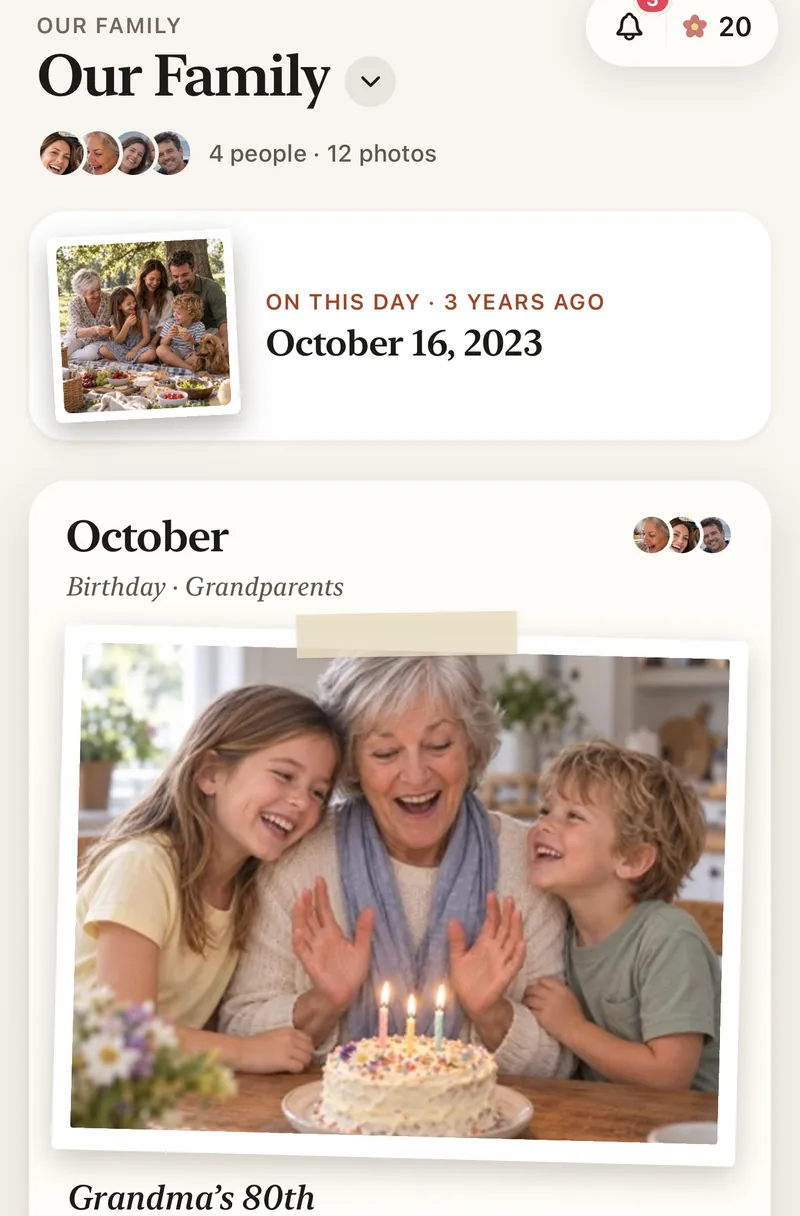
Any phone, on either side
Lumo is on iPhone, iPad and Android, and relatives can also open the album in any web browser at app.lumomagic.com. It doesn’t matter which phones are popular in each country: everyone sees the same album.
Sharing between iPhone and AndroidAcross time zones
Photos wait in the album, in order, for whenever someone opens it. Notifications come at most once an hour for each person adding photos, so a busy afternoon on one side doesn’t turn into a night of pings on the other.
Hearts and comments sit under each photo, so a conversation can carry on across the day, whoever is awake.
Whole videos, full-quality photos
Photos keep their full quality, and videos are kept whole, up to 3 GB each. Everyone can watch the first minute free; Lumo Pass, which covers the whole family, plays every video in full.
Setting it up from far away
You don’t need to be in the same room. On a video call, read out your 4-digit family code. Your parent types it into Lumo to ask to join, and you let them in while you’re still talking. Or send a private invite link in whichever chat app they use.
Setting up a family album for parentsHow to share photos with family abroad
- Start a family albumFree, on iPhone, iPad or Android, or in a browser at app.lumomagic.com.
- Invite the other side of the familyA private link in any chat app, or the 4-digit family code on a video call.
- Let them inA code only asks to join; someone in the family lets them in.
- Add the everydayPhotos and videos as they happen, waiting for whenever the other side wakes up.
Questions
Does Lumo translate comments?
No. Lumo itself appears in each person’s language, but what the family writes, such as names, captions and comments, stays as written.
Can each person use a different language?
Yes. Lumo follows each phone’s or browser’s language, and anyone can choose another one in Settings. It only changes what that person sees.
Do relatives abroad need to install the app?
No. They can open the album in any web browser at app.lumomagic.com and sign in once with Apple, Google or email. The free app for iPhone, iPad and Android works too.
How do grandparents join?
Send them a private invite link and they tap it, or give them your 4-digit family code. A code only asks to join; someone in the family lets them in.
Who can see our photos?
Only the people in your family album. Nothing is public, there are no followers, and photos are never shown to anyone outside your family.
Is Lumo really free?
Yes. The album, unlimited photos and videos, inviting family, hearts and comments are all free. Lumo Pass is optional, for unlimited magic, full-length videos and saving originals. Unlimited means unlimited for everyday family use, under fair use.
Start your family album.
Free. Private to your family. No ads, ever.