
Kids’ artwork
Keep every drawing, without keeping every piece of paper.
The fridge is full, the box under the bed is full, and the drawings keep coming. Photograph them, keep them with the family’s photos, and the paper can go, or the best ones can stay on the wall.
Free on iPhone, iPad and Android. Private to your family.
No app? Open your album in any web browser: app.lumomagic.com
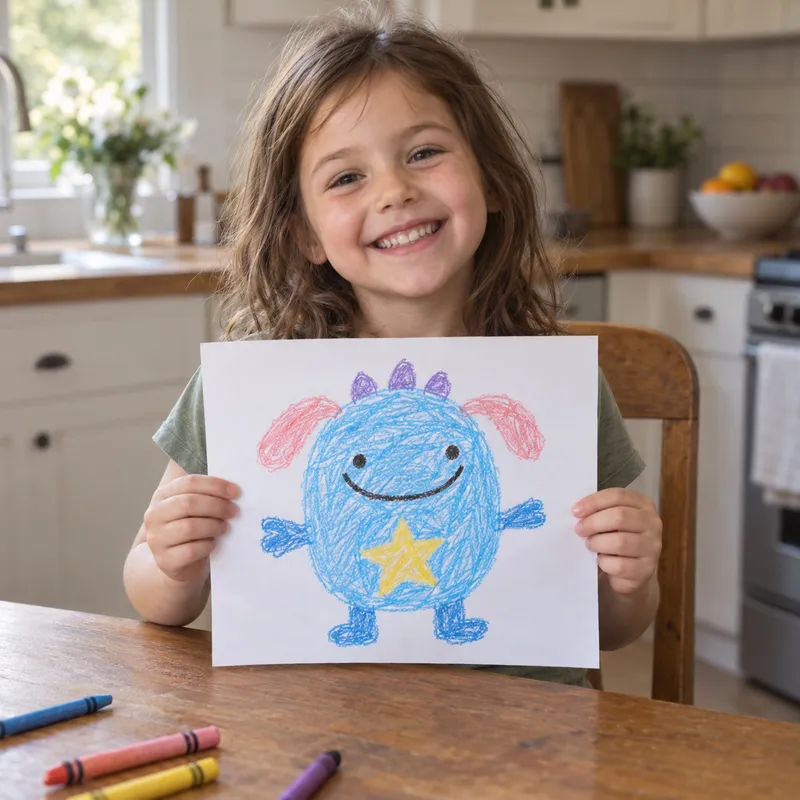
Photograph it well
- Lay the drawing flat near a window, in daylight, with no flash
- Hold the phone straight above it, so the edges stay square
- Fill the frame, then crop the table out
- Take one photo with the artist holding it, too
Keep it with the family’s photos
Add the photos to your family album and they sit beside the photos from the same week, so a drawing and the day it was made stay together. Make an album for artwork inside the family album, so all the drawings are in one place as well.
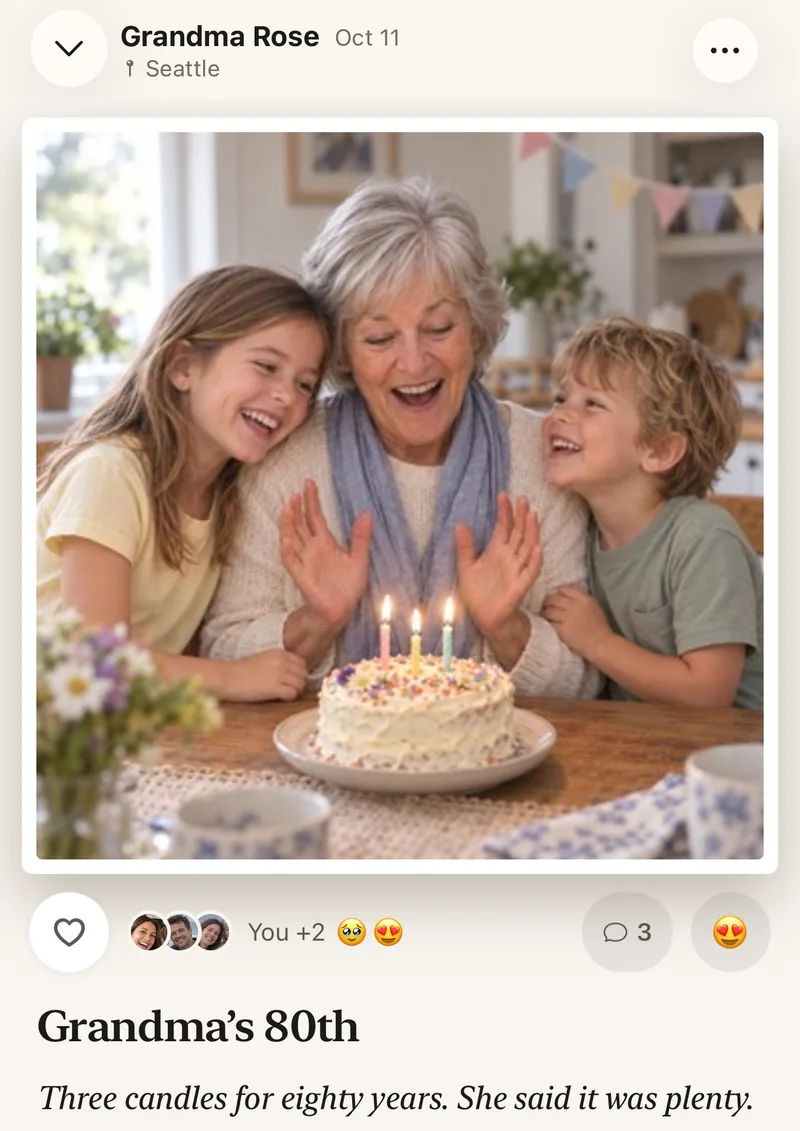
Grandparents see each new drawing as it’s added, and can heart it or leave a comment for the artist to hear.
Make something from a drawing
Lumo Magic can turn a drawing into a soft stitched plushie, as if the character had been made into a toy. Other styles turn a photo into a coloring page or a sticker. The drawing’s photo stays exactly as it was.
See what Lumo Magic can makeThen decide what to keep
Once a drawing is safely in the album, it’s easier to let the paper go. Many families keep a few favorites each year and recycle the rest, knowing every one is still there to look back on.
How to save a drawing
- Photograph it flatIn daylight, phone straight above it.
- Add it to the family albumIt lands on the day it was made.
- Put it in the artwork albumSo all the drawings are together too.
- Share the momentGrandparents can heart it and comment.
Questions
What if I add a drawing weeks later?
Open the photo and change its date to the day the drawing was made, so it sits in the right place in the album.
Does magic cost anything?
Each piece of magic uses a few flowers, Lumo’s in-app credits. Lumo Pass makes magic unlimited for the whole family.
Does Lumo use AI on our photos?
Only when someone in your family asks. Lumo Magic runs when someone taps it on a photo: that one photo is sent to OpenAI or Google to make the new picture, which is saved next to the original. The rest of the album isn’t sent anywhere for AI, and the original stays exactly as it was. More in our privacy policy.
Who can see our photos?
Only the people in your family album. Nothing is public, there are no followers, and photos are never shown to anyone outside your family.
Is Lumo really free?
Yes. The album, unlimited photos and videos, inviting family, hearts and comments are all free. Lumo Pass is optional, for unlimited magic, full-length videos and saving originals. Unlimited means unlimited for everyday family use, under fair use.
Start your family album.
Free. Private to your family. No ads, ever.