
Sharing photos with family
Google Photos won’t share to WhatsApp?
Google Photos won’t share to WhatsApp? Try opening the photo or video and choosing WhatsApp from Share; if that fails, download a copy to the phone before sending it from the chat.
Last updated
Lumo is a free, private family album for iPhone, iPad and Android. Send one link and the whole family can join.
Invited to a Lumo album? Open it in any web browser: app.lumomagic.com
Start with the share menu
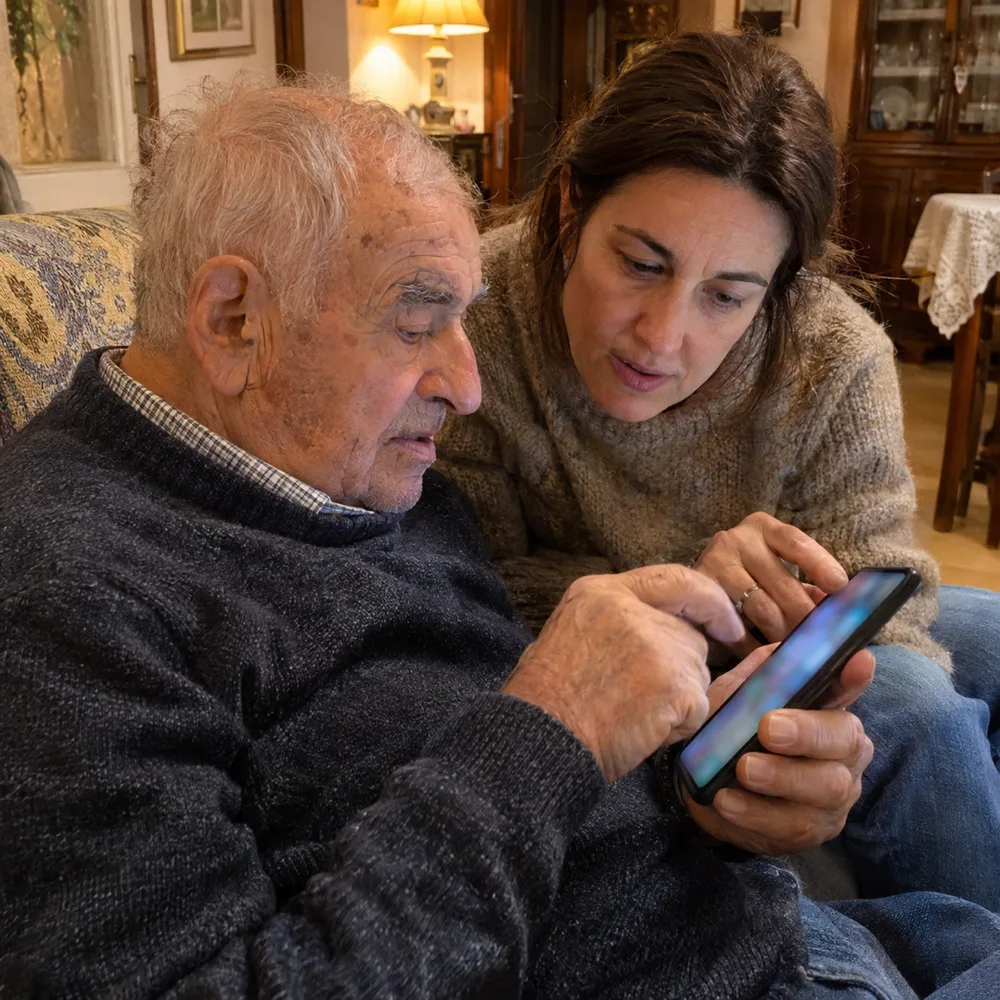
Select the photo or video in Google Photos and tap Share. Google’s sharing help says to swipe left through the app choices to find another app; choose WhatsApp if it appears and check the recipient before sending. If it is missing or the handoff fails, try the downloaded-file route below.
Download first, then send from WhatsApp
Google’s download instructions for Android and iPhone/iPad use the selected photo or video → More → Download. The option may be absent when the file is already on the device; check the phone’s gallery or Photos app. Open the local file, then open the intended WhatsApp chat and select that saved photo or video to send. This avoids relying on the handoff from Google Photos.
Send a link instead
In Google Photos, select the photo or video, tap Share, then Create link, and paste the link into the intended WhatsApp chat. The recipient opens the item in Google Photos rather than receiving a media attachment. Anyone with the shared link can view the shared content, so check what is included and who is in the chat before sending or forwarding it.
If a downloaded video still fails
Play the downloaded video on the phone to check the file. Google’s Android download help suggests converting a video to a format supported by the receiving app, or sharing a Google Photos link. Keep the original if you make a converted copy. These help pages do not specify a WhatsApp video length or file-size limit; use a link if sending the file still fails.
A shared album for chosen family photos
Lumo is a private family album on iPhone, Android and the web, where invited relatives can join and add photos through the web app without installing anything. It keeps originals and offers free unlimited photos and videos under fair use, with no ads or face recognition. Optional Lumo Pass covers original downloads and full-length video; keep a separate backup, as Lumo is not a full phone backup.
Get the photo to the right chat
- Try ShareOpen the photo or video in Google Photos, tap Share and look through the app choices for WhatsApp.
- Try a local copyDownload the file if needed, check that it opens on the phone, then select it from the intended WhatsApp chat.
- Use a link if neededCreate a link in Google Photos, check the shared content and chat recipients, then send the link.
Questions
Why is Download missing?
Google says the option is unavailable when the photo is already on the Android device, or the photo or video is already in the iPhone camera roll. Check the local gallery first.
Where do I choose another app to share with?
After selecting the item and tapping Share in Google Photos, swipe left through the app choices, as Google’s help describes.
Who can open a Google Photos share link?
Anyone who has the shared link can view the shared content. Check the audience before forwarding it.
What does Google suggest when a downloaded video won’t share?
Its Android help suggests a format compatible with the receiving app or a Google Photos link to the video.
Start your family album.
Free. Private to your family. No ads, ever.