
Troubleshooting
Shared album not updating? Here’s why new photos don’t show.
You added the photos, but the family still can’t see them. Usually the photos haven’t finished uploading, or someone is looking in the wrong place. Here are the fixes for iPhone and Google Photos.
Free on iPhone, iPad and Android. Private to your family.
No app? Open your album in any web browser: app.lumomagic.com

iCloud shared album: new photos aren’t showing
- Still uploading: photos only reach the album once your iPhone has sent them. Keep the Photos app open on Wi-Fi for a minute, and check that Low Power Mode is off, as it can pause uploads.
- Shared Albums is off on their device: open Settings, tap your name, then iCloud, then Photos, and turn on Shared Albums.
- Signed in to another Apple Account: shared albums follow the account, so the album only appears on devices signed in to the account that joined it.
- The owner is out of iCloud storage: albums made on iOS 27 or later use the owner’s iCloud storage, including what others add. When it’s full, new photos can’t be added.
Google Photos: the shared album looks out of date
- Added to your library, not the album: backing a photo up doesn’t share it. Open the shared album and tap Add photos.
- Viewing in another Google Account: open the album in the account that joined it.
- An old app: update Google Photos, then close and reopen the album.
- No connection: photos are added once your phone is back online.
A family album that updates for everyone
In Lumo, a photo you add appears for the whole family as soon as it has uploaded, on iPhone, iPad and Android. Uploads keep going while you use the app, and Lumo skips anything already in the album, so adding again never makes duplicates.
Everyone chooses whether to be told about new photos in Settings, Notifications, so grandparents don’t have to keep checking.
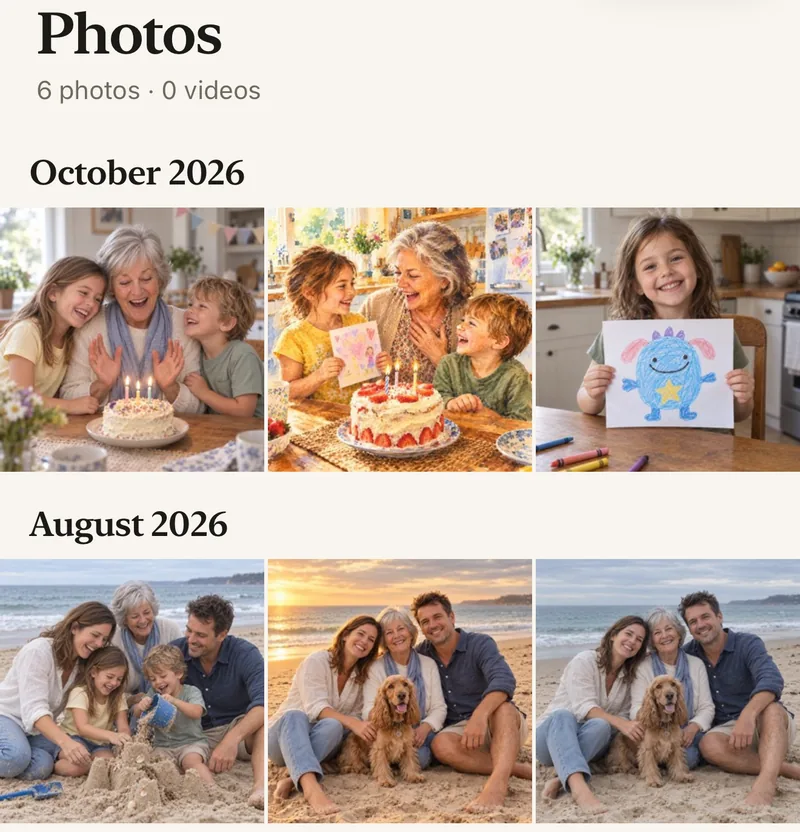
How to share photos the whole family sees
- Start a family albumFree, on iPhone, iPad or Android.
- Invite the familyWith a private link or a 4-digit family code.
- Tap AddChoose photos and videos. They upload while you keep using the app.
- Everyone sees themNew photos appear for the whole family, and nobody else.
Questions
Why do my shared album photos show on my iPhone but not on my mother’s?
Most often the photos haven’t finished uploading from your phone, or Shared Albums is turned off on hers. Open Photos on Wi-Fi for a minute, then check Shared Albums is on in her iCloud settings.
How long do new photos take to appear?
Usually seconds to a few minutes once the photos have uploaded. Large videos on a slow connection take longer.
How do grandparents join?
Send them a private invite link and they tap it, or give them your 4-digit family code. A code only asks to join; someone in the family lets them in.
How does Lumo keep our photos safe?
Photos are encrypted in transit and at rest, and only signed-in members of your family album can open them. Invite links stop working after 30 days, a family code only asks to join, and you can turn the code off or remove someone at any time. There are no ads, and we don’t sell your data.
Where do these steps come from?
From Apple’s and Google’s own help pages, checked in October 2026. Menus can move a little between app versions.
Start your family album.
Free. Private to your family. No ads, ever.