
Family trips and gatherings
Every photo from the family trip, in one album.
After a reunion, a holiday visit or a week at the lake, the best photos are spread across a dozen phones. A family album that everyone adds to brings them together, in the order they were taken, and keeps them private.
Free on iPhone, iPad and Android. Private to your family.
No app? Open your album in any web browser: app.lumomagic.com

Why trip photos never come together
Everyone took photos, but each person only has their own. Sending them around a group chat shrinks them, and a shared drive folder is one more thing to set up and remember.
One album everyone adds to
In Lumo, everyone in the family adds photos and videos from their own phone. Lumo sorts them by when each was taken, so the whole trip reads in order, from every point of view. Photos already in the album are skipped, so nothing appears twice.
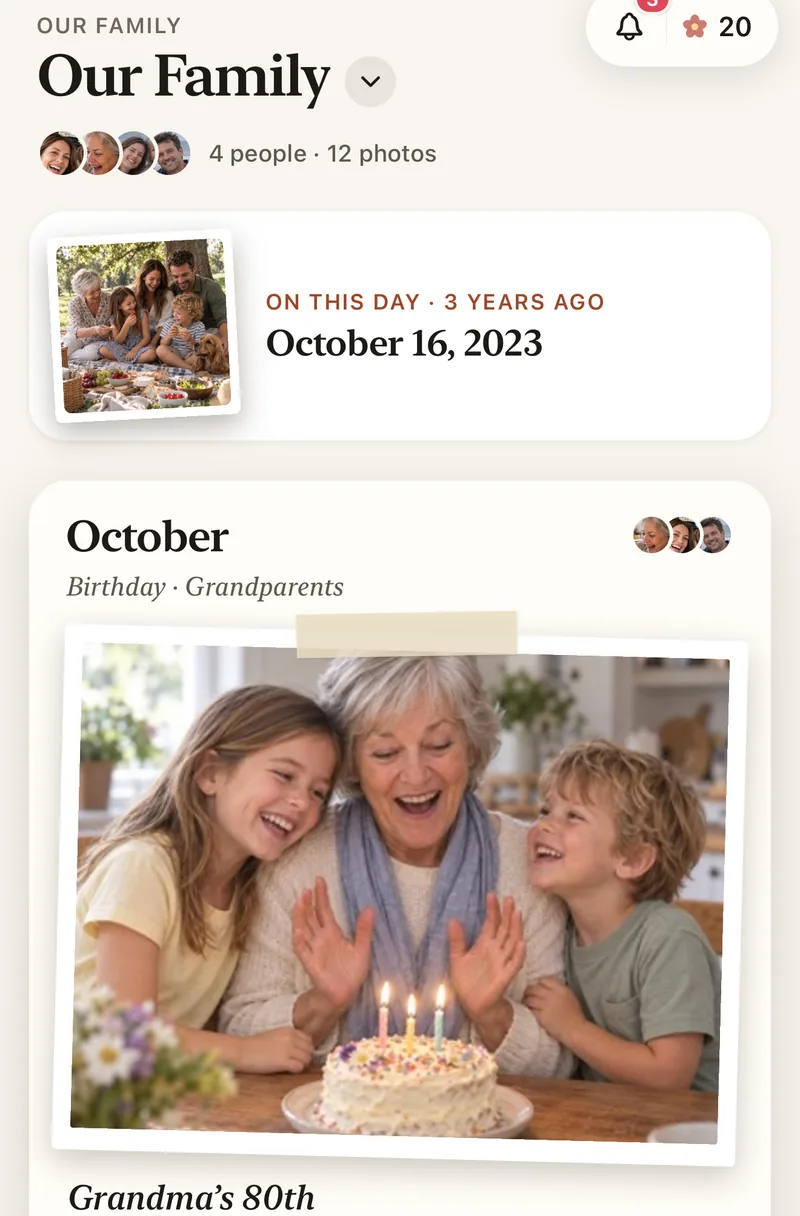
Set it up before you go
Invite everyone before the trip, or share the 4-digit family code at the table. A code only asks to join, so someone in the family lets each person in.
Each person belongs to one family album in Lumo, so for a reunion it works best as the album for the whole extended family: grandparents, aunts, uncles and cousins together.
Private, even with a big family
Only the people in the album can see it. There is no public album link, no followers and no ads, and photos are encrypted in transit and at rest.
To share one photo with a friend from the trip, send a single-photo link. It opens for 45 minutes, then shows only a small preview.
Make something from the trip
Turn the best photo into a postcard or a painting in one tap, or a card for the people who hosted. Magic runs only when someone asks, and the original photo is kept as it was.
Make cards from family photosHow to collect everyone’s trip photos
- Start a family albumFree, on iPhone, iPad or Android.
- Invite everyone before the tripShare the link in the family chat, or read out the code.
- Add photos as you go, or at the endEveryone adds from their own phone.
- Look back togetherThe whole trip in order, with hearts and comments.
Questions
Do photos keep their full quality?
Yes. Lumo keeps the original file of every photo, and every video whole, up to 3 GB each. Everyone sees a sharp viewing copy, and with Lumo Pass the family can download the originals.
Who should be in the album?
Each person belongs to one family album in Lumo, so it works best as the album for the whole family you gather with: grandparents, parents, aunts, uncles and cousins.
How do grandparents join?
Send them a private invite link and they tap it, or give them your 4-digit family code. A code only asks to join; someone in the family lets them in.
How does Lumo keep our photos safe?
Photos are encrypted in transit and at rest, and only signed-in members of your family album can open them. Invite links stop working after 30 days, a family code only asks to join, and you can turn the code off or remove someone at any time. There are no ads, and we don’t sell your data.
Is Lumo really free?
Yes. The album, unlimited photos and videos, inviting family, hearts and comments are all free. Lumo Pass is optional, for unlimited magic, full-length videos and saving originals. Unlimited means unlimited for everyday family use, under fair use.
Start your family album.
Free. Private to your family. No ads, ever.