
Saving shared photos
How to save every photo from a shared album.
Maybe the album is about to be deleted, someone is leaving it, or you just want your own copy. Saving photos one at a time is slow. Here is how to save them all at once, on each kind of device.
Free on iPhone, iPad and Android. Private to your family.
No app? Open your album in any web browser: app.lumomagic.com
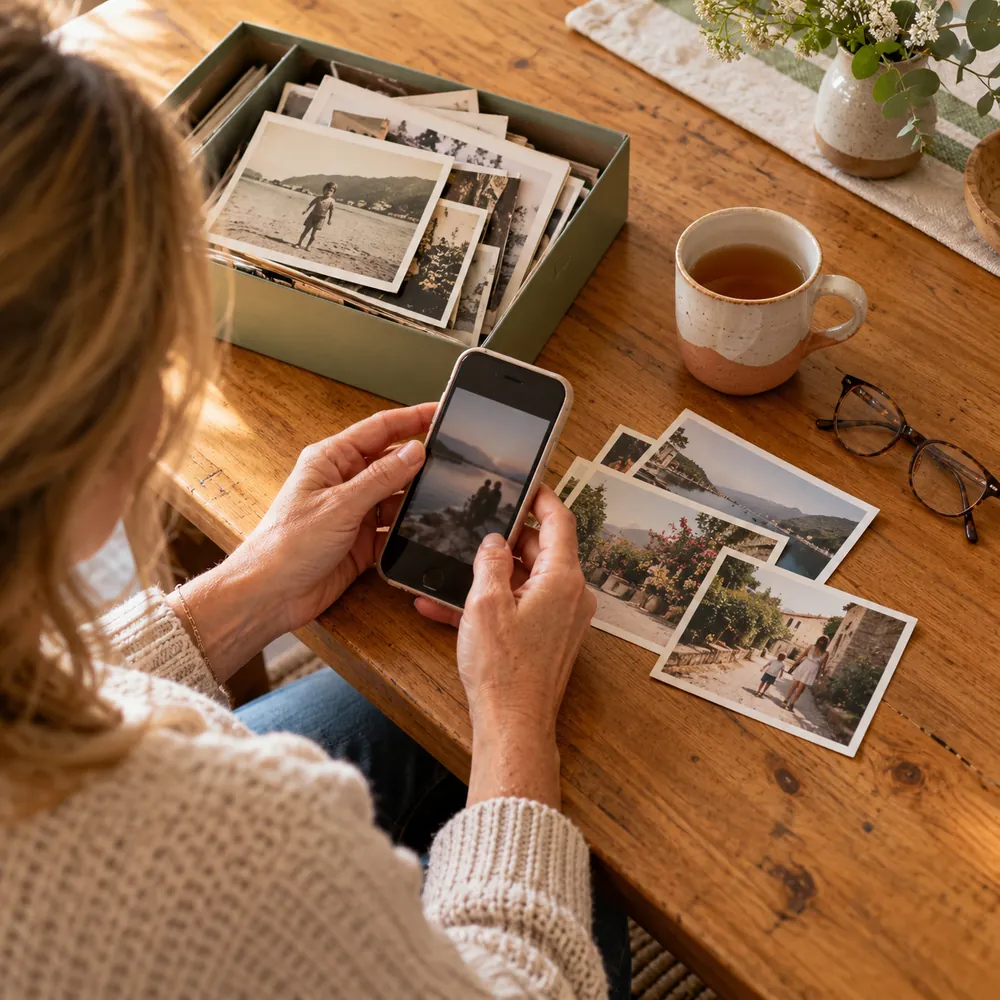
iCloud shared album, on iPhone or iPad
Photos you save stay in your library even if the shared album is later deleted.
- Open Photos, go to Collections, then Shared Albums, and open the album.
- Tap Select, then select the photos and videos. You can slide your finger across them to select many at once.
- Tap the Share button, then Save. They go into your own library.
iCloud shared album, on a Mac or Windows PC
- Mac: open the album in Photos, select everything with Command-A, and drag it into your library or to a folder.
- Windows: install iCloud for Windows, turn on Photos and Shared Albums, and the albums appear in File Explorer under iCloud Photos, where you can copy them.
- Albums from iOS 26 or earlier are stored at 2048 pixels, so that is the size you’ll get.
Google Photos shared album
- On a computer, open the album at photos.google.com, click More (the three dots), then Download all. The photos arrive as a zip file.
- On a phone, open the album, select the photos and save them to your device.
- If Download all is missing, the album may not allow it; ask the owner.
Next time, an album you don’t have to rescue
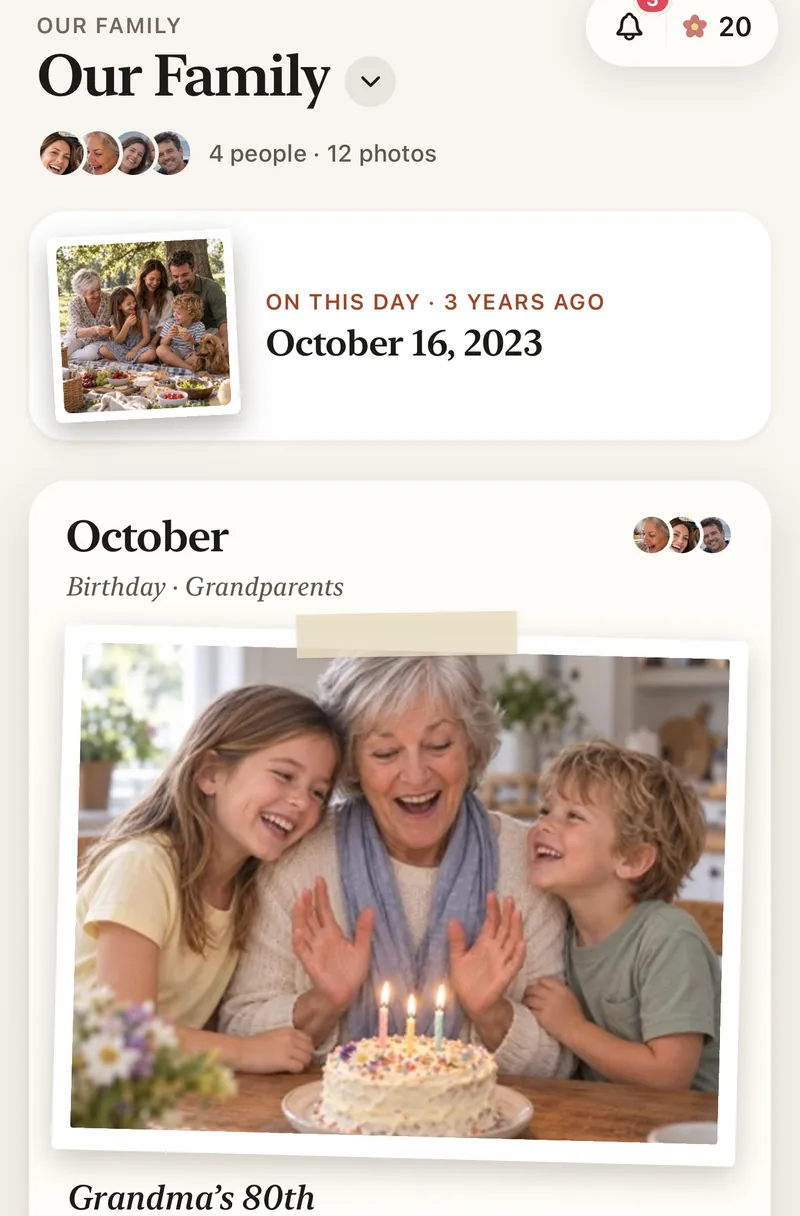
Shared albums disappear when their owner deletes them or leaves. Lumo’s family album belongs to the whole family: anyone can add photos from their own phone, in full quality, and they stay put.
Adding saved photos is easy too: choose them all at once, and Lumo skips any already in the album.
How to move a shared album into Lumo
- Save the photos to your phoneUsing the steps above.
- Start a family albumFree, on iPhone, iPad or Android.
- Add them all at onceLumo puts them in order and skips duplicates.
- Invite the familyWith a private link or a 4-digit family code.
Questions
Can I download an iCloud shared album without an iPhone?
Yes, on a Windows PC with iCloud for Windows and Shared Albums turned on. Albums made on iOS 27 or later can also be opened from a link in a web browser.
Are downloaded photos full quality?
From albums made on iOS 27 or later, yes. Older iCloud shared albums keep photos at 2048 pixels, so that is what you save. Google Photos gives you the quality the photos were backed up in.
What happens to the photos if the album is deleted?
They disappear for everyone, except copies people already saved to their own library.
Is Lumo really free?
Yes. The album, unlimited photos and videos, inviting family, hearts and comments are all free. Lumo Pass is optional, for unlimited magic, full-length videos and saving originals. Unlimited means unlimited for everyday family use, under fair use.
Where do these steps come from?
From Apple’s and Google’s own help pages, checked in November 2026. Menus can move a little between app versions.
Start your family album.
Free. Private to your family. No ads, ever.