
A tour before you sign up
How Lumo works, step by step.
From the person who starts the album to the relative who joins: see how everyone’s photos come together in six steps.
Last updated
Lumo is a free, private family album for iPhone, iPad and Android. Send one link and the whole family can join.
Invited to a Lumo album? Open it in any web browser: app.lumomagic.com
1. Create your family album
As the organiser, sign in to Lumo and give your family album a name. You can create another family album later from the family selector.
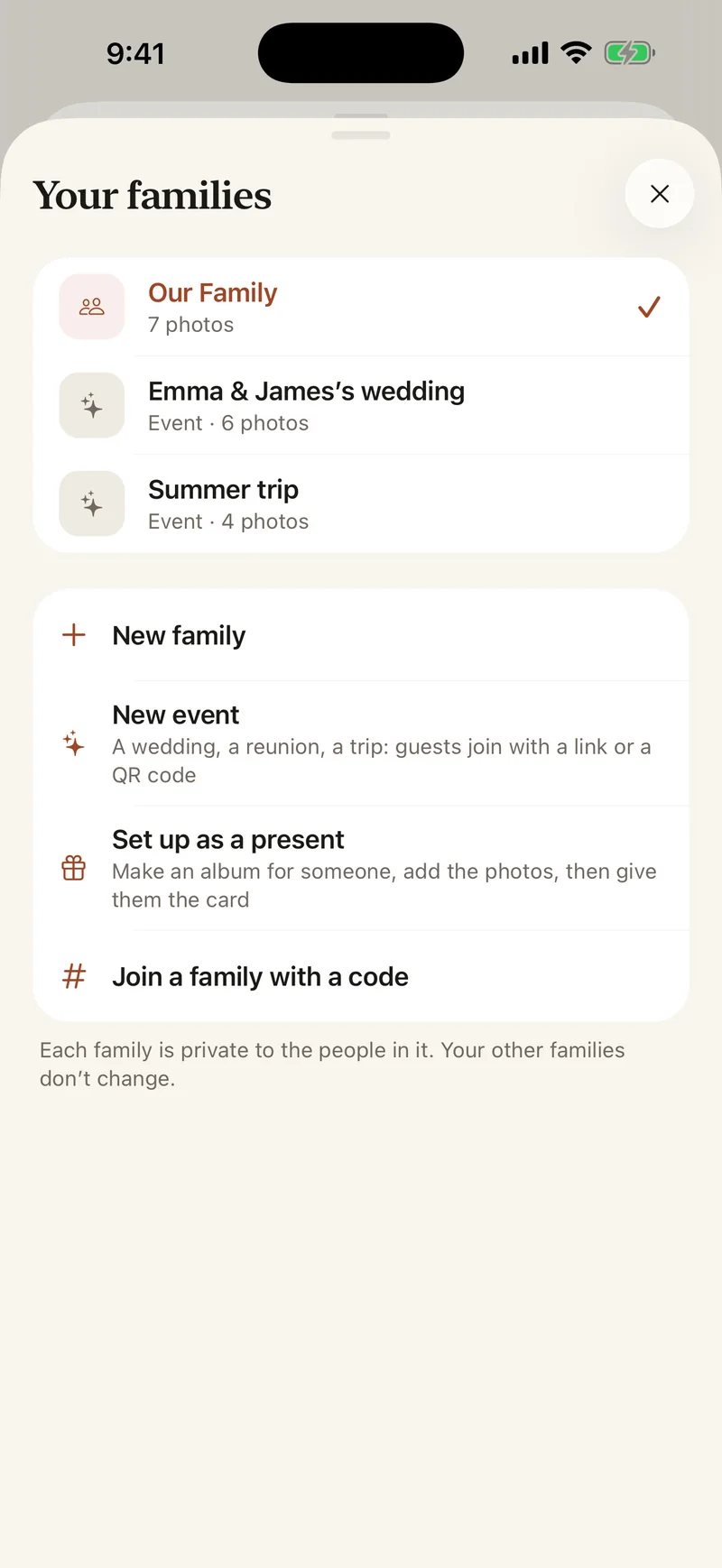
2. Add photos and videos
Tap + and choose the photos and videos you want to add. Once uploaded, they appear in your shared album, ready for the family to see.
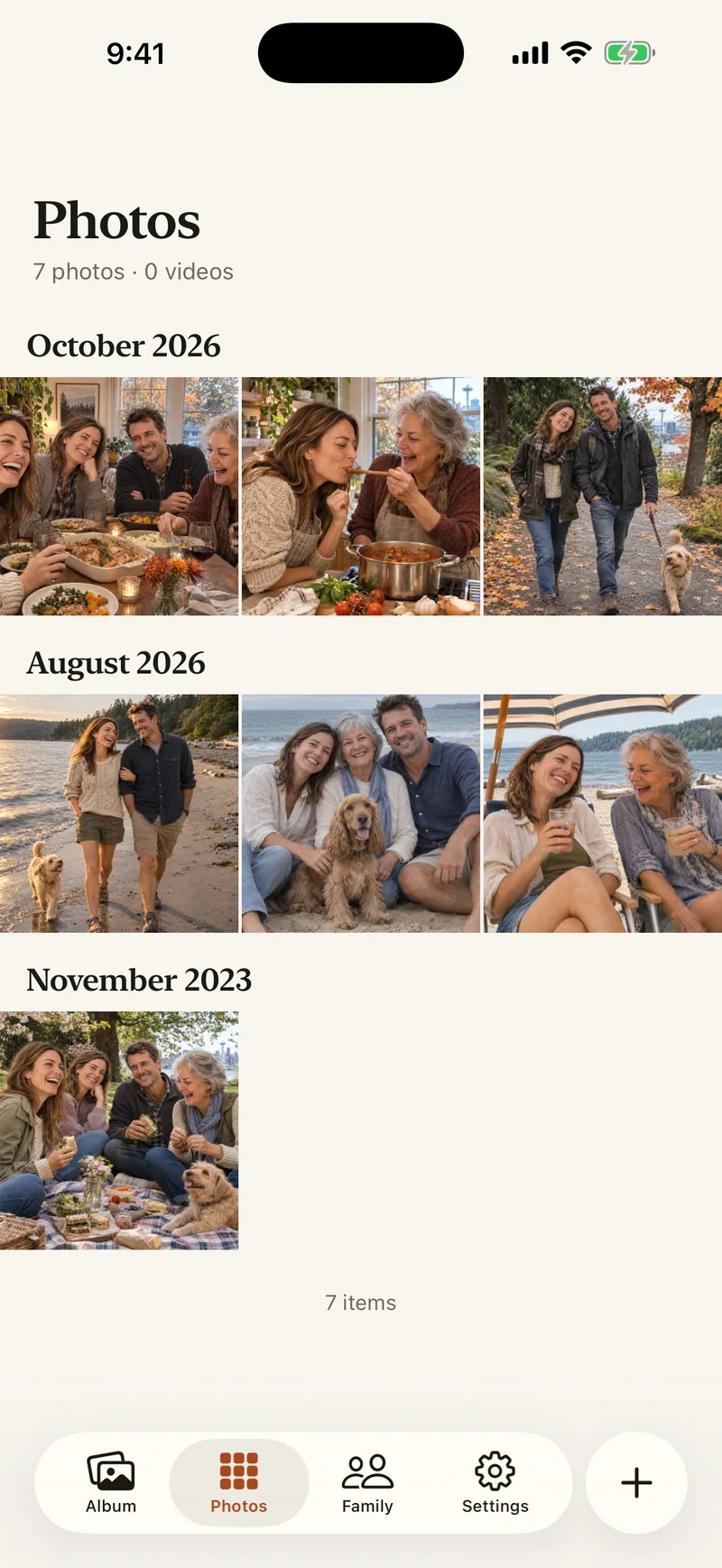
3. Invite with one link or a QR code
Send your relative an invite link, or show a QR code they can scan. Both open an invitation to your album.
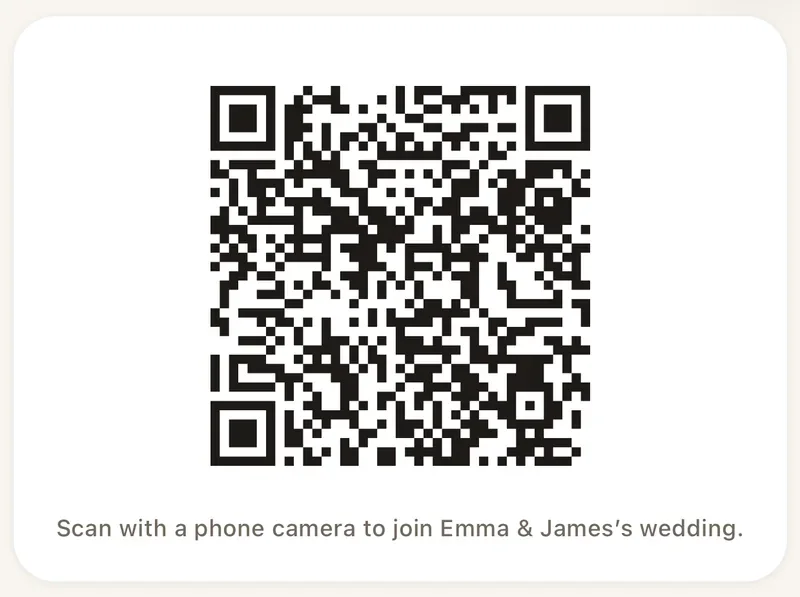
4. Your relative opens the link and signs in
Your relative opens the invitation in the app or chooses the browser option at app.lumomagic.com. They sign in or create an account to join; no app installation is needed in the browser.
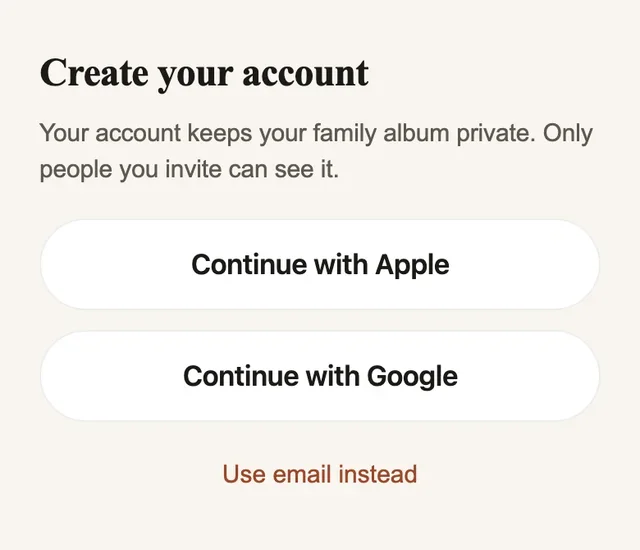
5. They add their own photos
Once they have joined, your relative can add photos from their phone or browser too. Everyone in the family album sees the shared collection.
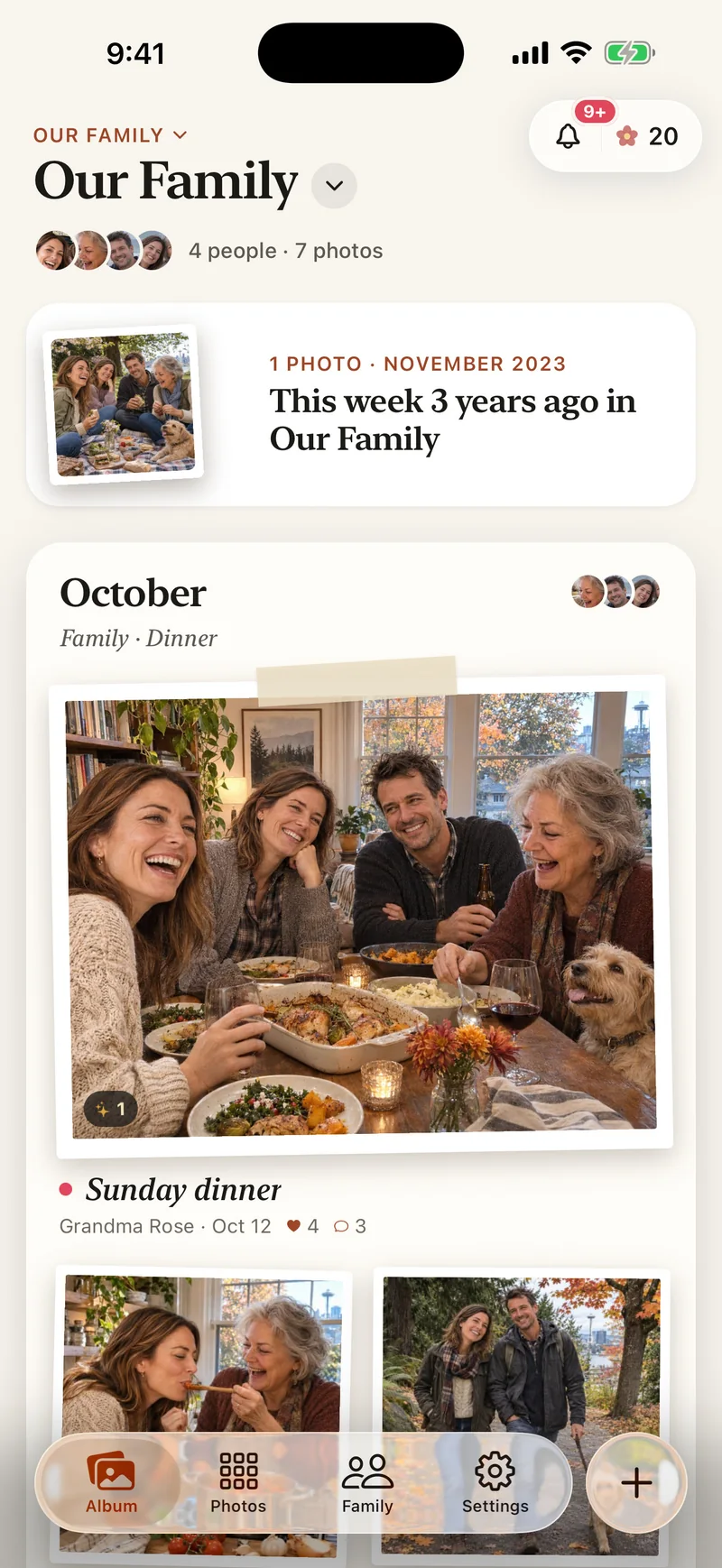
6. You see the new photos and respond
Back in the same album, you can see the photos your relative added. Open a photo to leave a heart or a comment.

What it costs
The family album, photos and videos are free for everyday use under fair use, with no ads or face recognition.
Free video playback covers the first 15 seconds; the whole video is kept. Lumo Pass is optional for full-length playback and original-quality downloads.
Start your family album.
Free. Private to your family. No ads, ever.