A recognizable favorite
Keep the markings, expression, and setting that make the family pet feel familiar.
Pet photo coloring page
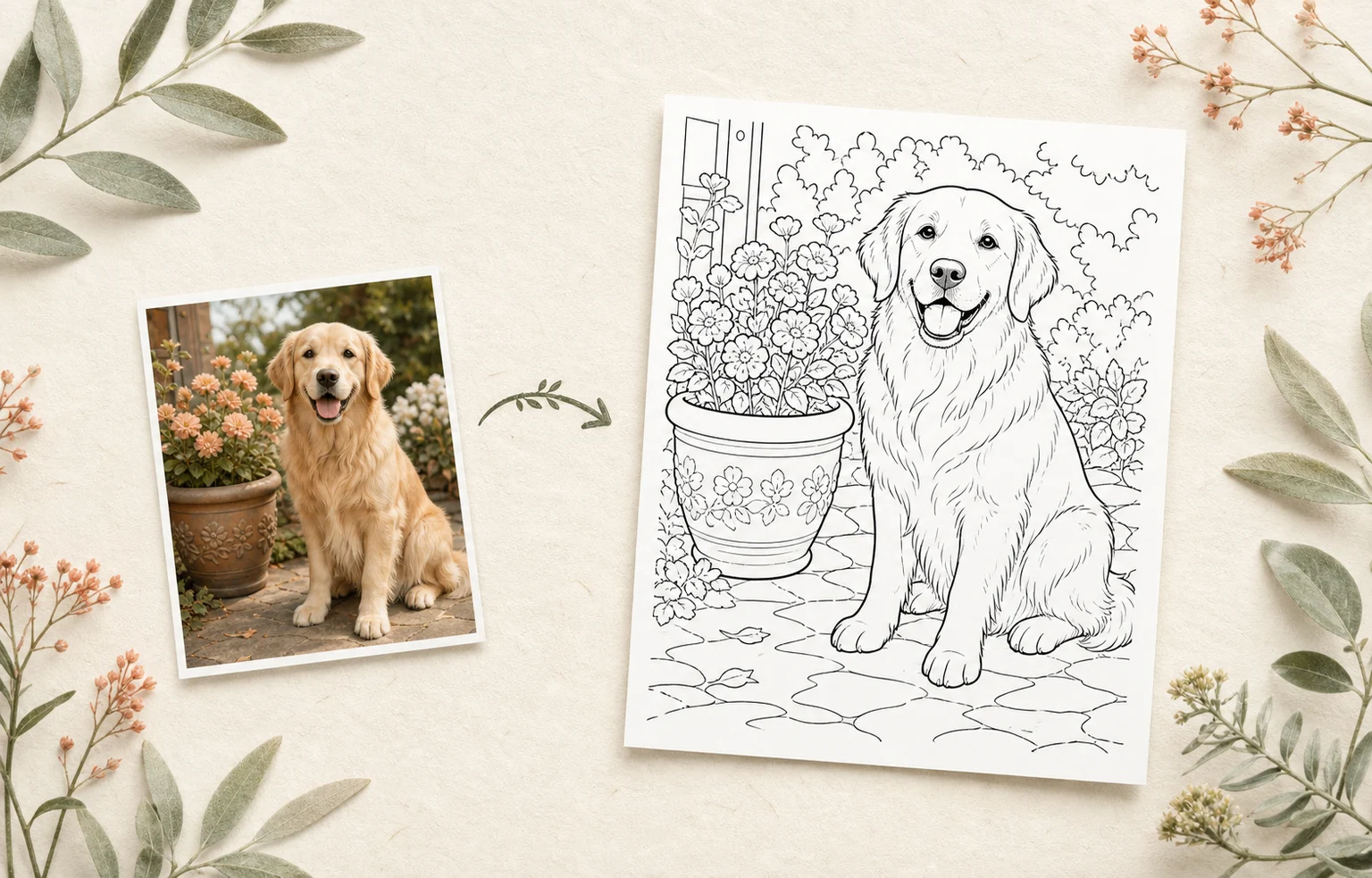
Lumo can transform a clear pet photo into a personalized coloring page with printable black outlines. You can choose the style and detail, review the result, and print it from the native iOS print sheet.
 A favorite petA portrait to print
From the pet photo everyone knows
to a printable portrait with familiar markings and character.Lumo at a glance
Product facts reviewed 20 July 2026 by Woosoo Pty Ltd.
Inside the real Lumo app
Start with a clear pet photo, choose how much background to keep, and tune the line detail for an easy-to-color result.
Actual Lumo app screens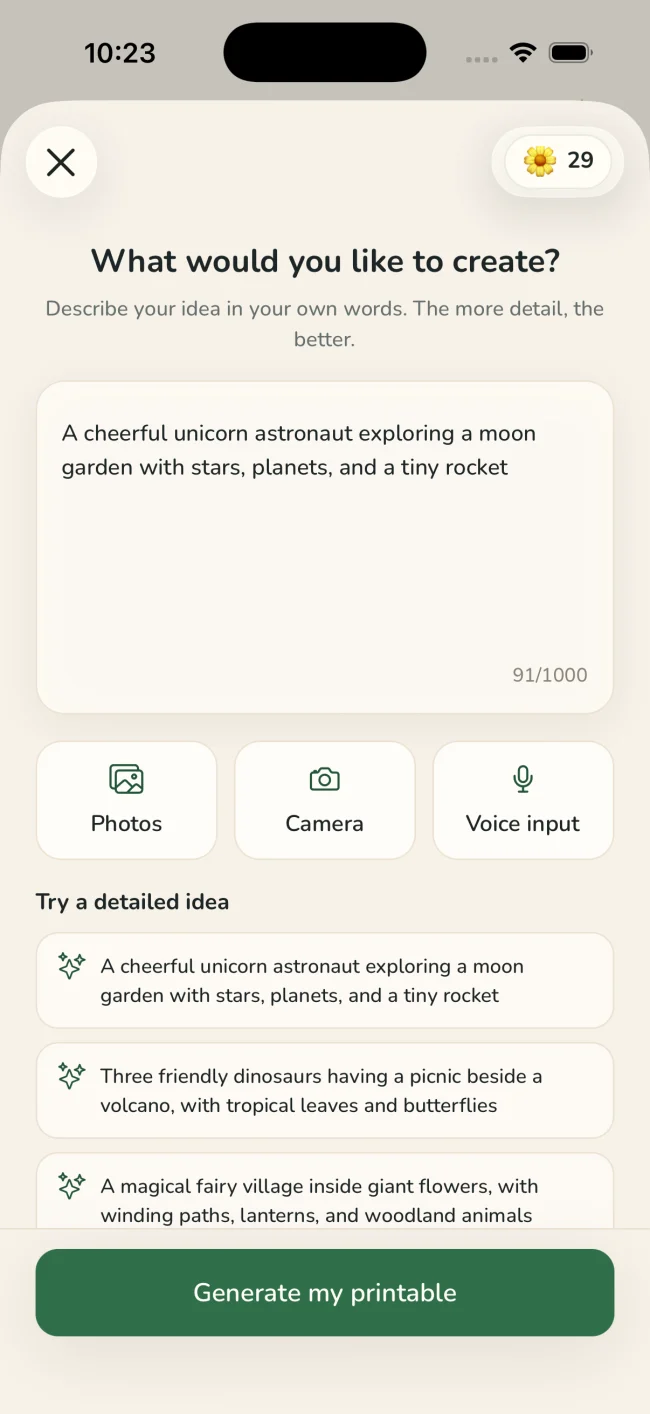
Use a photo where the pet is visible and separated from a very busy background.
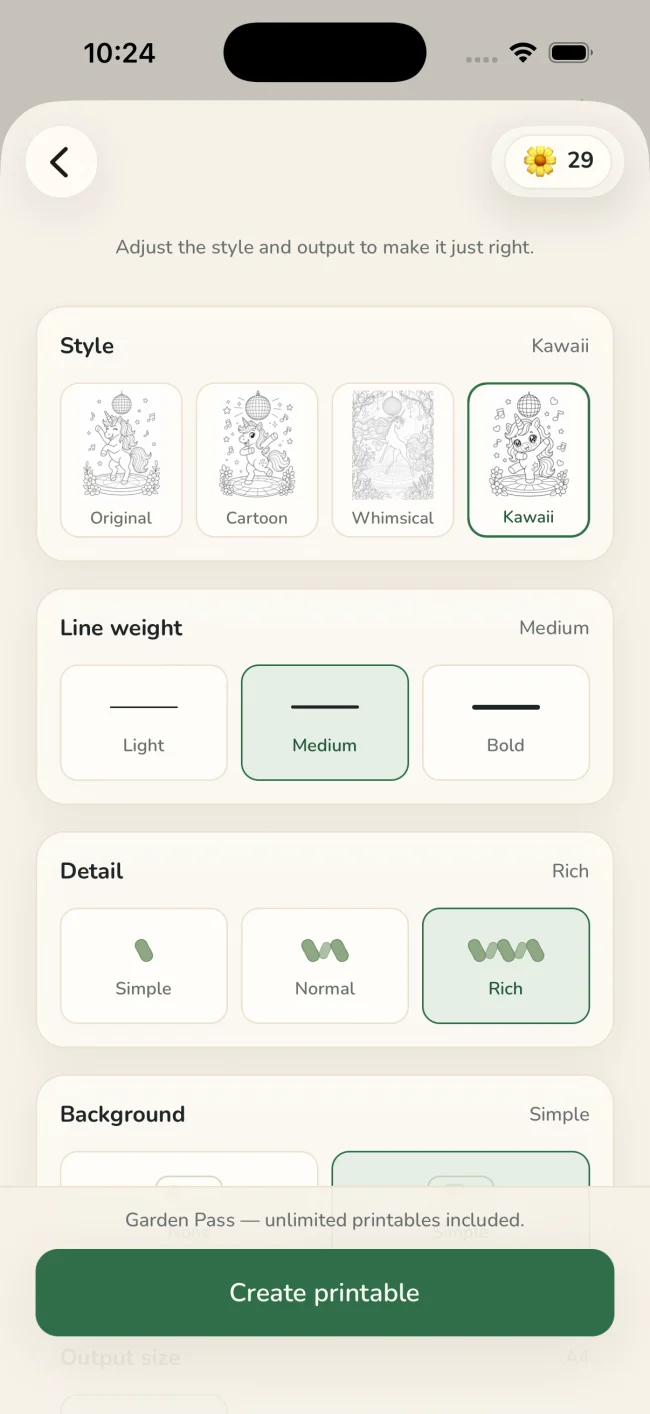
Select a style, line weight, detail level, background preference, and print size.
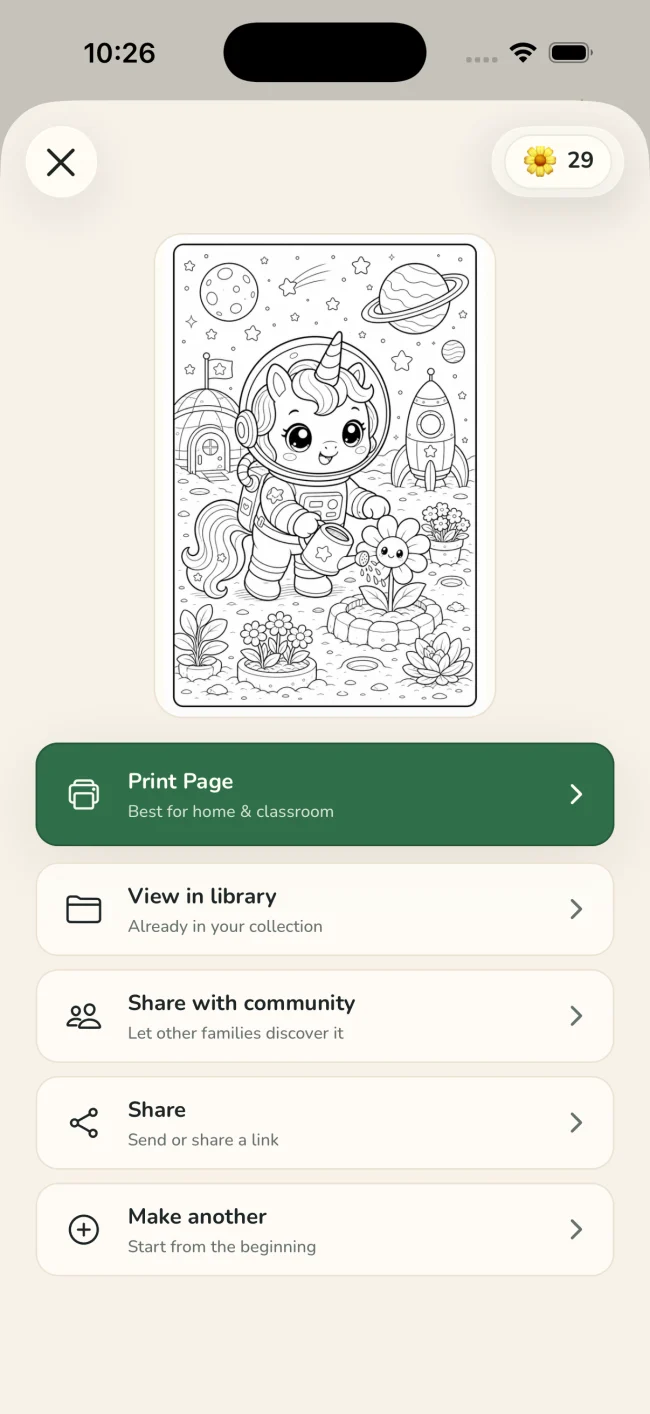
Print at home or keep the generated page in your Lumo library for another day.
One idea, four ways to playColoring · Tracing · Drawing · Story
Tuned for real paperStyle · line weight · detail · background · paper size
Why make it personal?
A printable feels different when it begins with someone—or something—you already love.
Keep the markings, expression, and setting that make the family pet feel familiar.
Make a quiet birthday activity, a pet-themed keepsake, or a page to send to family.
Tune line weight and detail so the page has enough character without becoming difficult to color.
A quiet privacy promise
Only the generated activity can be shared with the Lumo community—and only when you deliberately choose to share it.
Questions
Yes. Lumo accepts a photo from your library and generates a personalized printable from it.
It is an illustrated interpretation, not a traced duplicate. A clear photo and the right detail setting help preserve the pet and scene people recognize.
Choose the no-background option in the tuning step to focus the printable more strongly on the subject.
Favorite pets, made printable.
Free to start on iPhone and iPad