Free photo tool
Then and now: two family photos, one picture.
The same place years apart. Grandparents then and now. Siblings grown up, recreating an old family photo. Put the photos together, adjust each crop and let the years tell the story.
- Free, no sign-up, no watermark
- Your photos stay on your device
- 2048px PNG or JPEG · 4×6-inch PDF
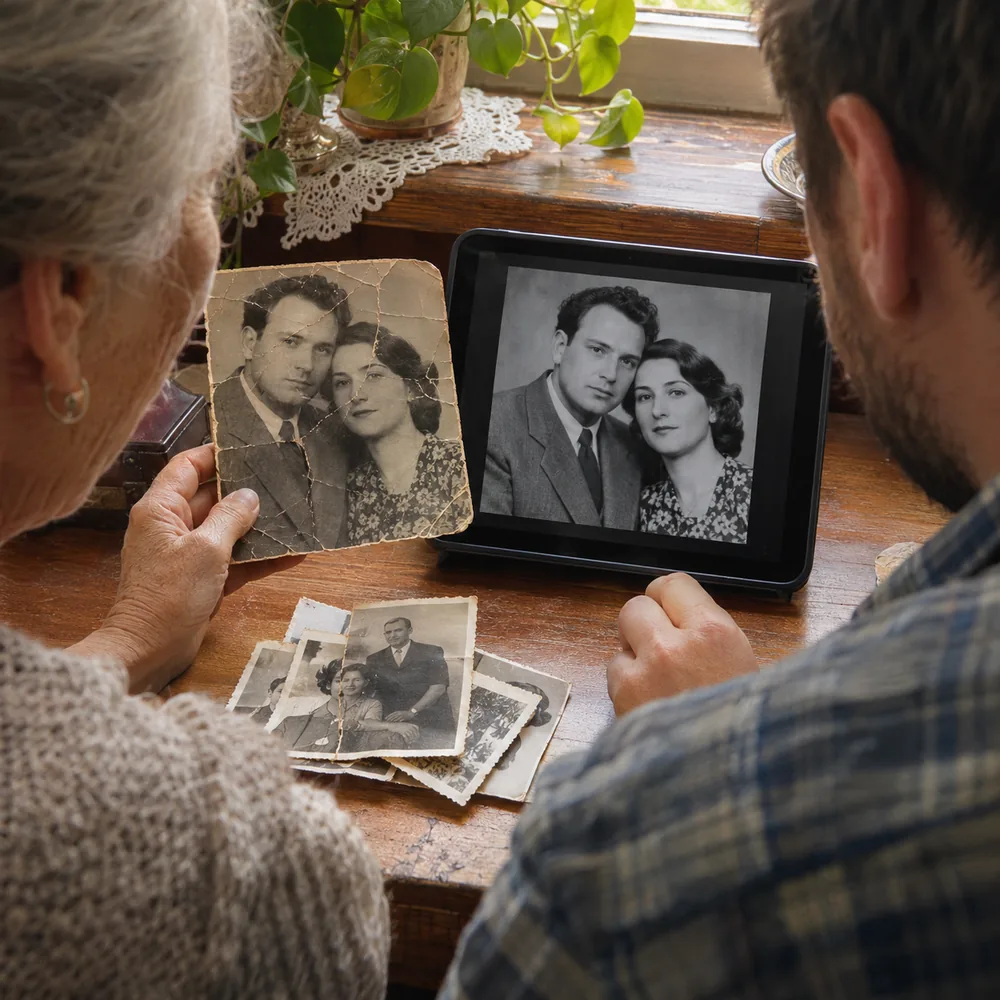 Then
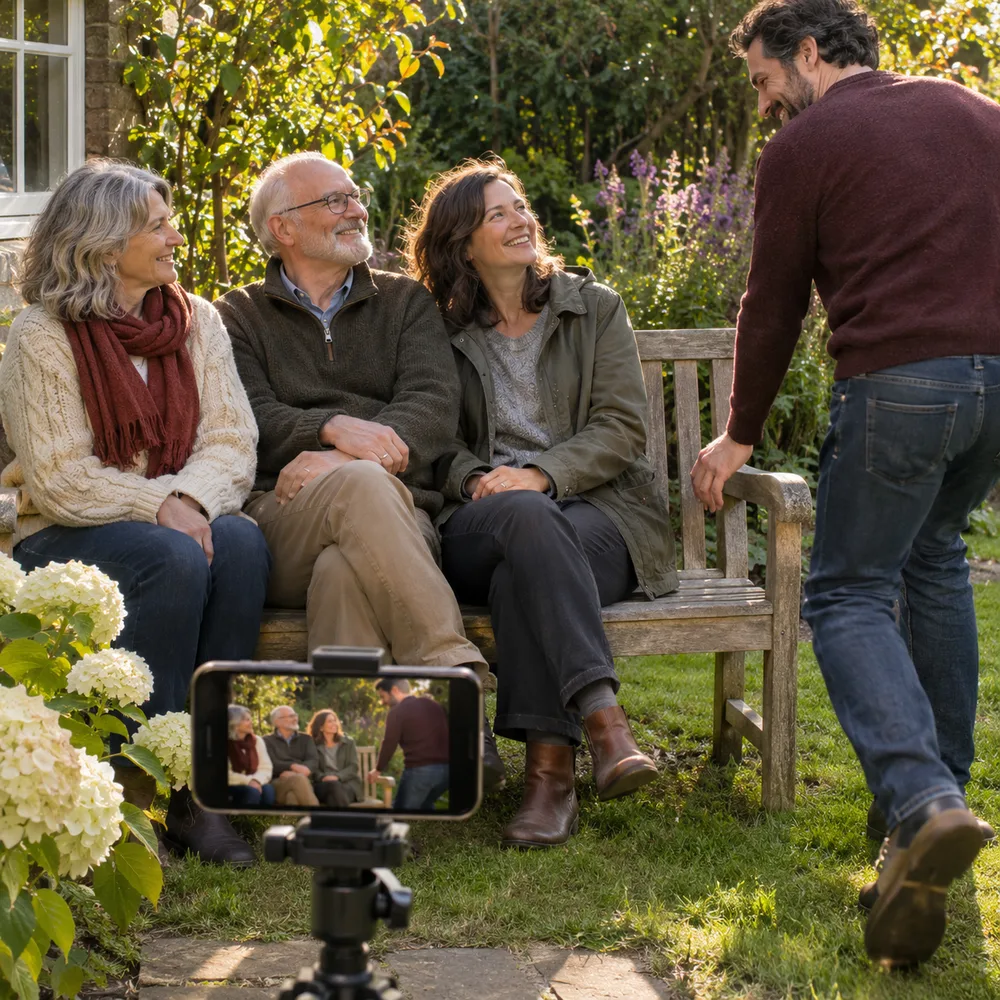 Now
Want everyone in one natural picture, not side by side? Combine two photos in the Lumo app.
How to make a then and now photo
- Choose two photos. Add the earlier photo first and the recent one second. Use files from your device.
- Match the framing. Choose side by side or stacked, adjust each crop and pick a white, cream or black frame. Edit the labels to years such as 1995 and 2026, or hide them.
- Save or print. Download a PNG or JPEG with a 2048-pixel long edge, or a 4×6-inch PDF ready to print.
Questions about then and now photos
- Is this then and now photo maker free?
- Yes. Create and download your picture for free, without signing up or adding a watermark.
- Are my photos uploaded?
- No. Your browser processes the photos on your device. Nothing is uploaded. Closing or reloading this page clears your photos and edits.
- What can I download and print?
- PNG and JPEG downloads are 2048×1365 pixels in landscape or 1365×2048 in portrait. The PDF is 6×4 or 4×6 inches (15.24×10.16 or 10.16×15.24 cm). Choose matching paper and print at 100%, with automatic cropping and enlargement turned off.
- How do I recreate an old family photo?
- 1. Return to the same place, or find a similar background. 2. Match everyone’s position, pose and the camera angle. 3. Use similar light and leave room around the group so you can align the two crops. A few familiar clothes or objects can help, too.
HEIC decoding by libheif (LGPL-3.0), loaded from lumomagic.com. Licences