Free photo tool
Make a photo strip from four family photos.
Choose four photos already on your phone or computer. Put them in order, adjust the crops and add a few words. Save your strip or print a pair to keep and give.
- Free, no sign-up, no watermark
- Your photos stay on your device
- 600×1800 PNG or a 4×6-inch PDF

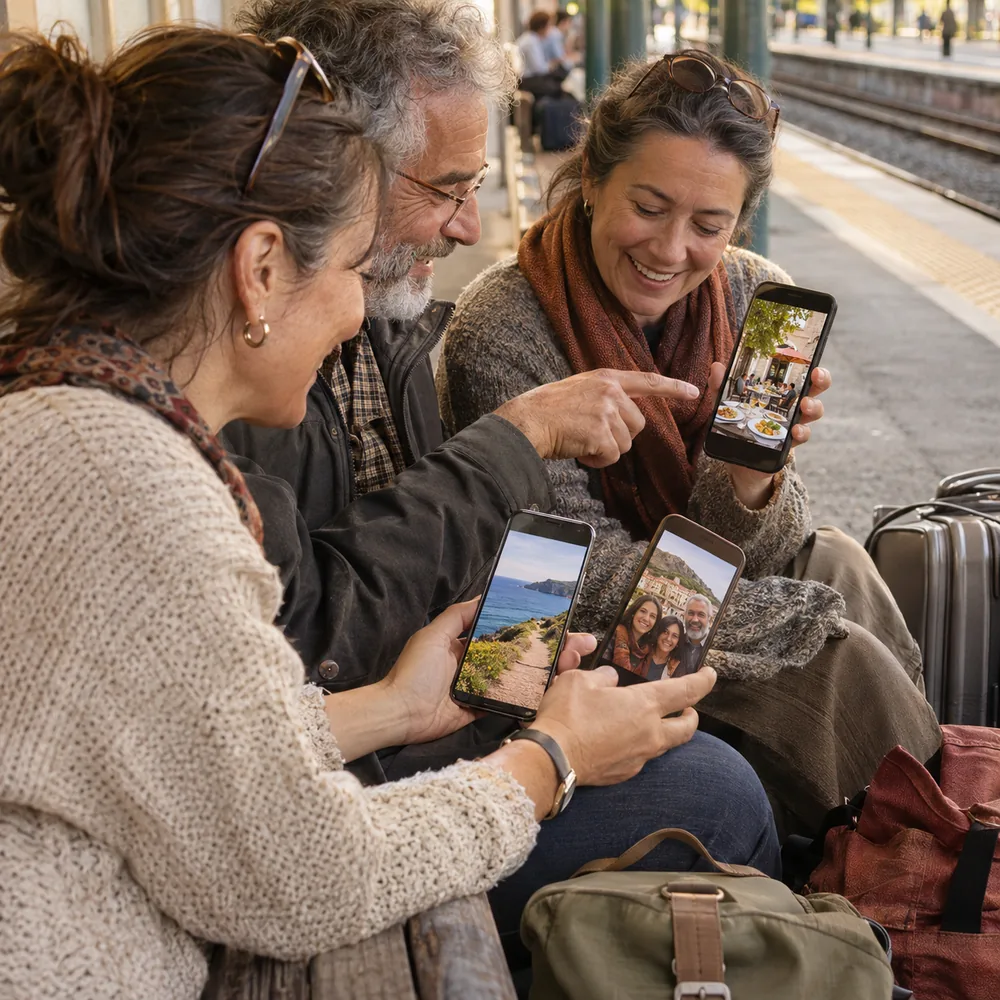


Want everyone in one natural picture, not side by side? Combine two photos in the Lumo app.
How to make a photo strip
- Choose four photos. Select files from your device or drag them onto the page.
- Make it yours. Reorder the frames, drag or zoom each crop, choose white or black and add an optional caption.
- Save or print. Download a 600×1800 PNG or a 4×6-inch PDF with two strips and a cut guide.
Questions about photo strips
- Are my photos uploaded?
- No. Photos are processed in your browser and stay on your device. Nothing is uploaded or saved to an account. Closing or reloading the page clears your edits.
- Is it free and without a watermark?
- Yes. Make and download as many strips as you like, with no sign-up and no watermark.
- What size are the downloads?
- The PNG is 600×1800 pixels: a 2×6-inch strip at 300 pixels per inch. The PDF is exactly 4×6 inches (10.16×15.24 cm), with two copies of your strip side by side and a centre cut guide.
- How should I print the strips?
- Choose 4×6-inch paper and actual size (100%). Turn off fit-to-page, automatic cropping and borderless enlargement. For full-length strips, use a printer that supports borderless printing without enlargement or ask a print shop. Cut along the centre guide.
- Which photos can I use?
- Use four JPEG, PNG or HEIC photos from your device. You can reorder them and adjust each crop. Choose clear originals and avoid heavy zoom for sharper prints. The caption and date are optional; the date starts off.
HEIC decoding by libheif (LGPL-3.0), loaded from lumomagic.com. Licences